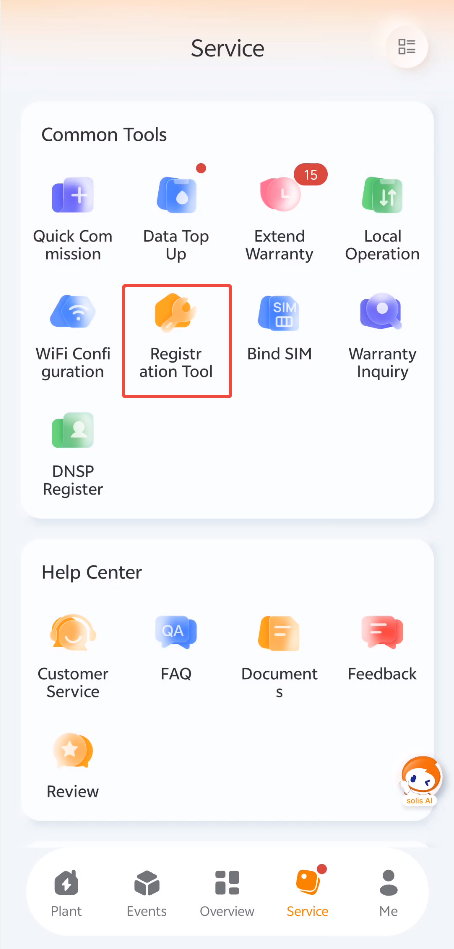
APP Common Tool
Registration Tool
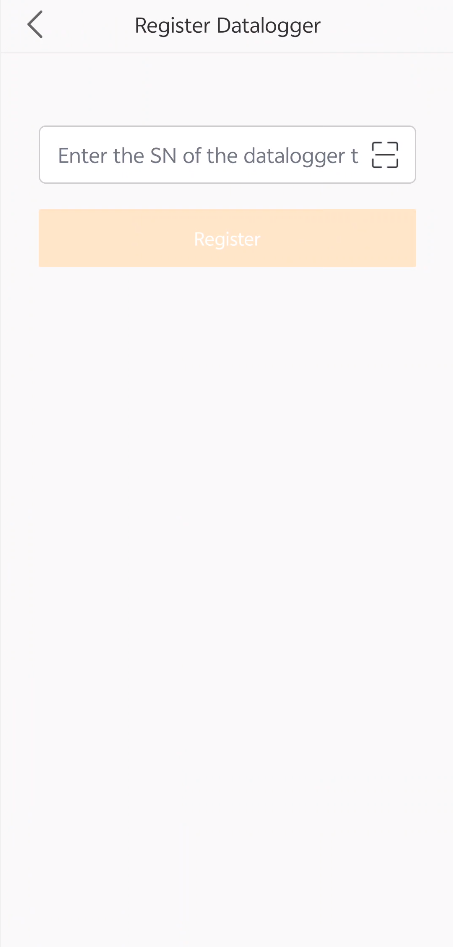
You can choose to import the collector into the current account. The imported collector is not bound to the power station, and the user can adjust the collector according to the situation Do station binding.
WiFi Debugging
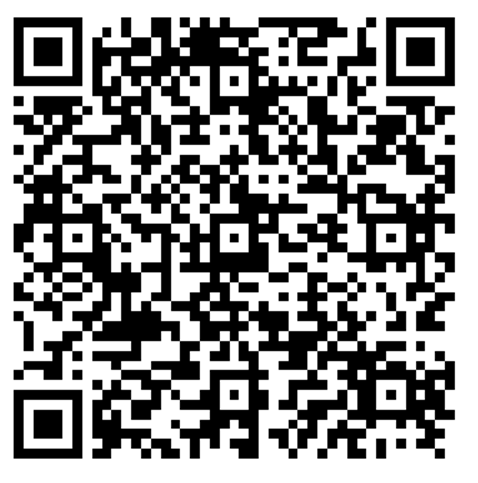
Step 1:Mobile phone scan the QR code below to download and register Solis Cloud APP, or directly search Solis Cloud APP download in APP Store or major Android mall.
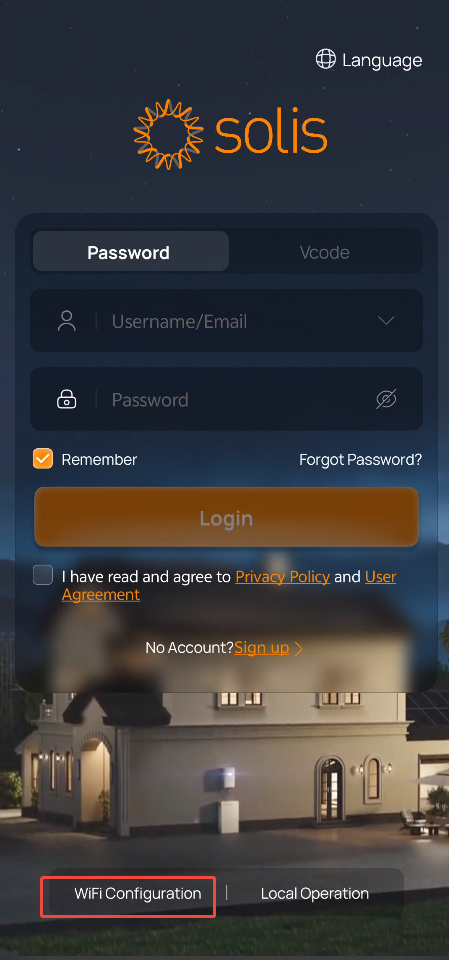
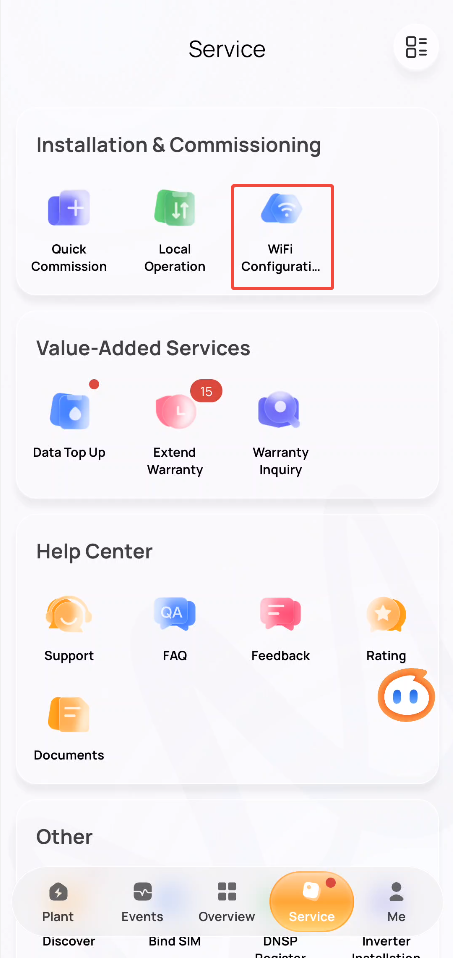
Step 2:Click "WiFi Configuration".If you have logged in, please go to the "Service" page to configure WiFi.
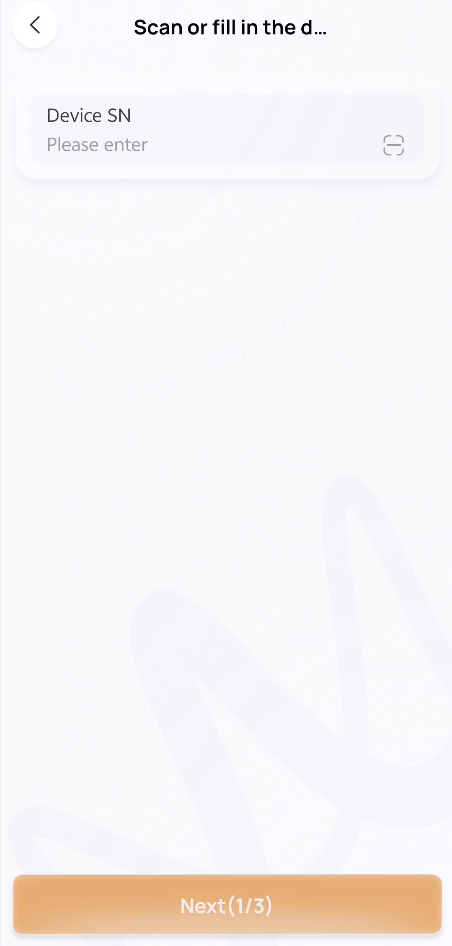
Step3: You need to fill in datalogger SN number manually or scan the QR code on datalogger.
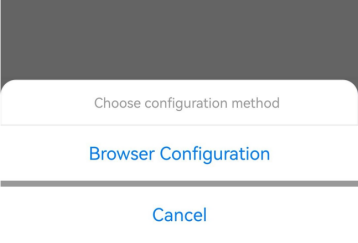
Step4: Select the "Browser Configuration".
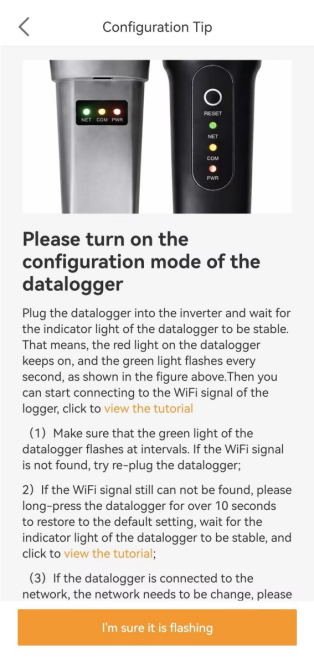
Step5:According to the tips to start the configuration mode of datalogger and then click "I am sure it is flashing" to go to the next step.
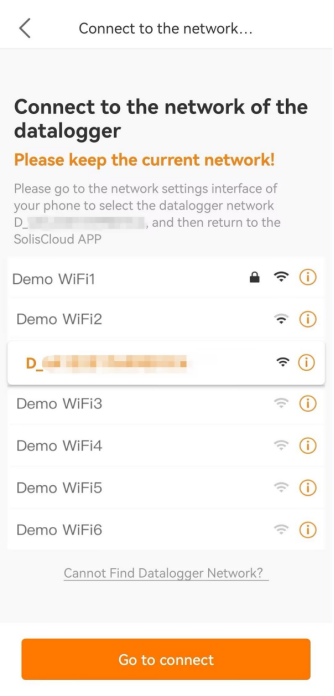
Step6:Connect the data-logger network, click "Go to connect",go to the network setting on your phone, choose the data-logger network.Default password:123456789,return to App after connect successfully.
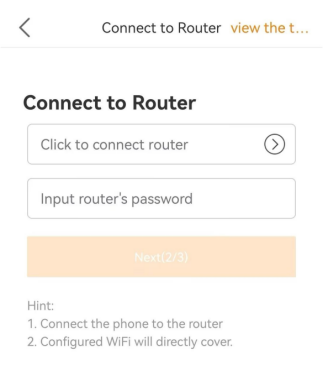
Step7:Make sure your phone is connected to the Wi-Fi router, then switch back to this page and enter the Wi-Fi password. Enter the password and click Next.
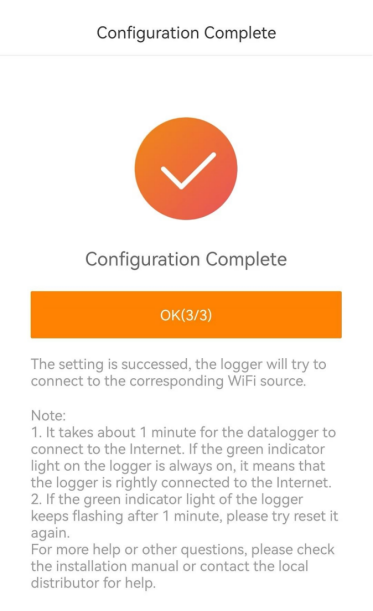
Step8:After the router is successfully connected, the collector configuration is completed.
Local Operation
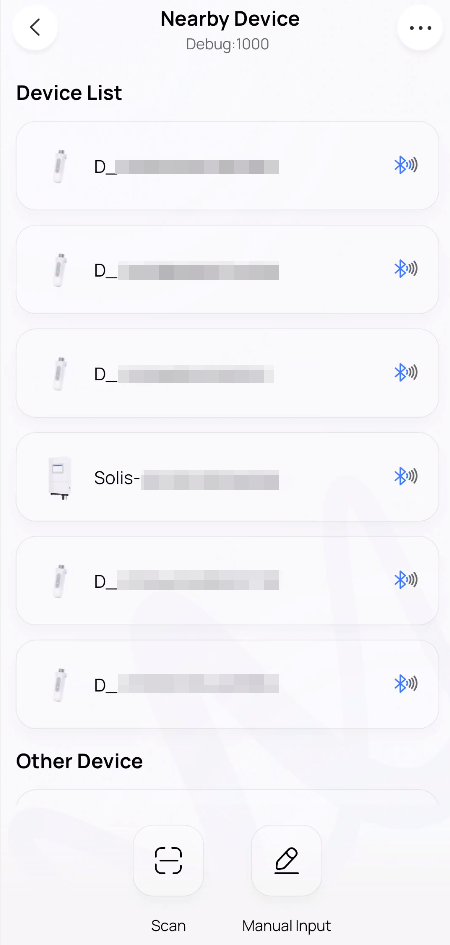
Nearby control function including Bluetooth connection and Wi-Fi connection, it can be used to debug the parameters of the equipment under special circumstances.
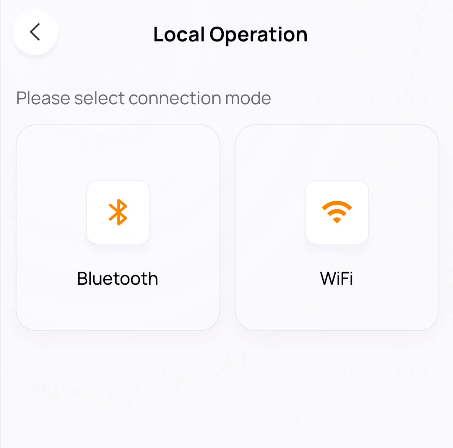
[Connect With Bluetooth] Click "Connect With Bluetooth" to confirm that the Bluetooth connection state of the mobile phone is on. Click "Search Device" and the device to be debug will be displayed in the list of "Nearby Devices". Click the right arrow of the device to jump and enter the control password.