
Add Datalogger
Add Datalogger
After adding the plant, you need to add the datalogger used by the plant, and upload the data collected by the datalogger to the platform in order to realize the management of plant, data. The specific operation steps are as follows:
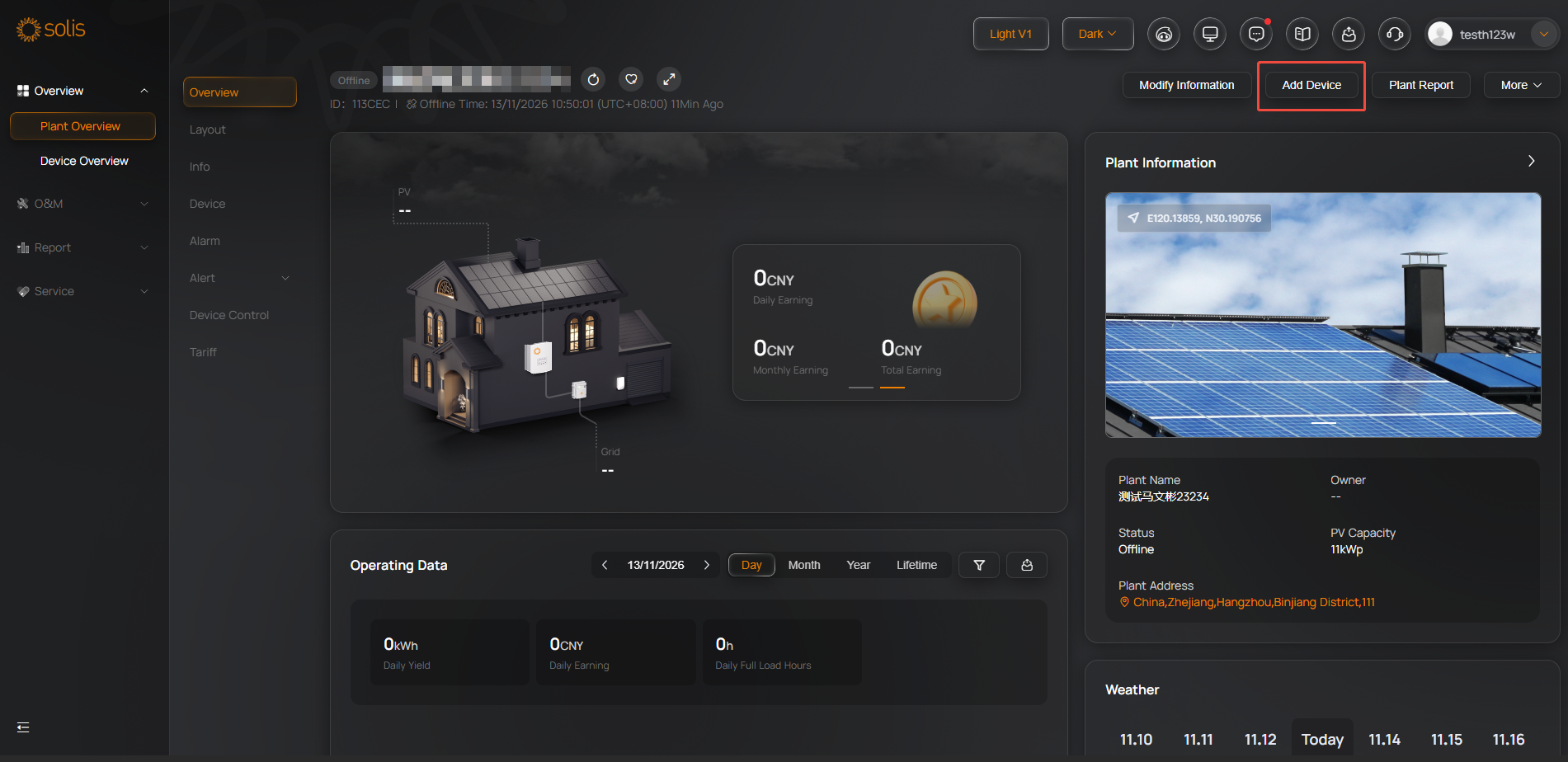
- In the interface of a newly added plant or a plant that needs to add a datalogger, click "Add Datalogger" in the upper right corner.
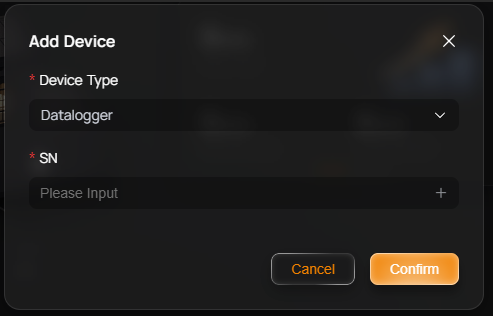
- Enter the SN number of the datalogger to be added and click "Confirm" to complete the operation.
Note: When using the APP to add the datalogger, you can scan the QR code on the datalogger to complete the process.