Device Management
Device Management
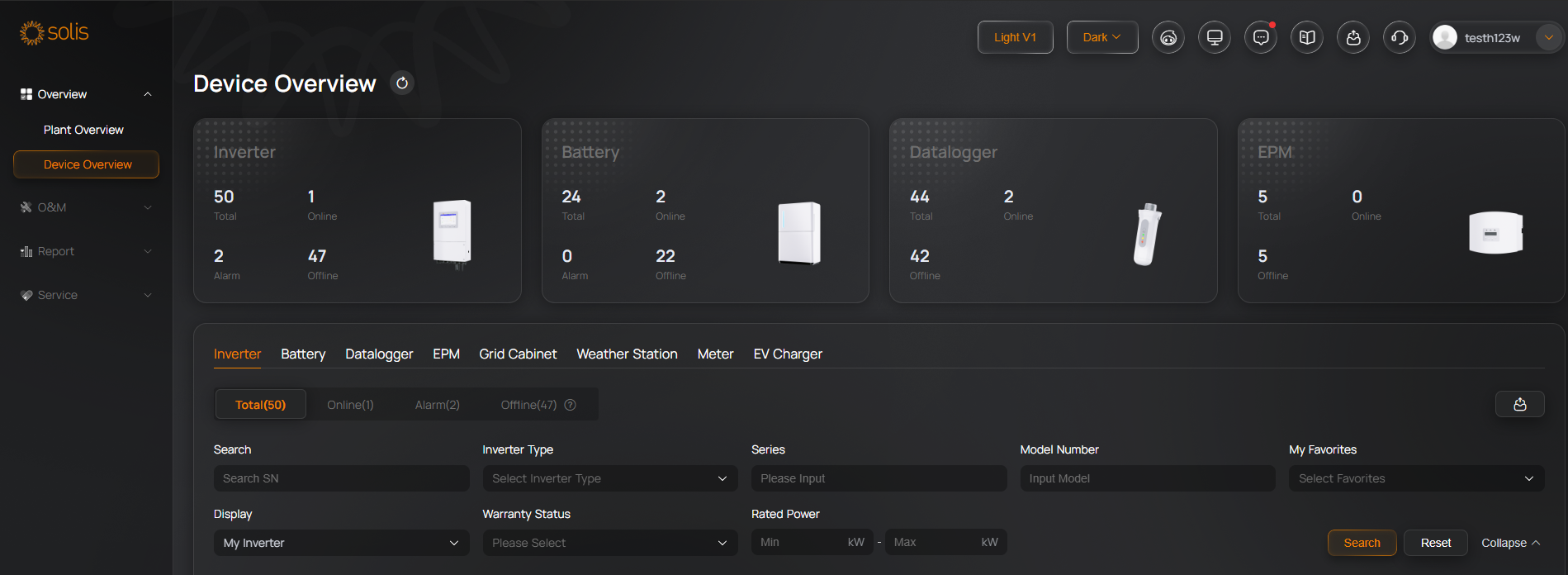
Users can monitor the summary and status of the number of inverters, dataloggers and EPM devices under the account in the "Overview" - "Device Overview" interface, and click on a single device in the device list to view its detailed information and related data, and operate and manage the device.
Inverter
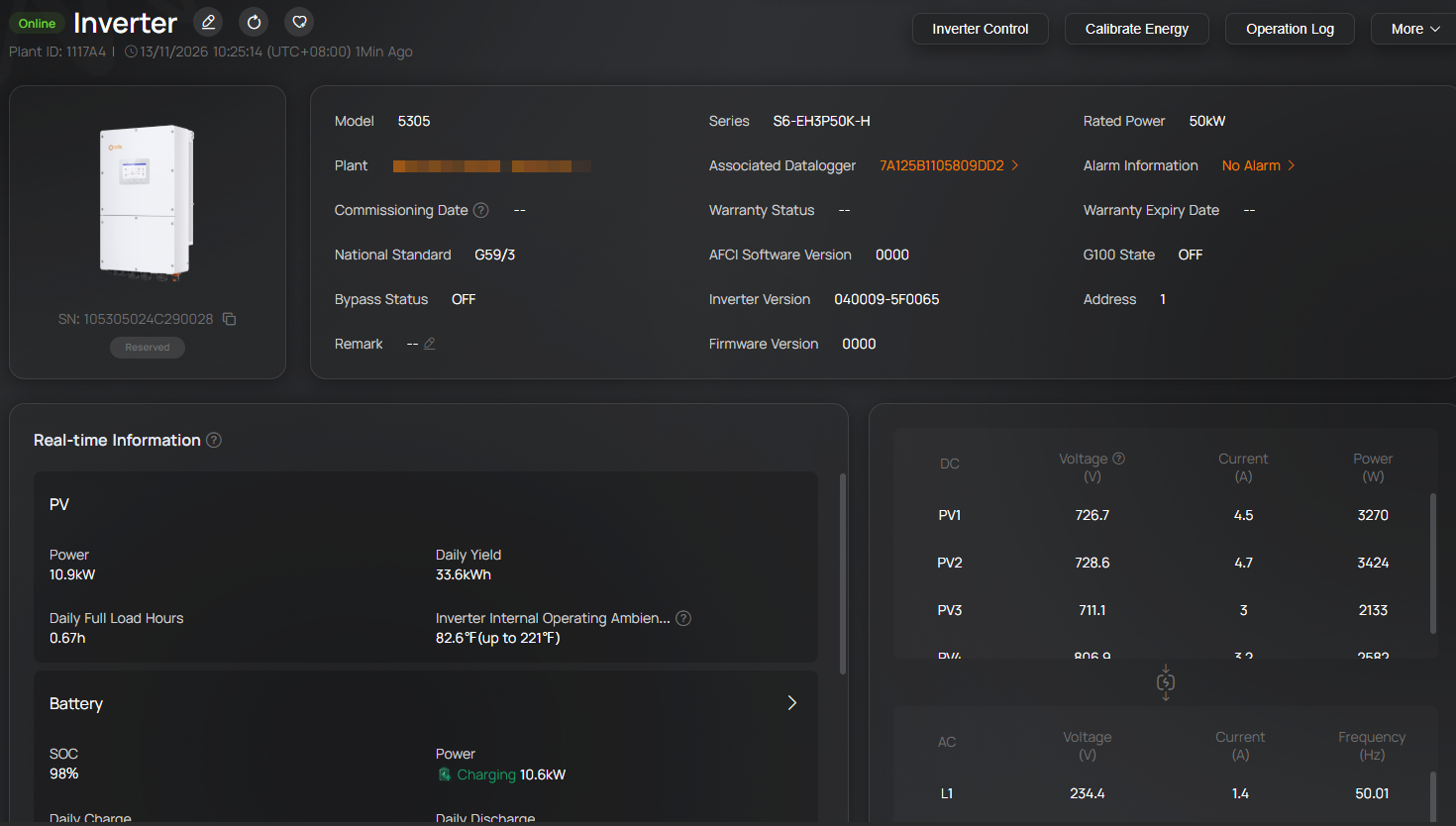
[View Inverter Information] Users can view basic information such as inverter name, model, and version, as well as real-time information such as real-time power and power generation.
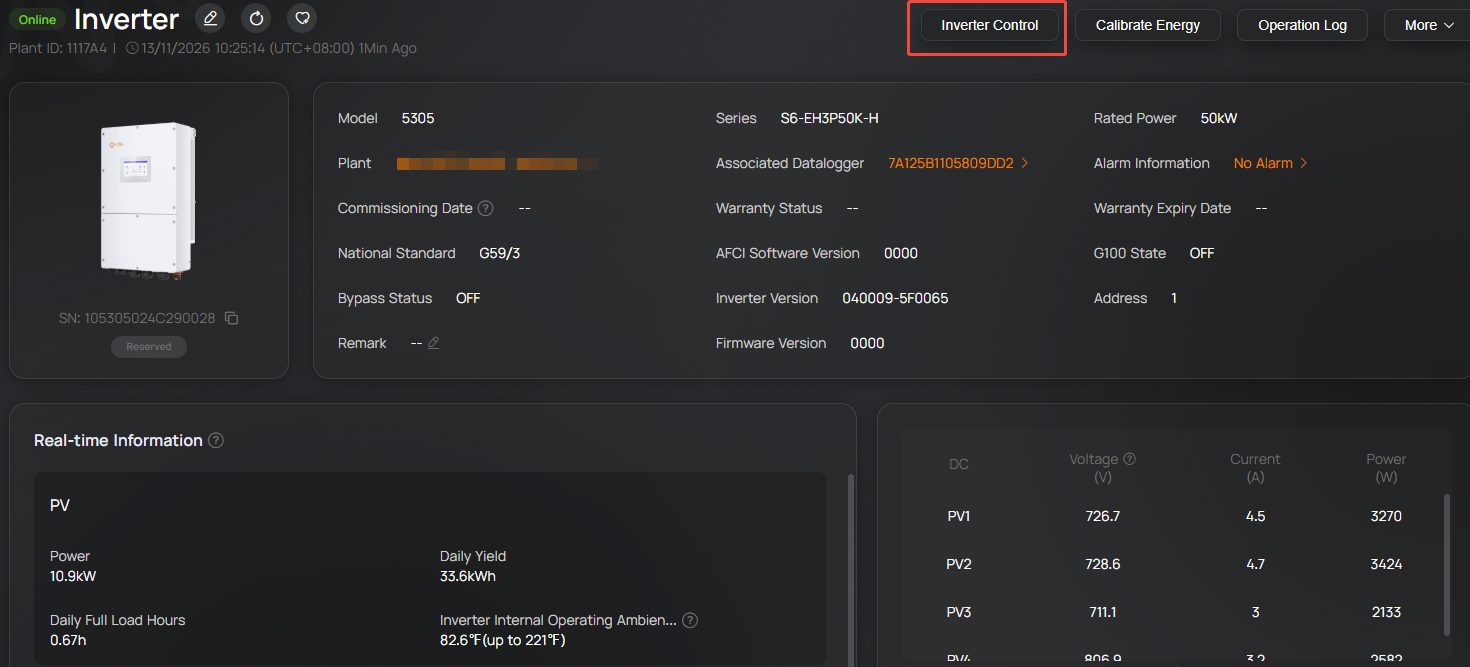
[Inverter Control] Users can remotely control a single device, change the current state or parameters of the device, and set the grid parameters, EPM, inverter function, inverter parameters, inverter power, voltage ride-through, and so on.
[Inverter Upgrade] Implementation of upgraded inverter firmware version for internal personnel only.
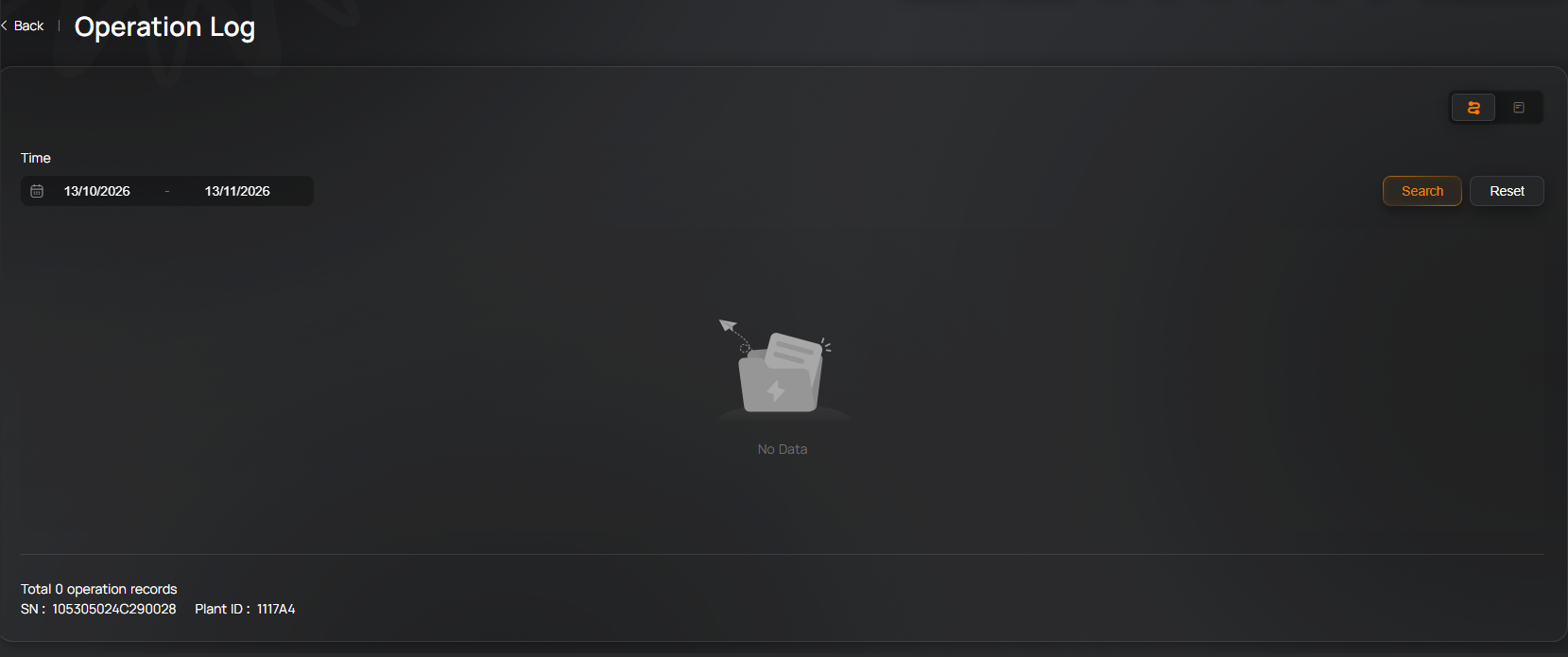
[Operation Log] Users can view the inverter's history of control logs and upgrades.
Datalogger
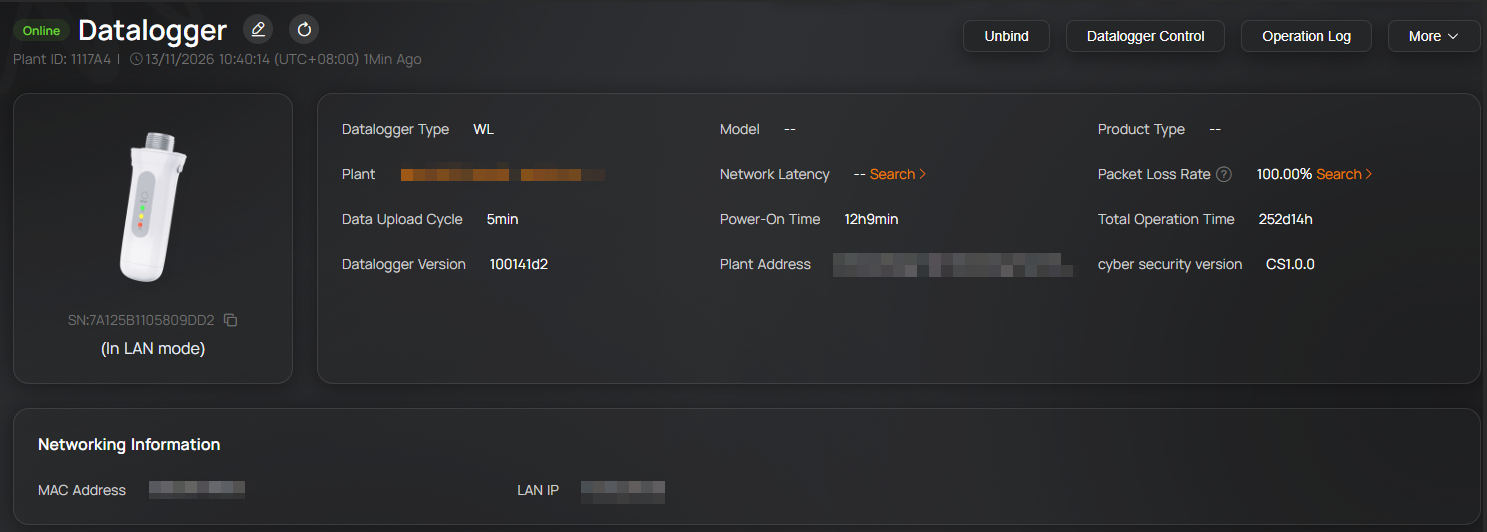
[View Datalogger Information] Users can view detailed information such as datalogger name, version, factory time, etc. You can also view the signal strength of the current datalogger and information of the corresponding inverter, EPM, weather meter, and meter.
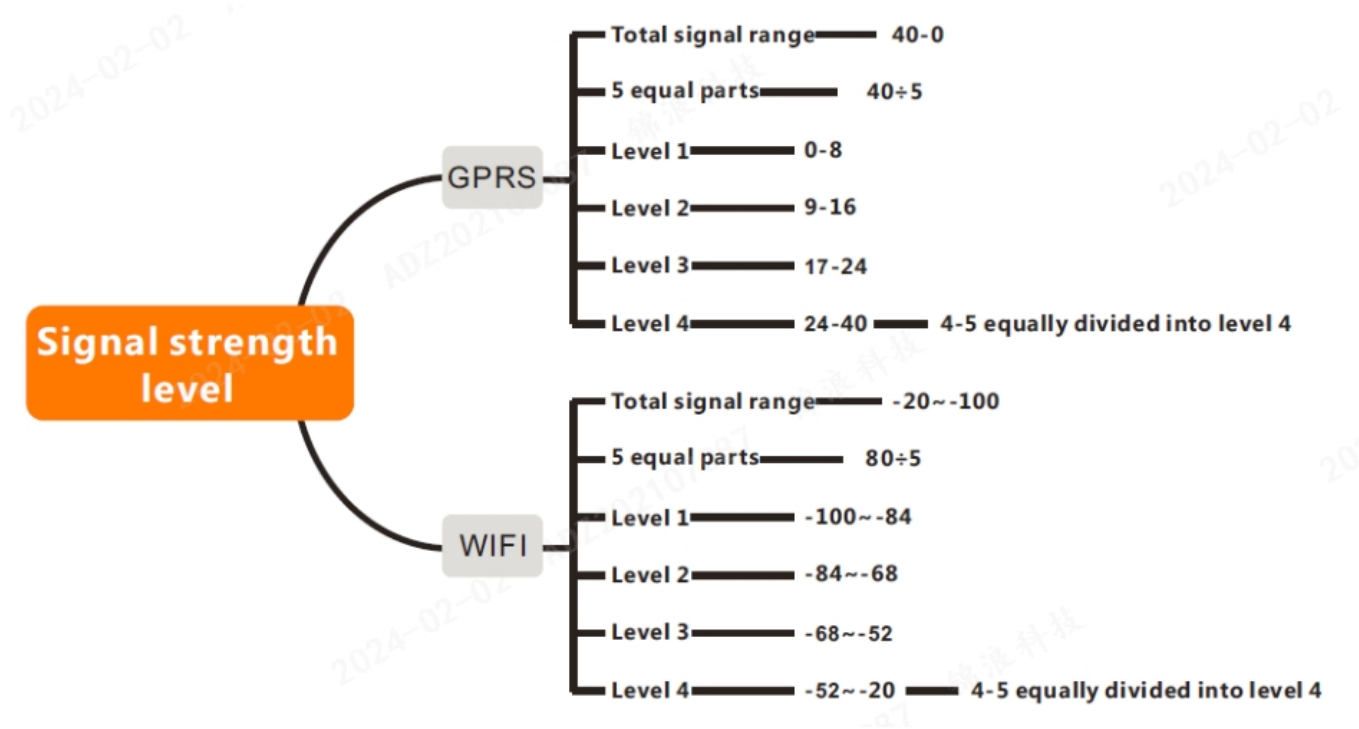
[Signal Strength] displays the data information strength of the current datalogger.
[Total Operation Time] The total operation time of the registered datalogger.
[Data Upload Cycle] Time interval of data obtained by logger, the default interval is 5 mins.
[Power-on Time] The daily operation duration of the datalogger.
[Unbind] Unbind the connection between datalogger and plant.
EPM
**[EPM Information]**Users can view the basic information of the device, load, and grid side as well as the real-time data display of the device's inputs and outputs from different sides.
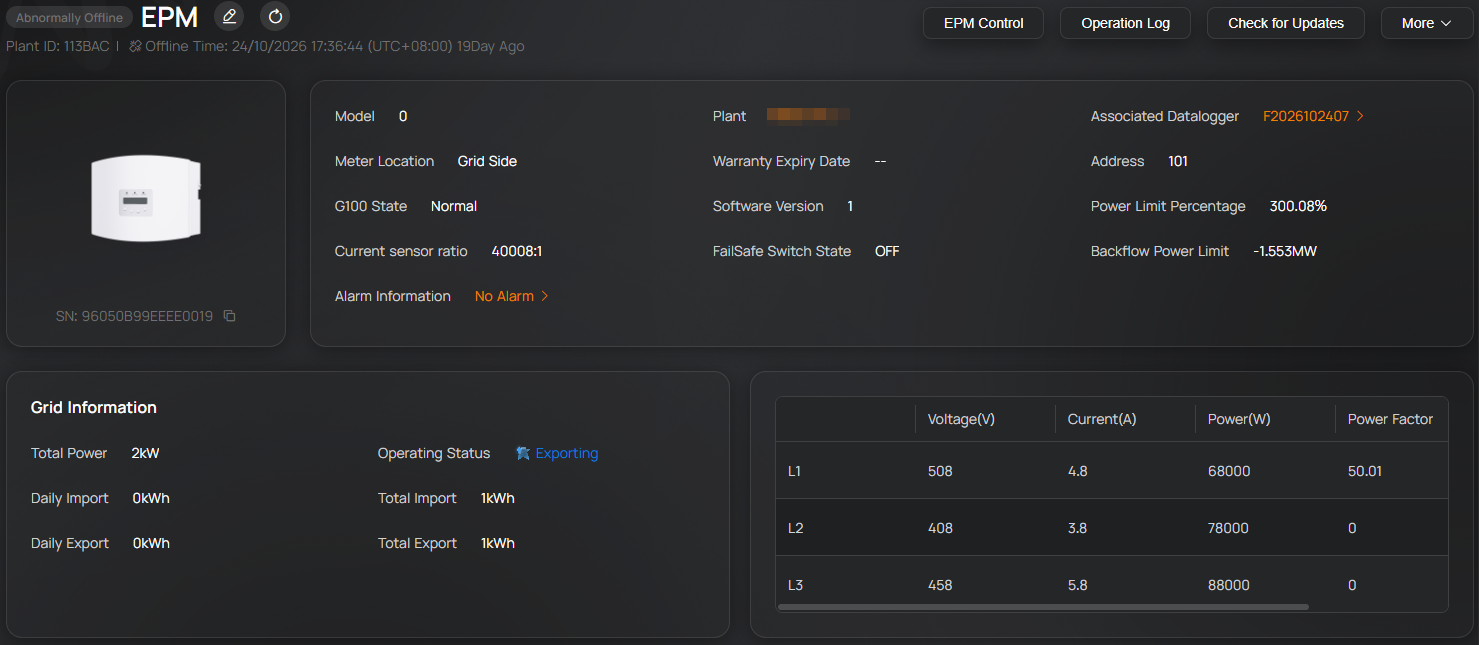
[Power Limit Percentage] Used for limiting the inverter's output power, a percentage based on rate d power.
[Current sensor ratio] Ratio between primary current and secondary current.
[FailSafe Status] When the output power limit function and failsafe function are activated, the inverter will automatically set the output power to zero to avoid sending power to the grid if the inverter loses communication with the METER/EPM/CT.
[Backflow Power] When using the output power control function, you can set the maximum limit of power allowed to be injected into the grid.
Battery
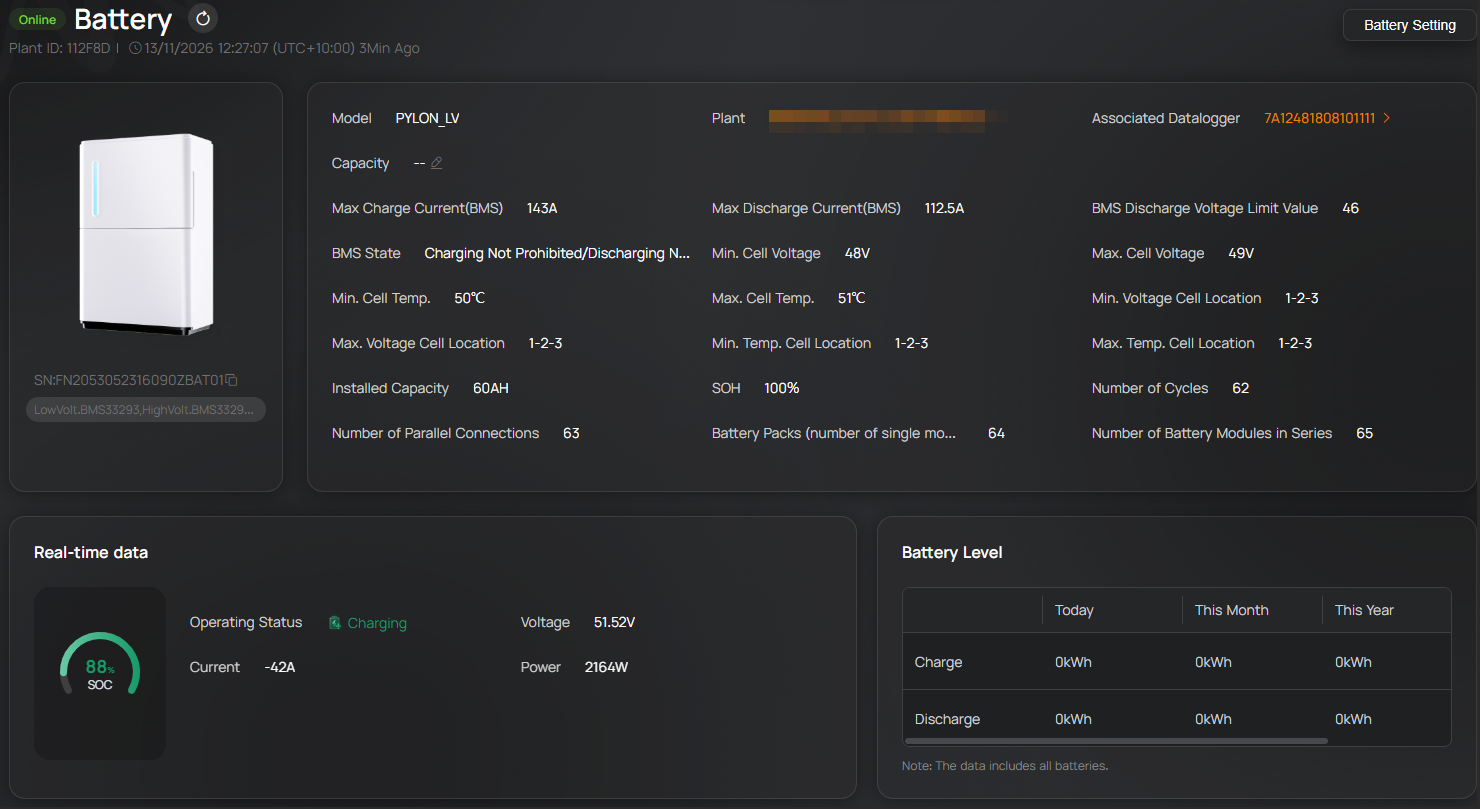
Battery information for the energy storage system can only be viewed after switching to the new interface.
[Basic Information] Displays static details such as the model and version number. It also provides data insights for daily, monthly, and total charging and discharging amounts.
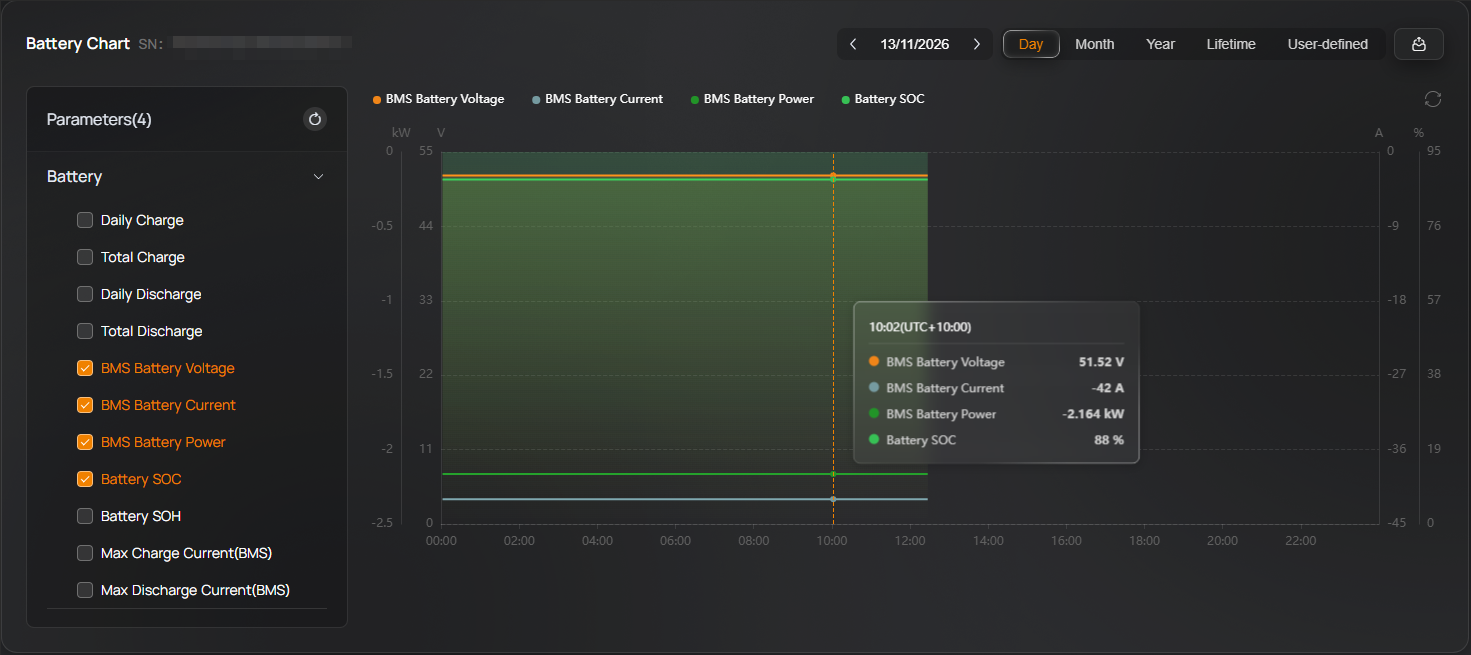
[Operating Data] Displays key parameters at 5-minute intervals, including voltage, current, power, and SOC.
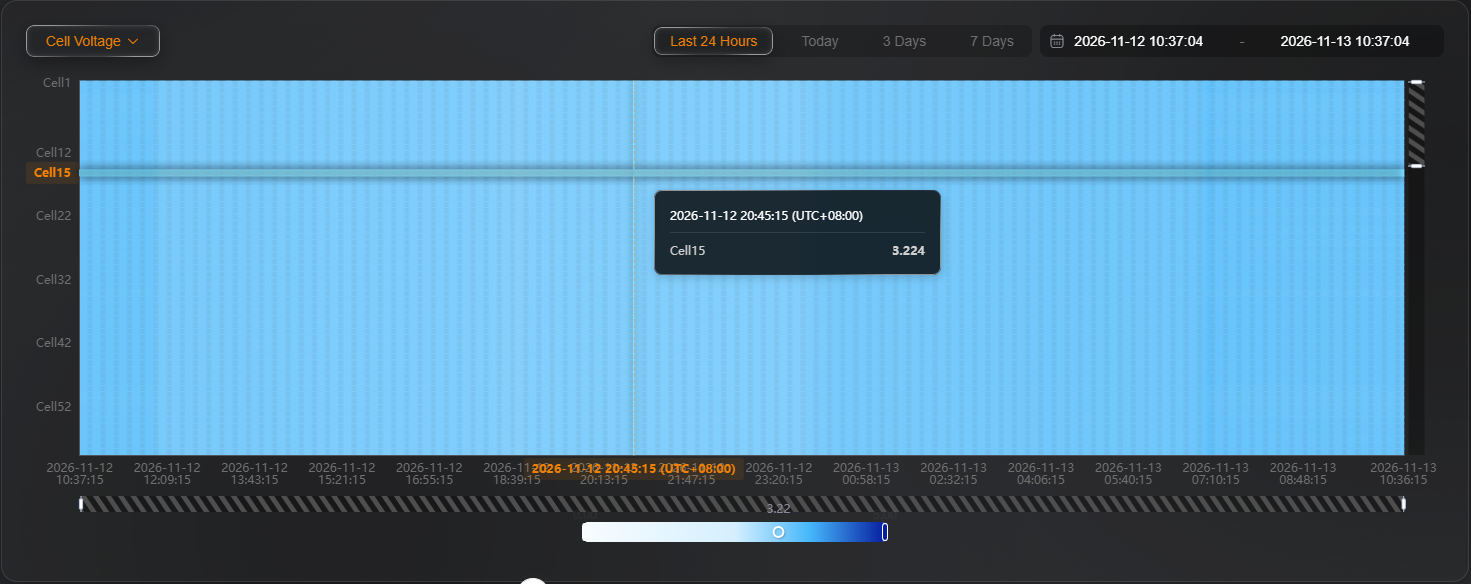
[Cell Data] Displays cell voltage and temperature data.
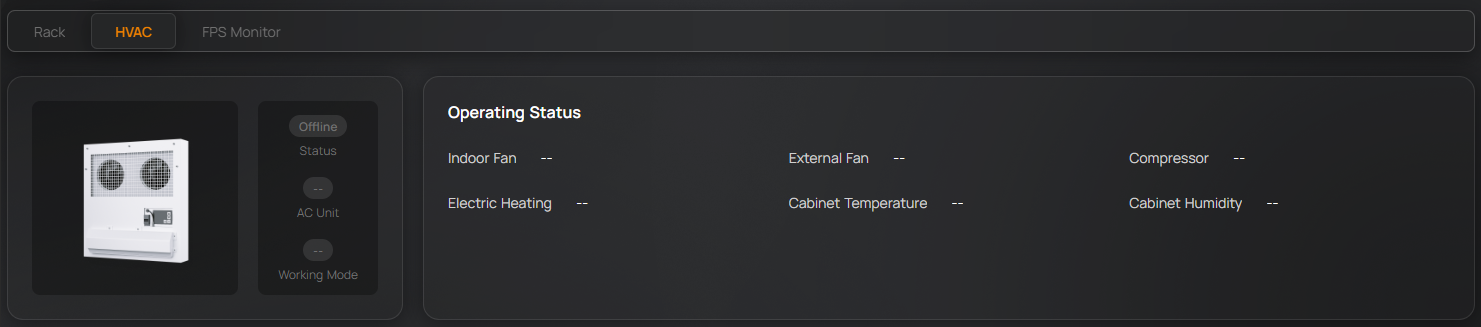
[HVAC Status] Displays the operating status of the air conditioning system.
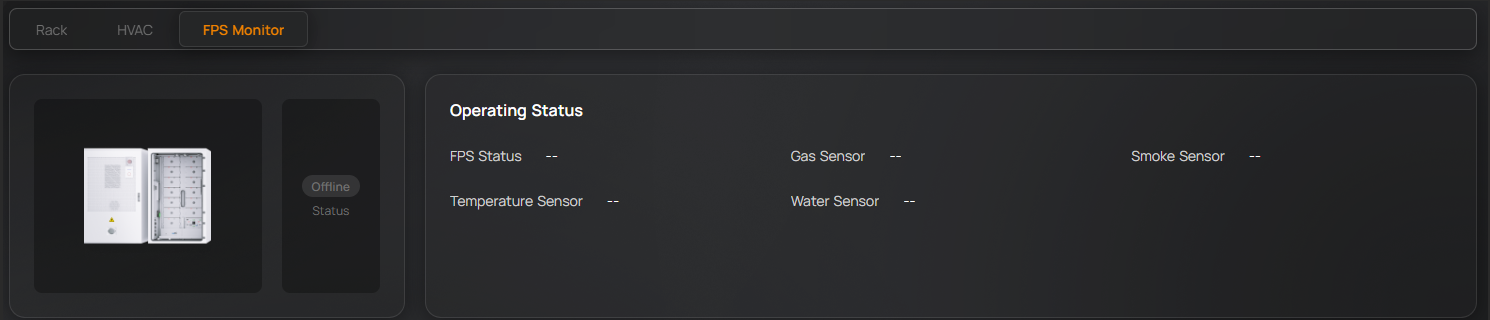
[FPS Monitor] Displays the operating status of the Fire Protection System.