Register
Register
Please register an account when using SolisCloud for the first time. It requires an account to log in. Detailed steps as follows:
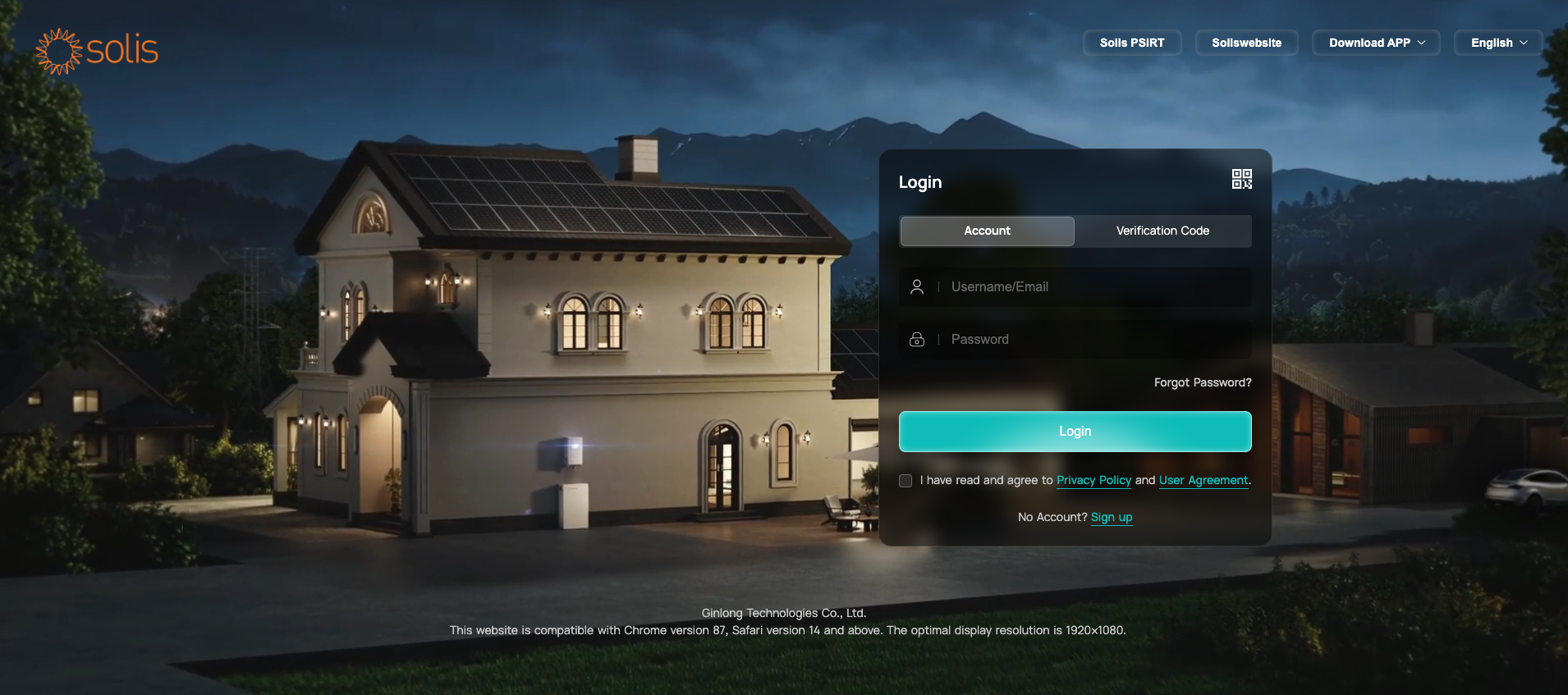
- Open the web browser and input www.soliscloud.com. Press “ENTER” to turn to SolisCloud login page and click "Sign up".
- When organization user is registering the account, please select "Organization".
ç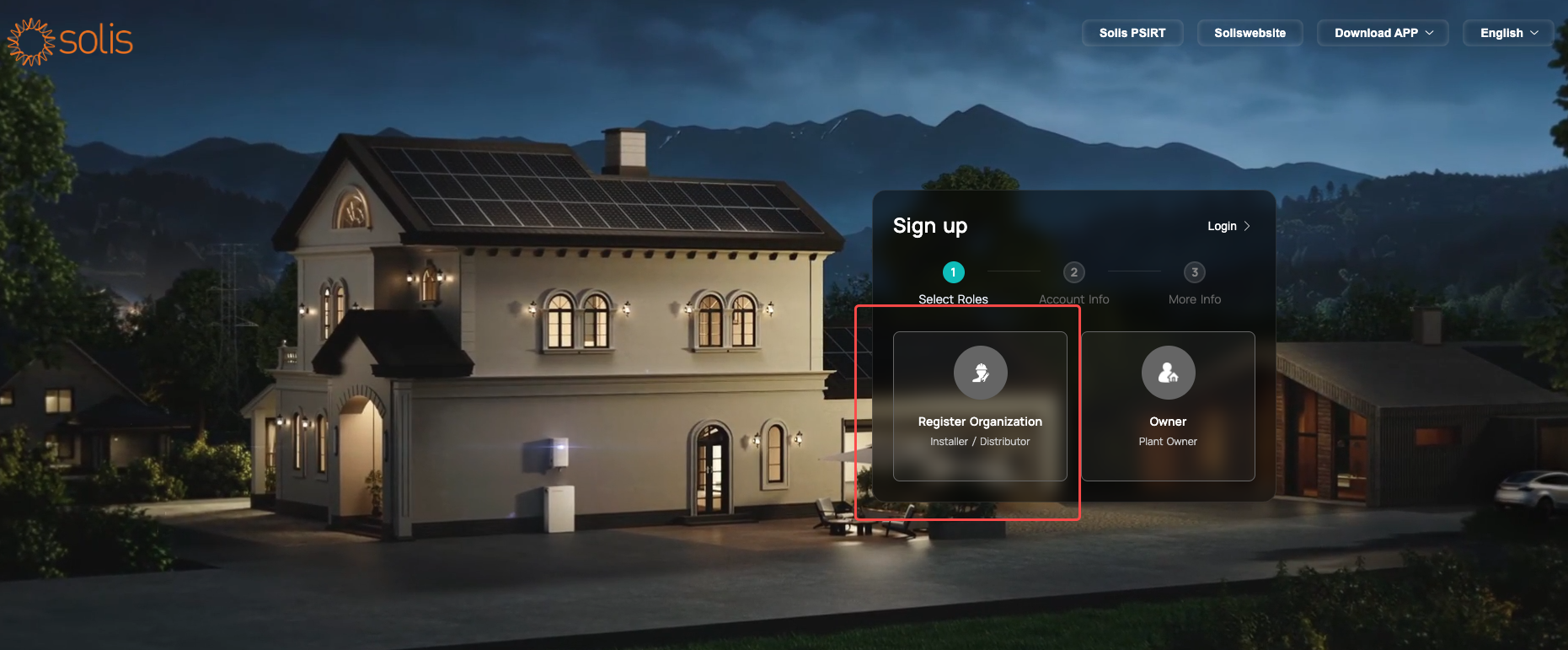
- Fill in the correct information on the registration page, use email to register, complete the information to fill in the checkbox to read and agree to the user privacy agreement to complete registration.