
Personal Center
Personal Center
This module is convenient for users to manage account information and function Settings. It mainly includes four parts: My collection,Account Info, Push Setting, Sign Out.
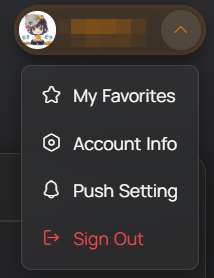
My Favorite
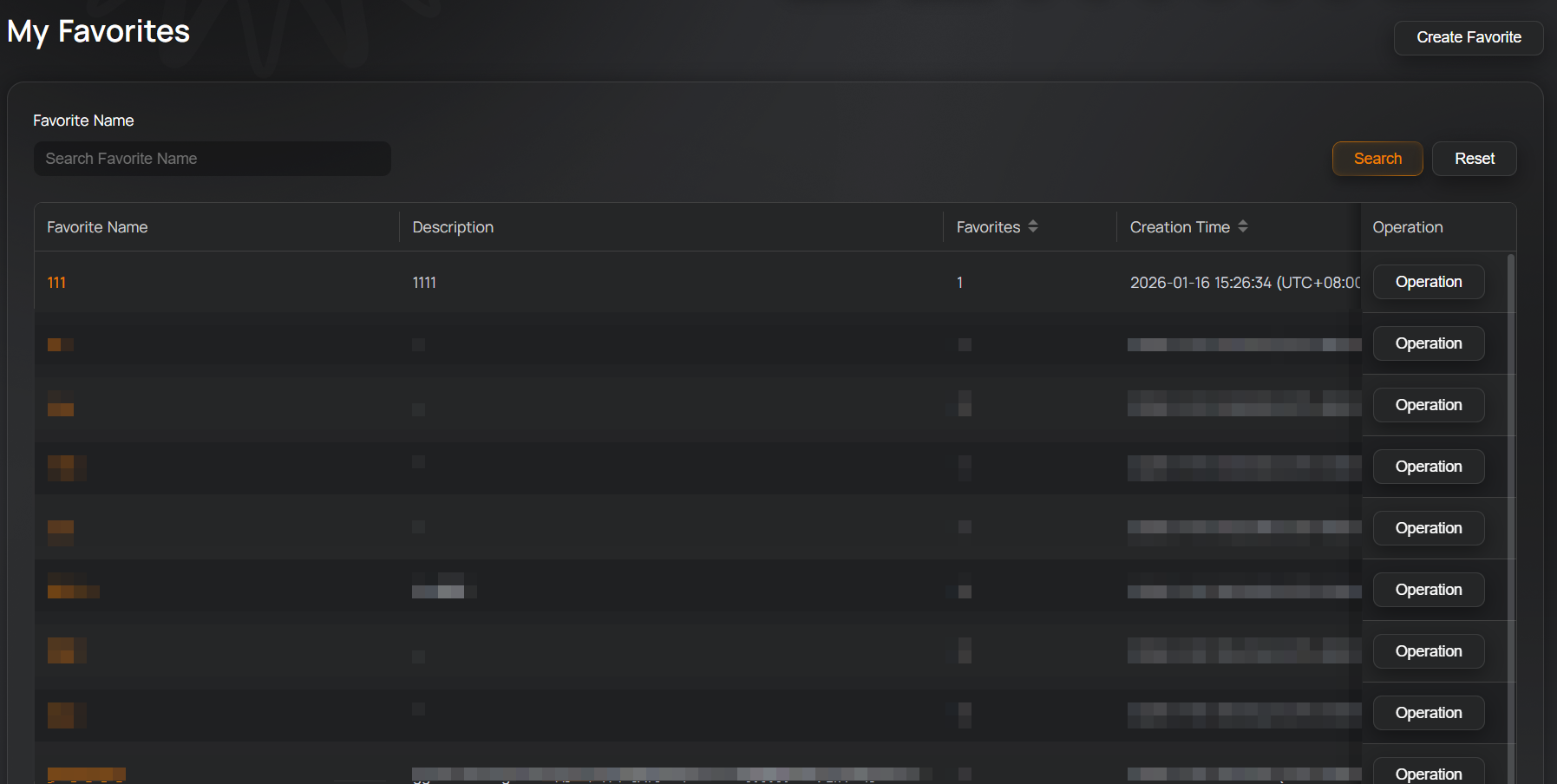
In this interface, users can view all the favorites created.
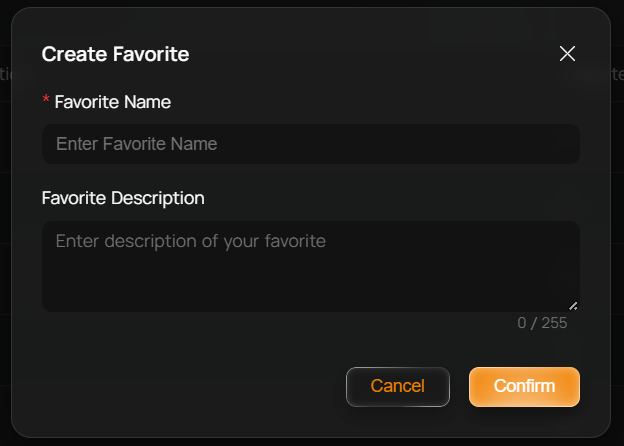
[Create Favorites] Enter the name of the favorite to create a new favorite, you can describe the favorite.
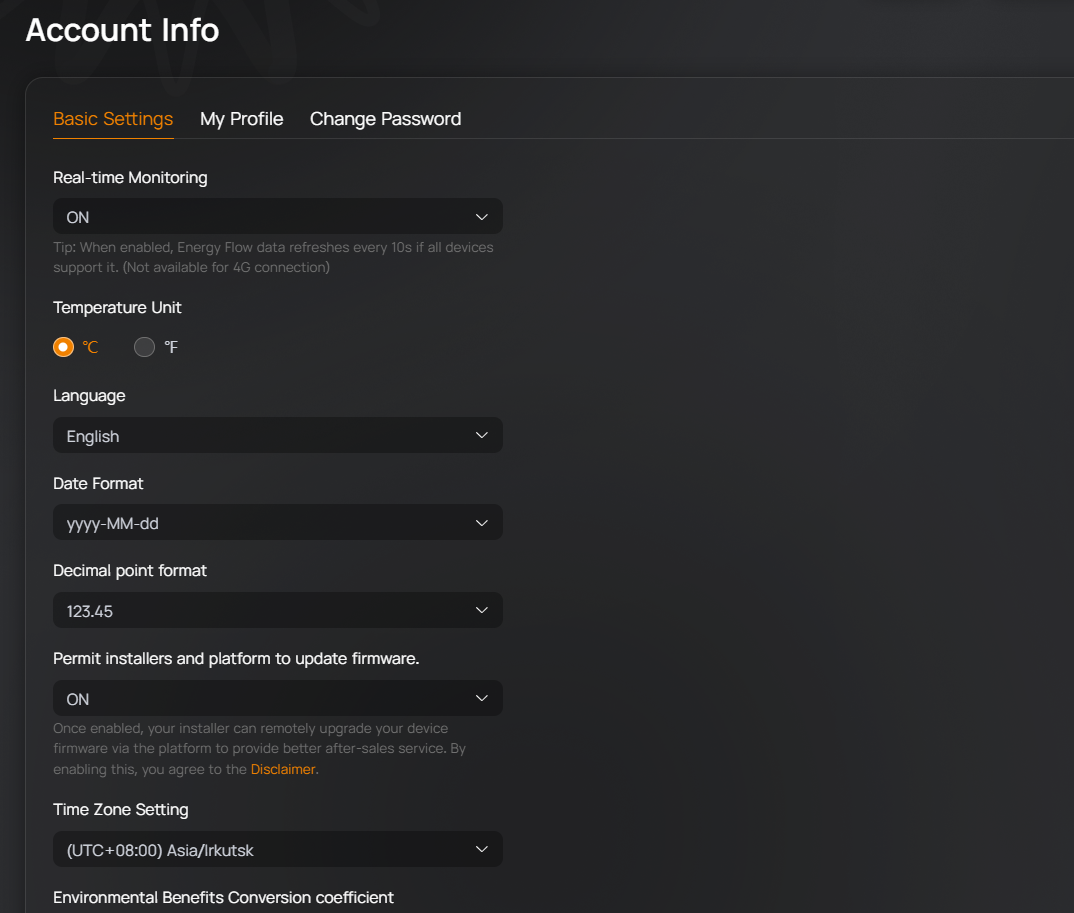
Basic Information
Basic Settings
[Temperature] Users can customize the temperature unit, choose (℃) or (℉).
[Language] The system defaults to displaying English.
[Environment Benefits Conversion coefficient] Users can customize the conversion of 1kWh power generation into CO₂ emission reduction and the number of equivalent green plants, and can also restore the default with a key.
[System Theme setting] The default system theme color is  .The user can select other theme colors.
[Current Version] Users can check the current version of Solis Cloud, and APP users can upgrade the new version of the software when there is a new version released.
My Profile
Users can view account information such as user type, set personal profile picture, user name, mobile phone number, email address, apply for account cancellation, and bind third-party accounts.
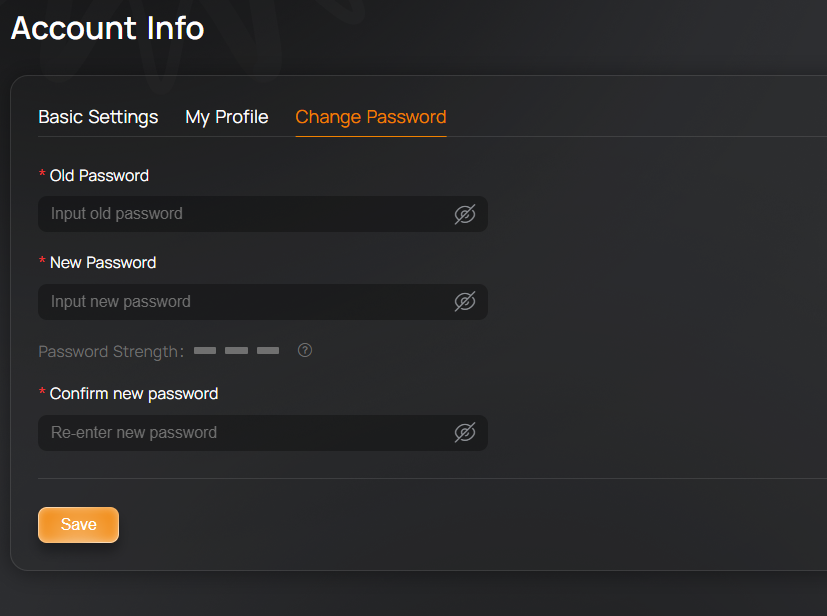
Change Password
Users need enter old password to set new password.
Push Setting
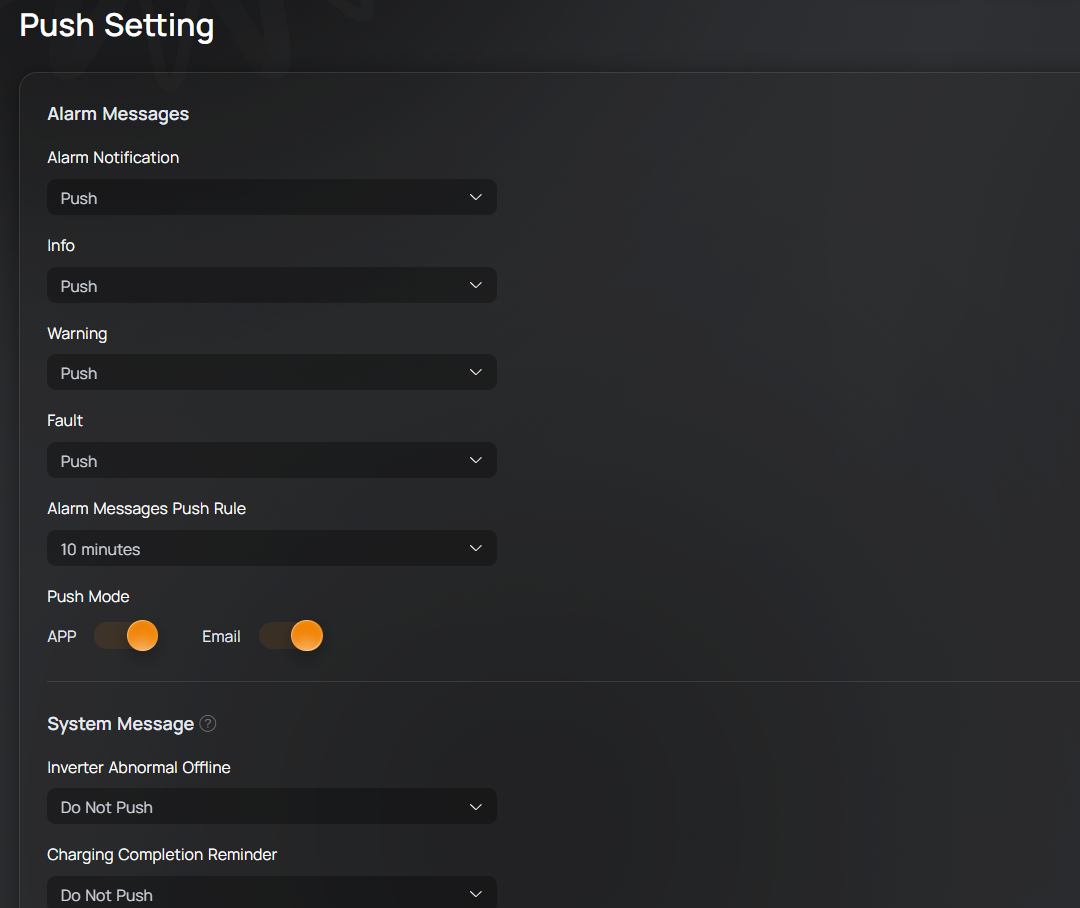
[Notification Period] APP push, SMS and email will only be sent in the time period set by the user, and will not be sent in other time periods.
[Notification time period] APP push notifications, SMS, and emails will only be sent during the time period set by the user, and will not be sent during other time periods.
Sign out
The user can exit the current account by clicking "Exit Account" in the upper right corner, and the page will automatically jump to the login interface. The user needs to enter the correct account password to re-enter.