Message
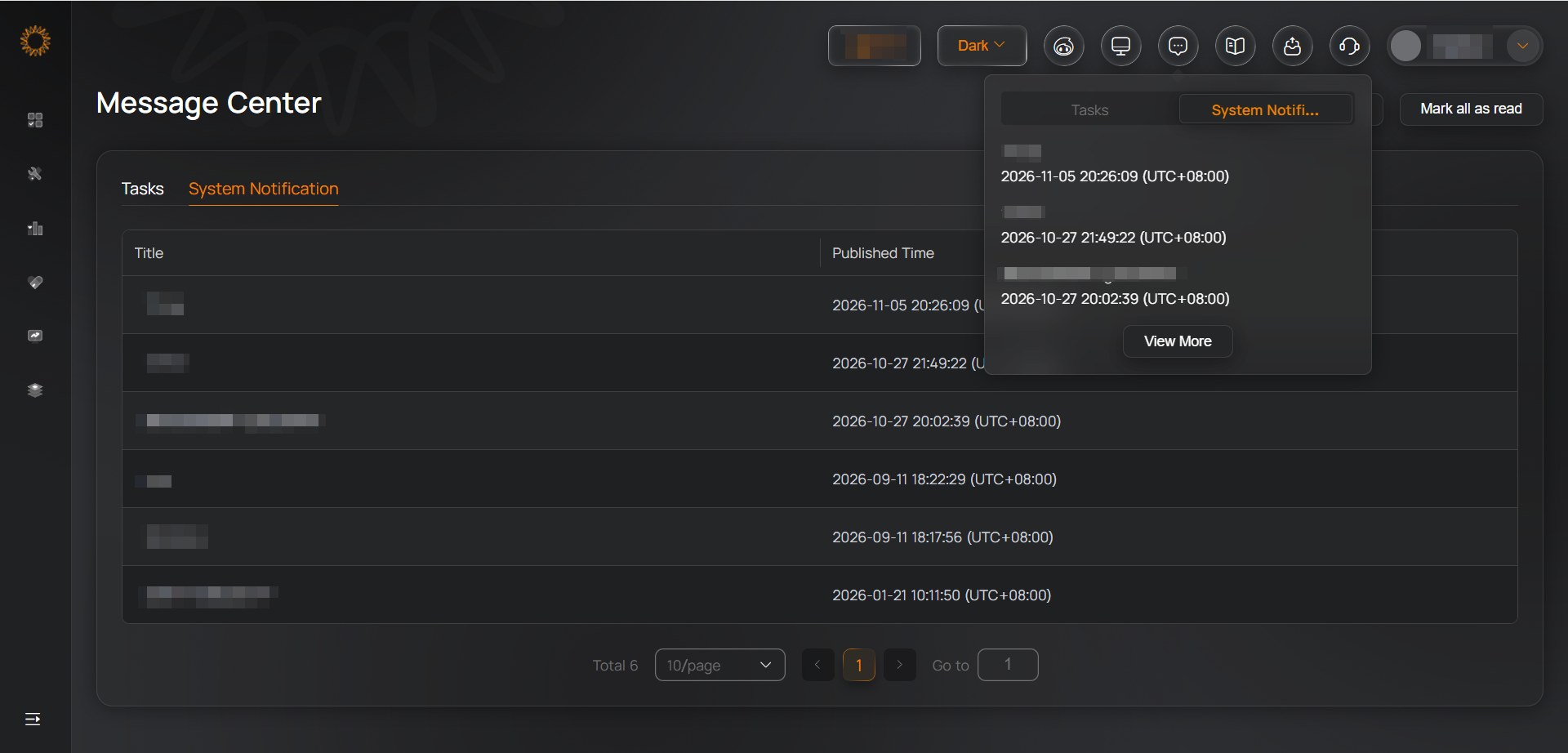
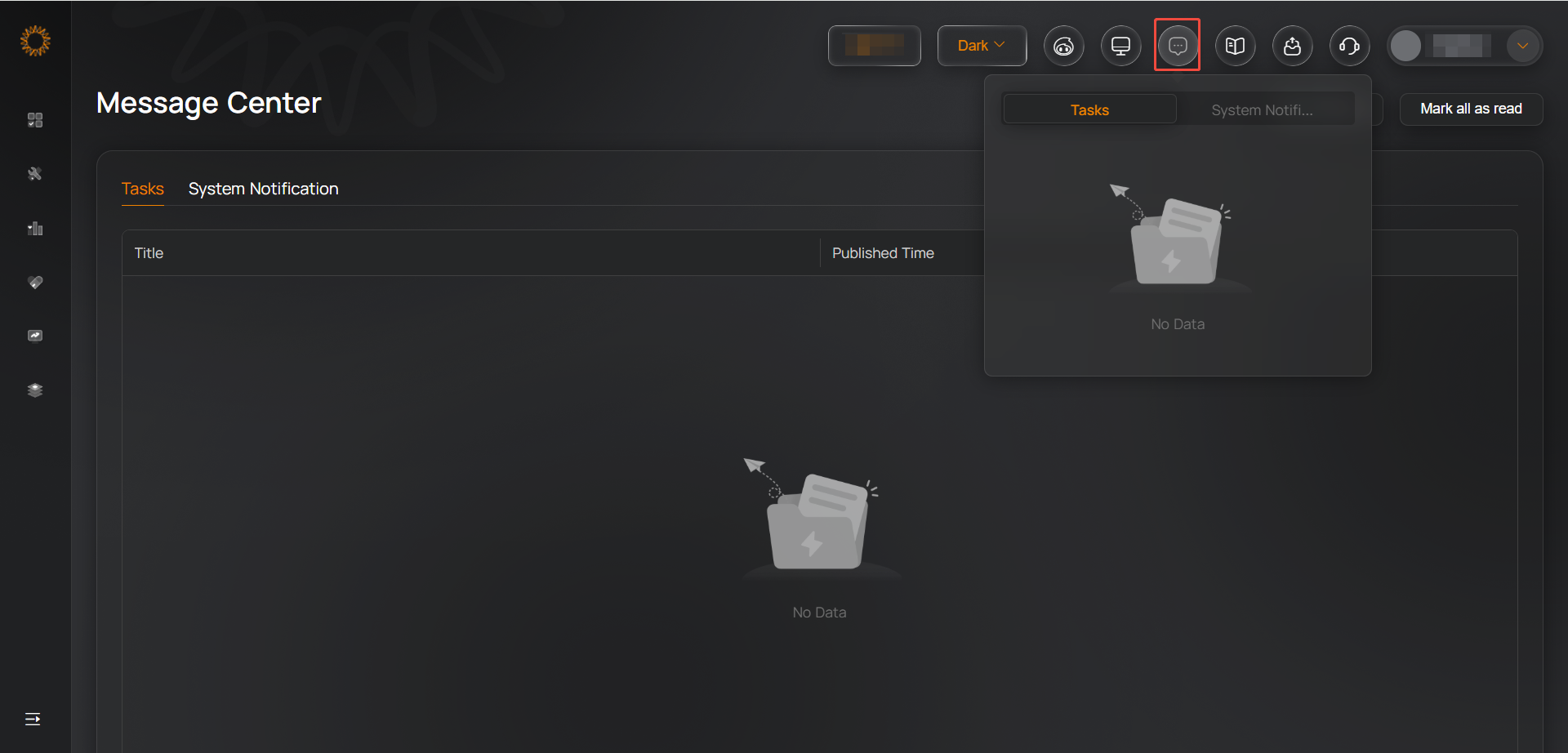
Users can enter the message center by clicking "Message" in the upper right corner or selecting "View More" to manage the received messages. The message center mainly includes to do reminders and system notifications.
Tasks
Users can check and view the processed messages on this interface, and enter the push Settings to set the push content, whether the inverter is abnormal offline to push, push method and alarm message push rules.
Announcements
Users can view the maintenance reminder sent before each system upgrade and maintenance in this interface.