Retrieve Password
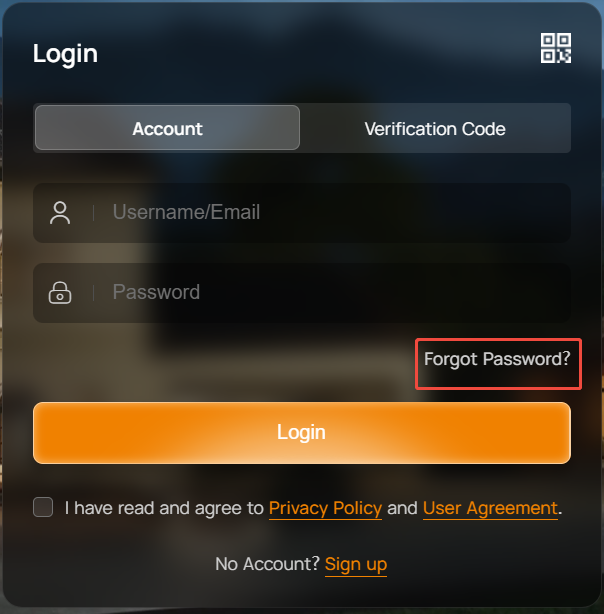
Users can click "Forgot Password" to retrieve password of their account. Detailed operation as follows:
Click "Forgot Password" to enter the page to retrieve password.
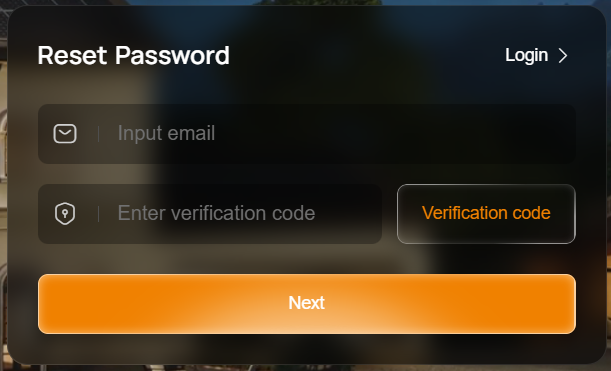
Enter the account email address and click “Verification code”. A code will be quickly sent to the email address. Then enter the verification code and click "Next" , The email address must be the same as the one used for initial registration.
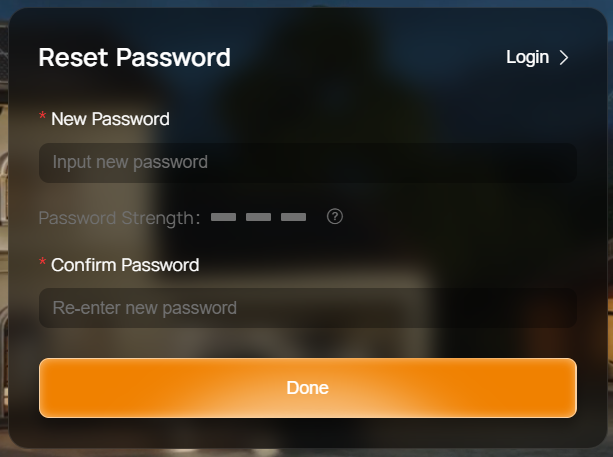
Set a new password and reconfirm the new password, then click "Done" to enter the platform homepage.