Service
Service
Plant Management
The plant management interface mainly displays all the plants added under the account. Click the specified plant to view the specific information of the plant and manage it,specific operation steps refer Plant Information.
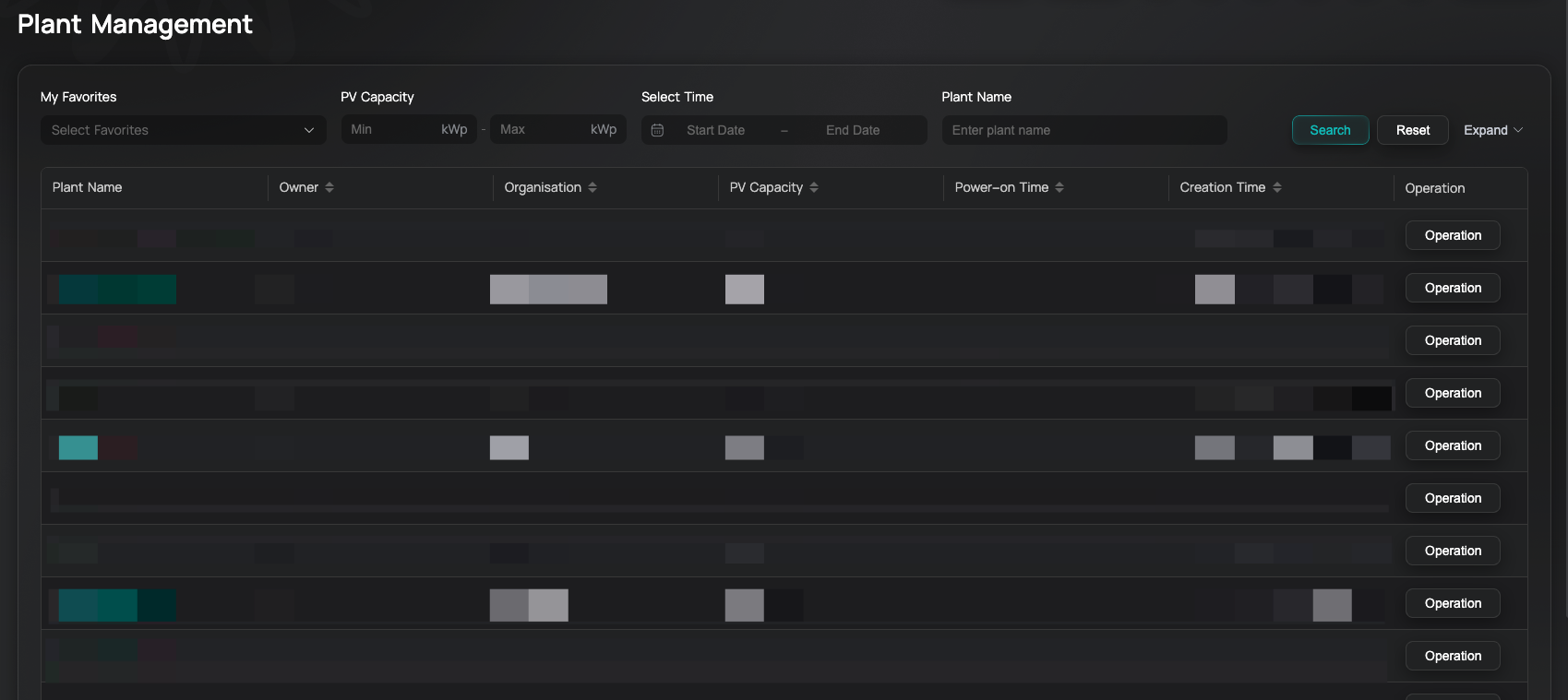
[Filter] Users can classify queries by my collection, installed capacity, and creation time period.
[Search] Users can search by entering the plant name, owner or organization name.
[Operation] The user can operate and process a single power station in this interface.
Device Management
The device management interface mainly shows all the collectors added under this account.
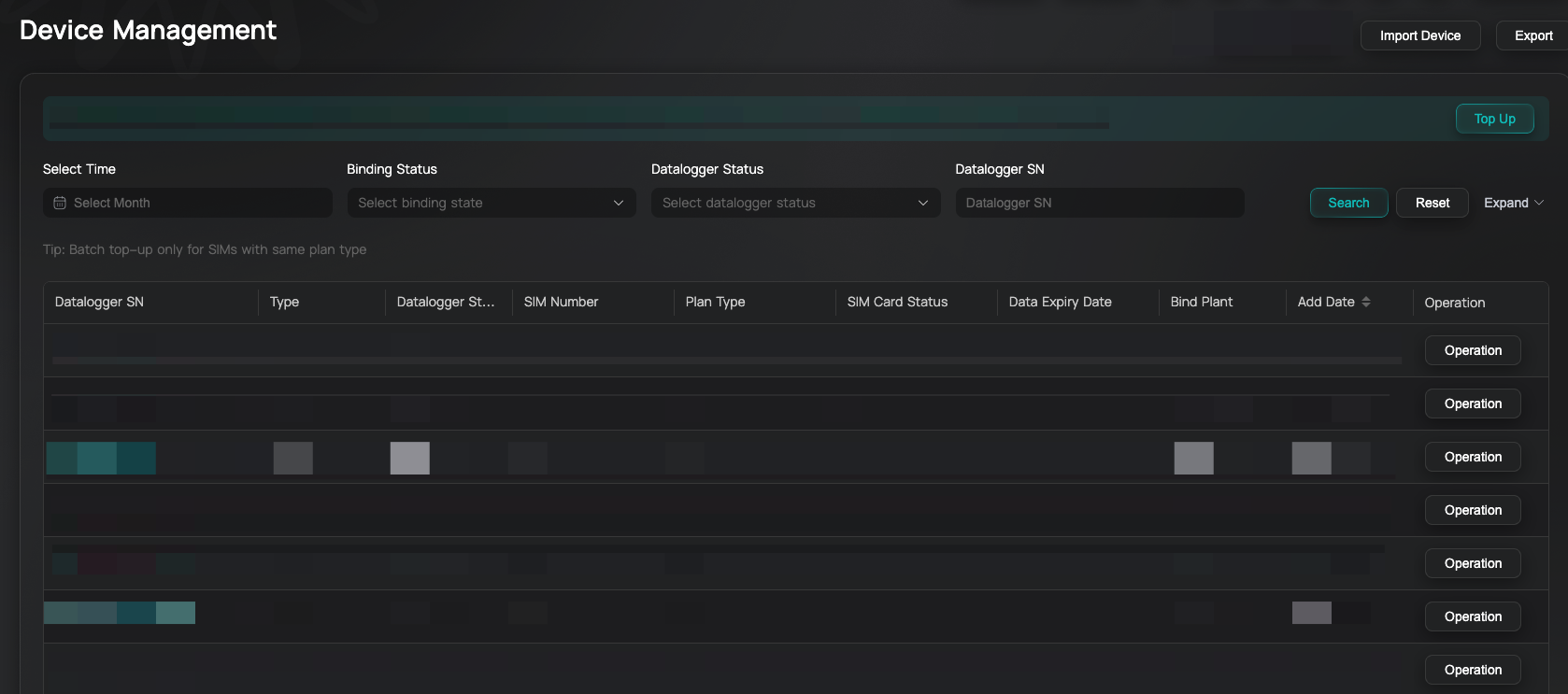
[Filter] Users can filter through the specified month, bind state, and data logger.
[Search] User can search by entering the SN number of data logger.
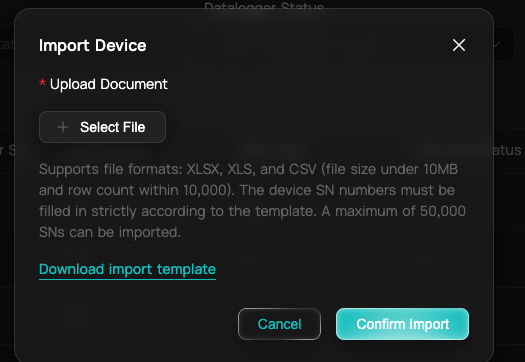
[Import Device] Users can import devices in bulk. Click "Import" in the upper right corner, the system will pop up the import confirmation guide, click "Download import template", input the data logger SN to be imported into the Excel sheet and save it, click "Select File" then select the saved Excel sheet and click "Confirm Import" to complete the import.
[Export Table] Users can export device data in bulk. Click "Export" in the upper left corner, the system will pop up the export table.
Organization Management
According to the user scenario, the organizational structure can be created without limit, and the scale of the structure can be developed horizontally and vertically, so as to realize organizational management, distributional monitoring of the power station, and create account roles for daily maintenance and operation.
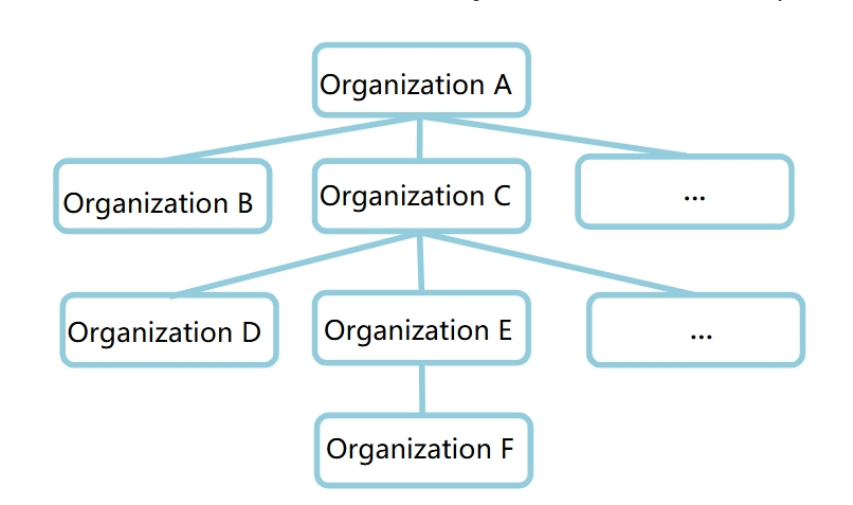
[Create Sub-organization] Create inner organization: be appropriate for the type which has close relationship, for example: headquarter- subsidiary, company-department.
Internal organization authority:The power station information assigned by the superior organization can be modified and operated.
Create external organization:Suitable for organizations with loose relationships such as distributor/installer relationships, etc.
External organization authority:For the power station assigned by the superior organization, only the viewing authority has no modification authority.
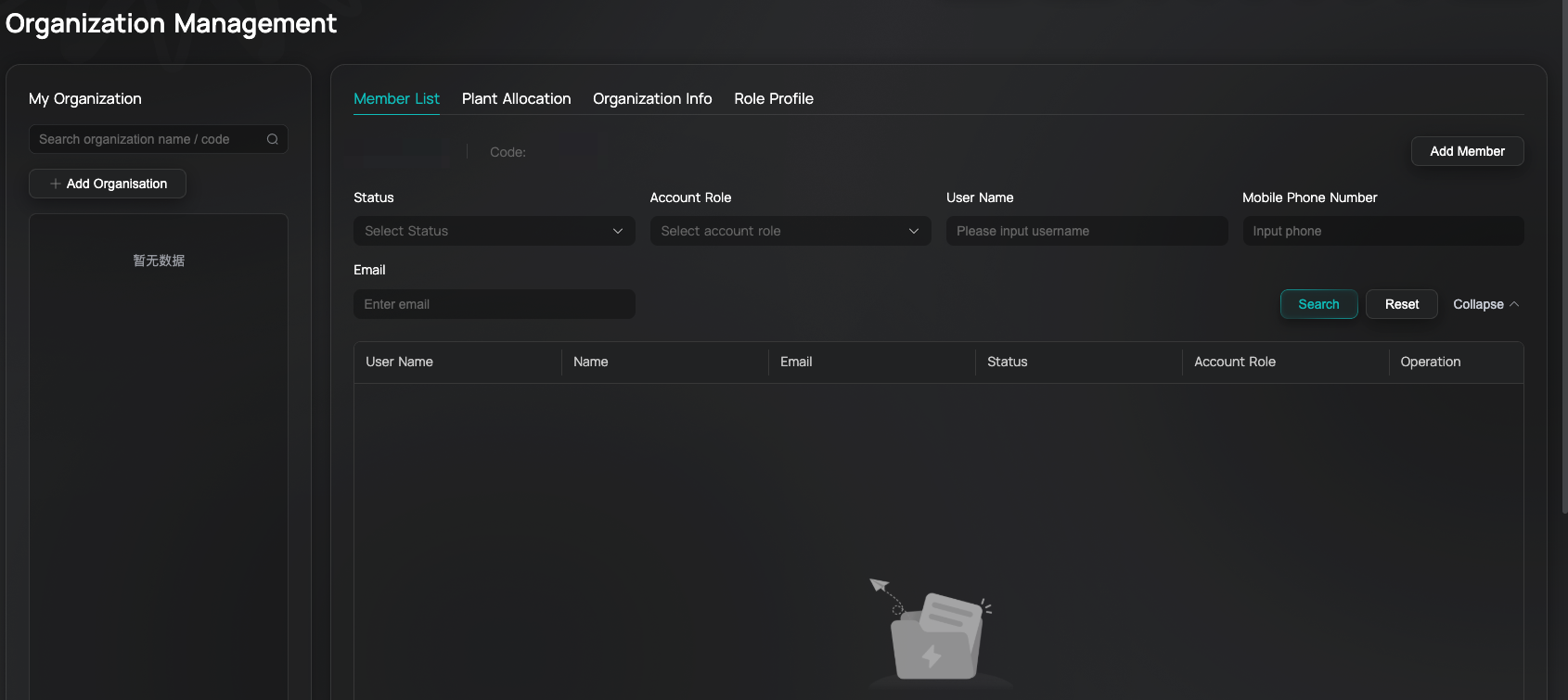
[Create member role] Click "Add Member" and fill in the information and finish it.
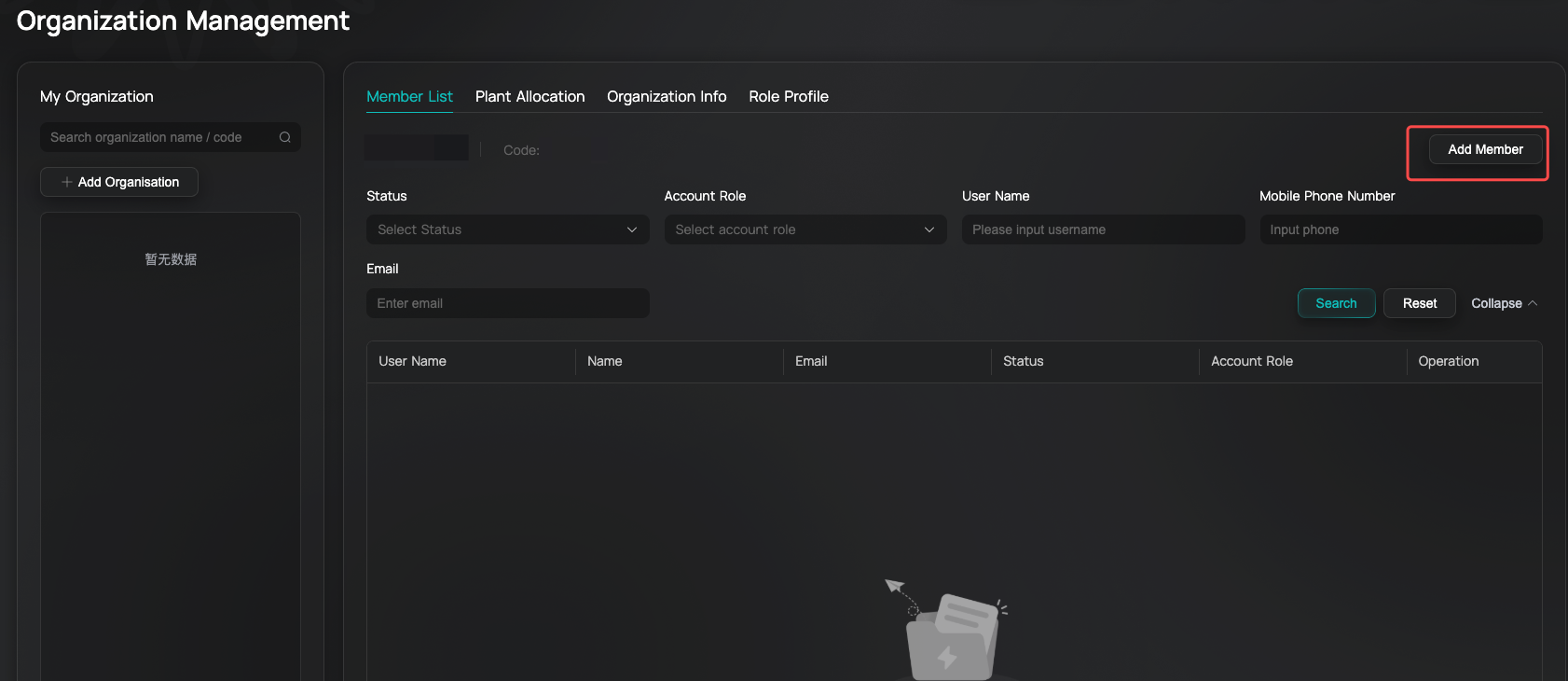
[Role and Authority] Administrator: The largest authority owner in the organization, with all management functions such as organization, power station, operation and maintenance.
Operations Manager:They can add, delete, modify and control the plant and equipment within the organization, and can issue and process work orders.
Operation and maintenance personnel:The organization can add, delete, modify, check and control the power stations and equipment within the organization, and can process work orders, but cannot issue work orders.
Installer: The plant and equipment in the organization can be added 、 deleted, modified and checked, but the equipment cannot be controlled remotely.
General User:They can add, delete, and check the plants and equipment within the organization, but they cannot remotely control the equipment.
Marketing staff:Only the plant and equipment within the organization can be inspected and operated.
**[Plant Allocation]**The plant under the organization are selected and assigned to the subordinate organizations, and the assigned power stations are operated accordingly according to different roles.
Common Tools
Warranty Enquiry
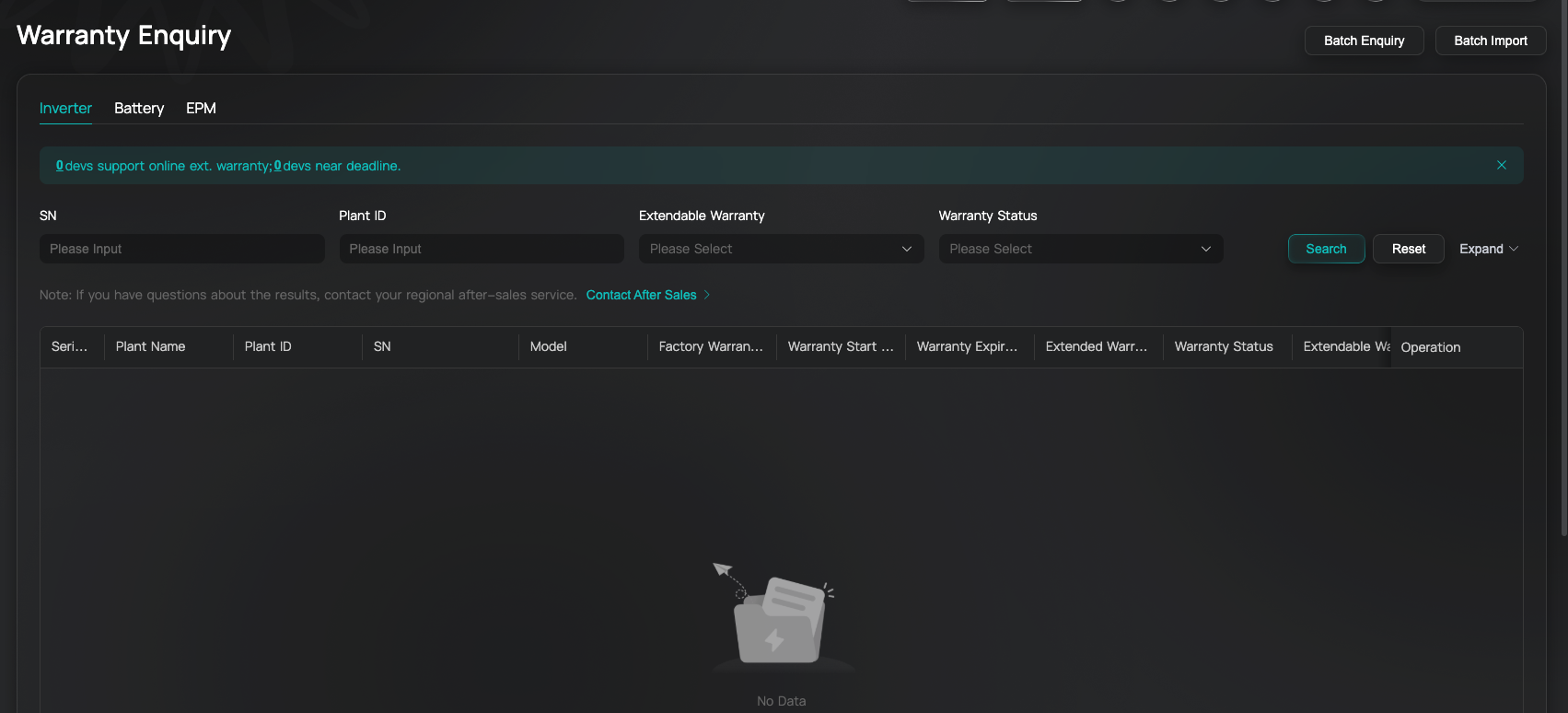
Enter the device SN number, and the user can query the warranty life, warranty end date and warranty status of the equipment.
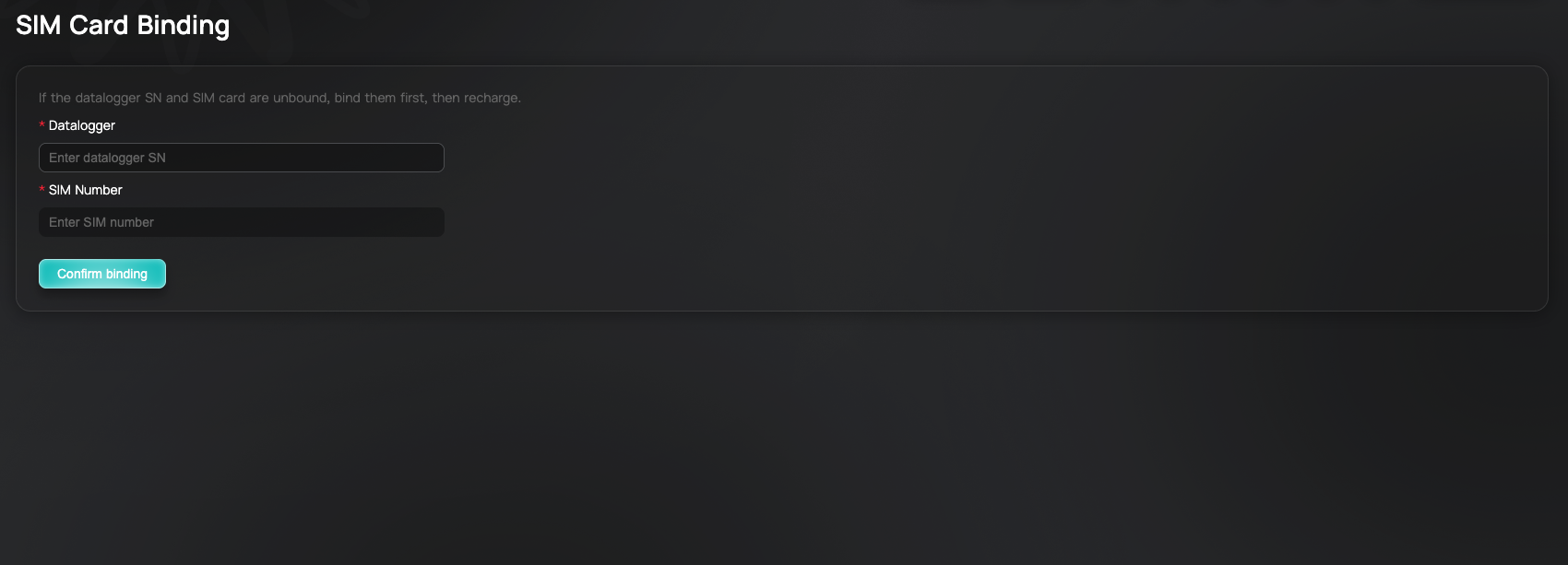
SIM Binding
By inputting the SN of the user input collector and the SIM card number, the SIM card can be bound to the collector.
Help Center
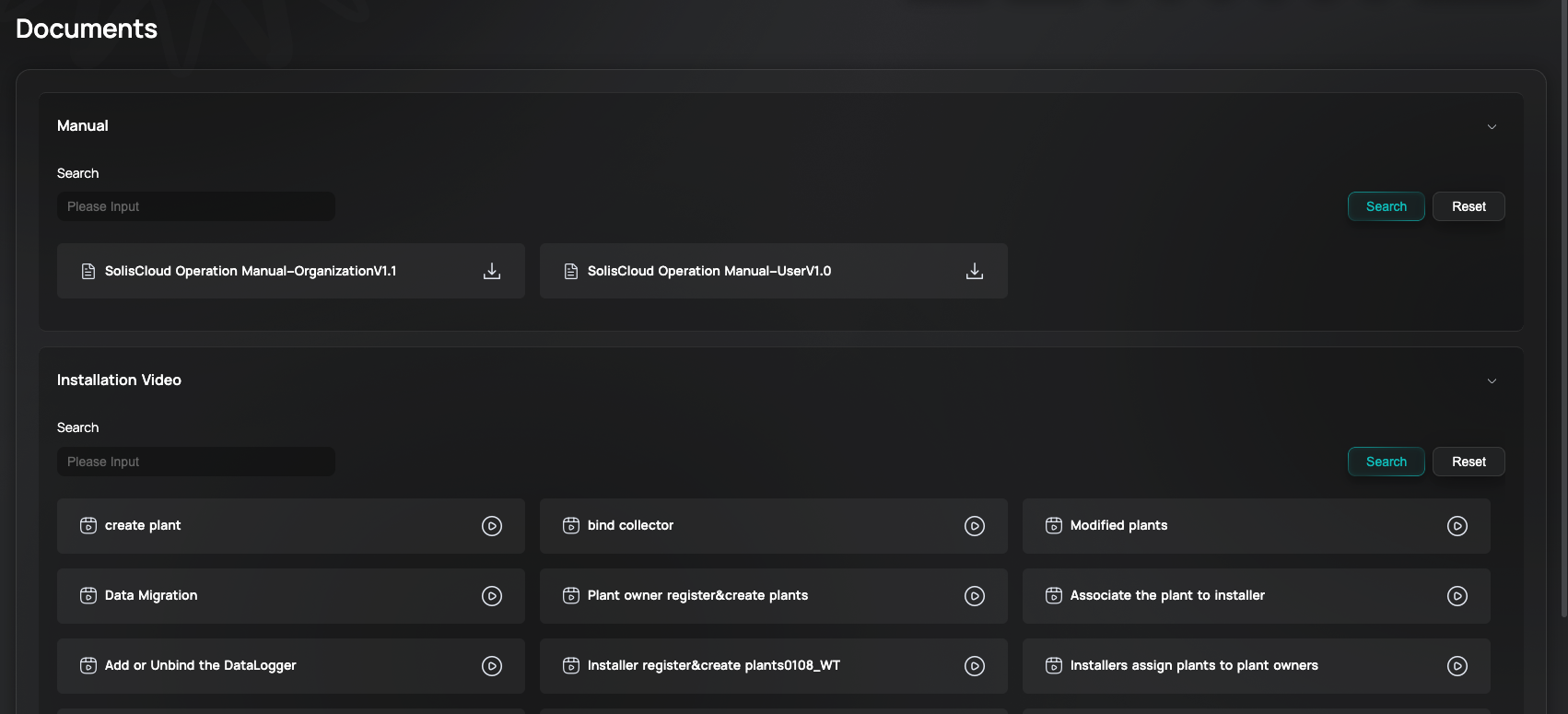
Documents
Users can download the "SolisCloud Monitoring System" on the product information interface. They can also watch operation introduction videos for some of the functions.
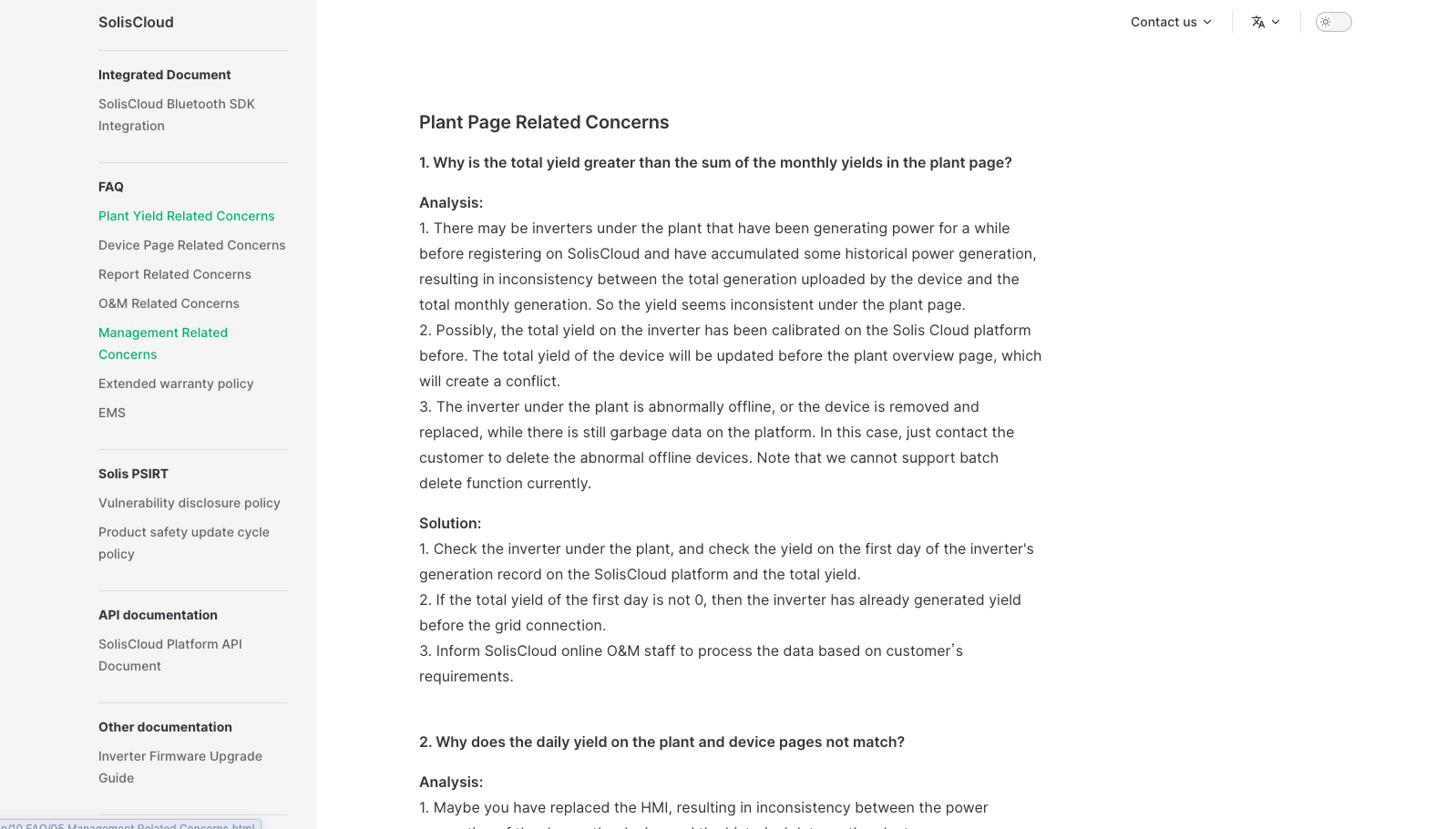
FAQ
Users can view solutions to some common problems in this interface.
Discover
Users can view the articles published by Solis in the "Article List" section within the "Discover" menu.