Smart Energy Management
SolisAI
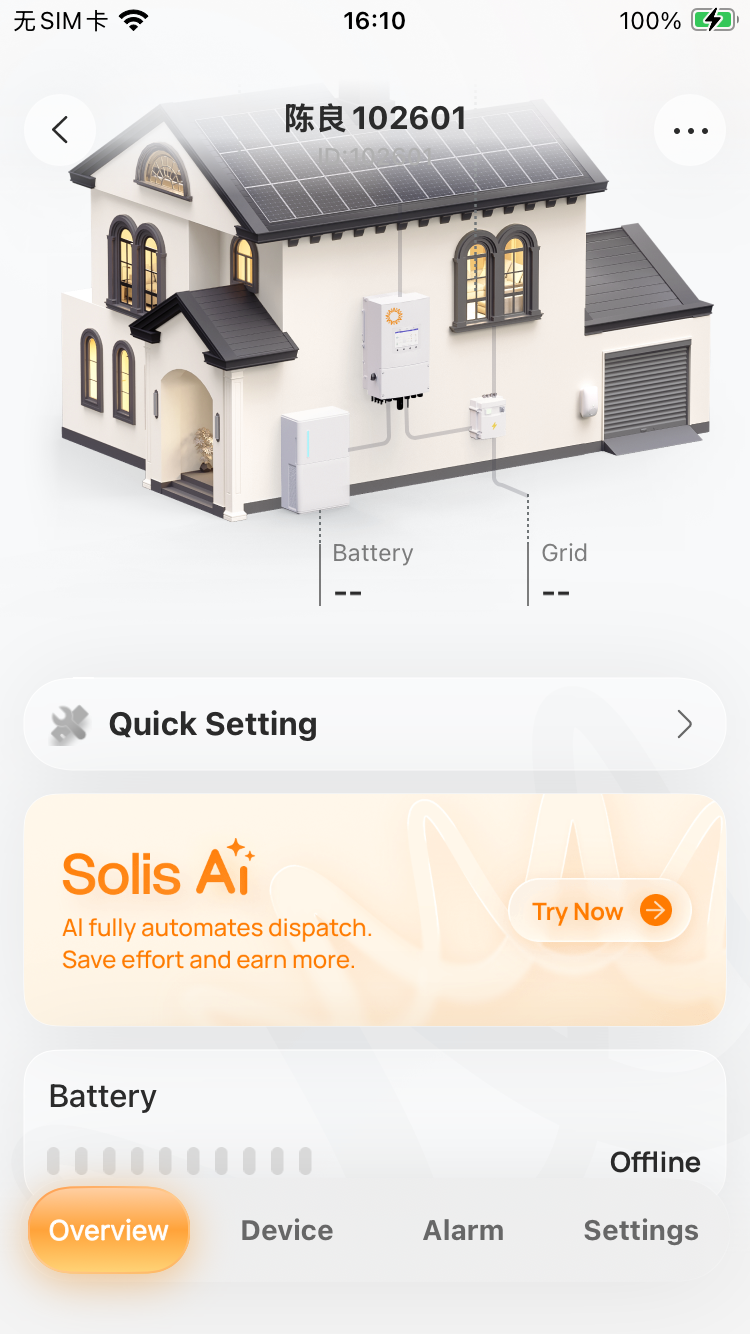
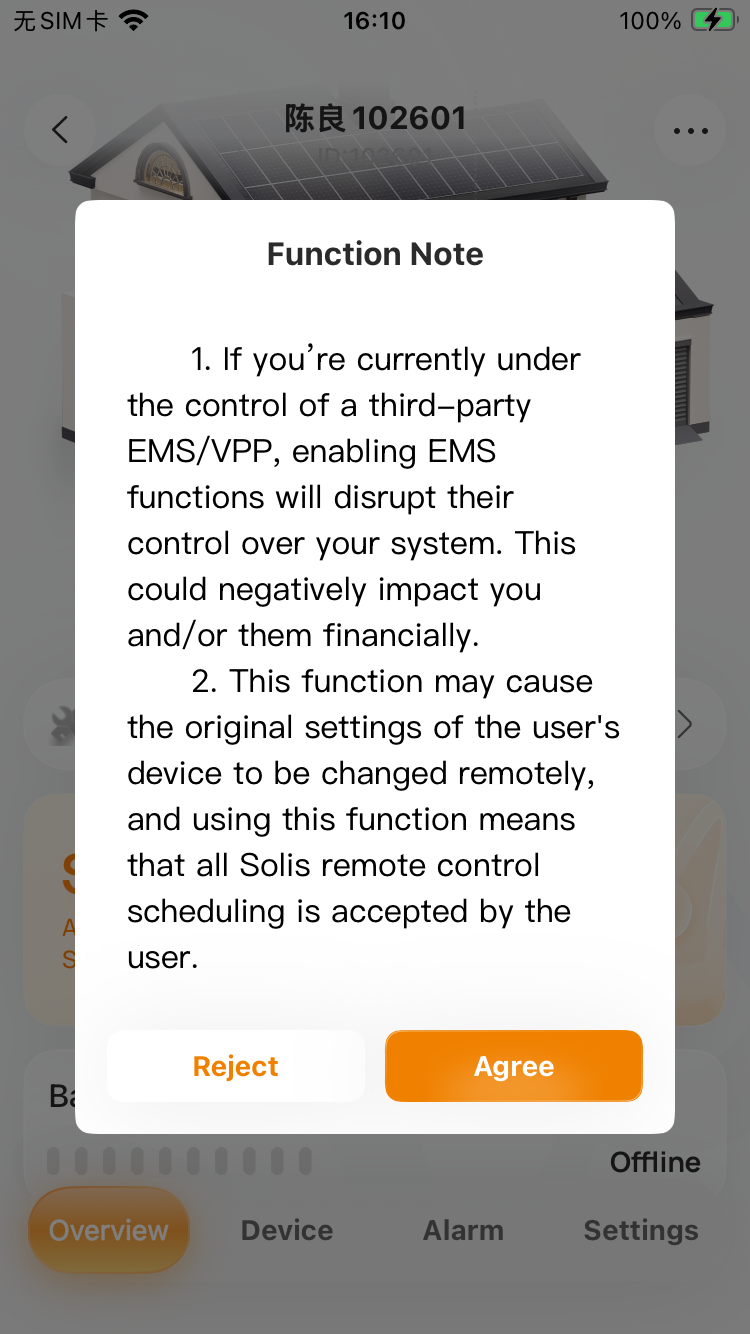
(1)Tap to enter the Power Station Details page. If no strategy has been configured, tap the Solis AI card shown in the figure below to proceed to the settings.
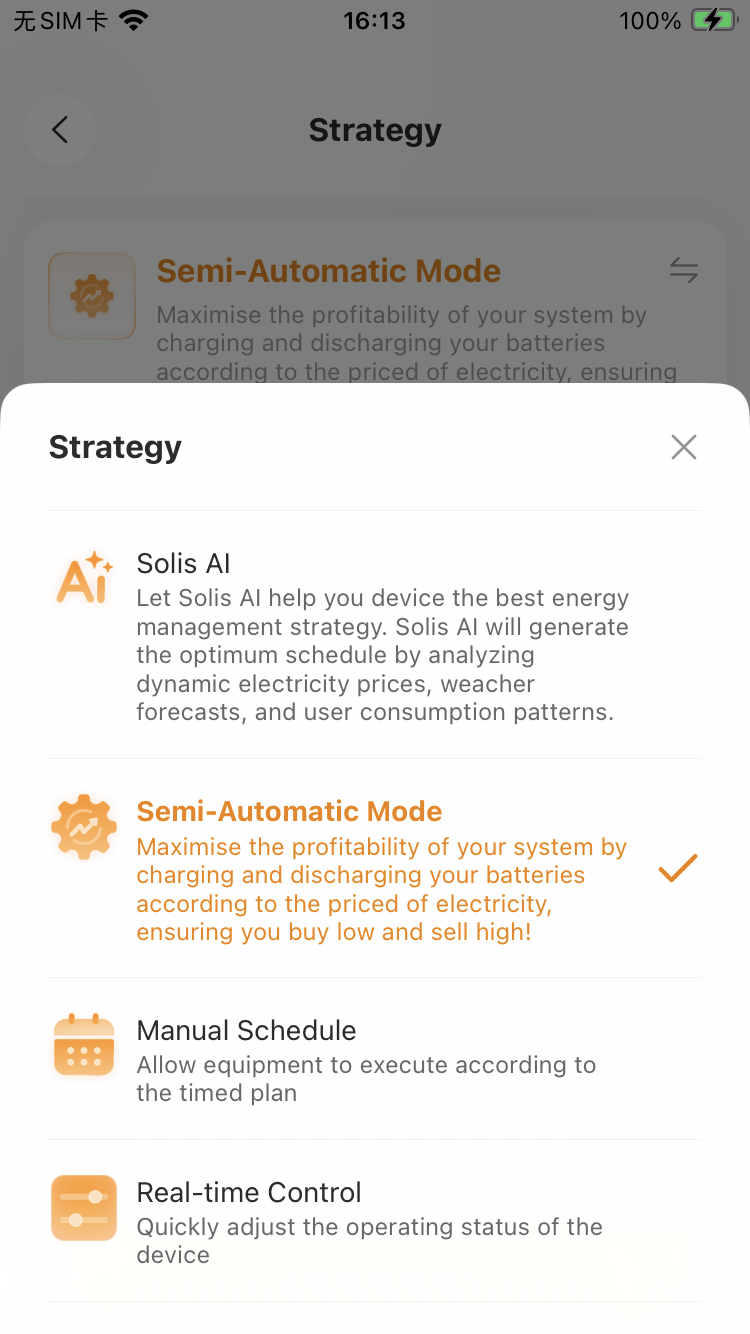
(2)Enter the Strategy Onboarding page, and swipe to select the strategy you want to configure (e.g., Solis AI, Peak-Valley Arbitrage, Self-Consumption, Scheduled Plan, Real-Time Control, etc.).
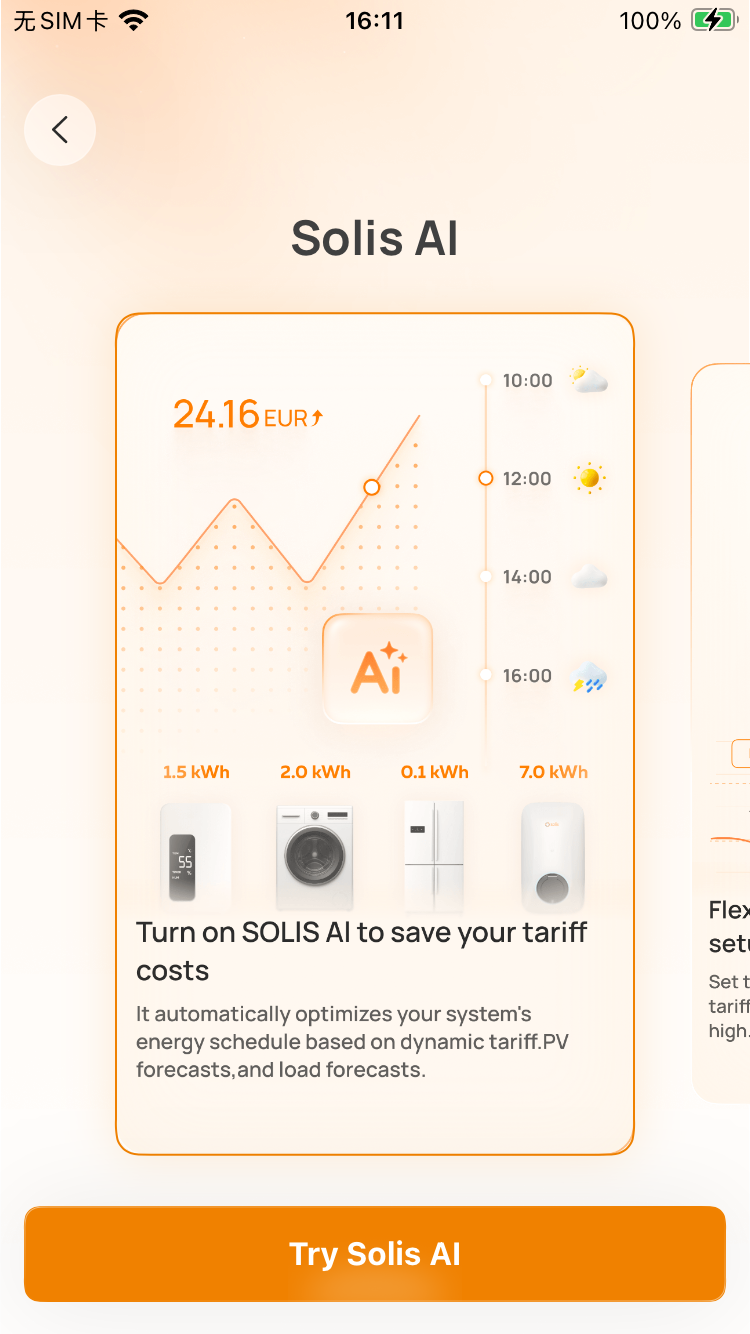
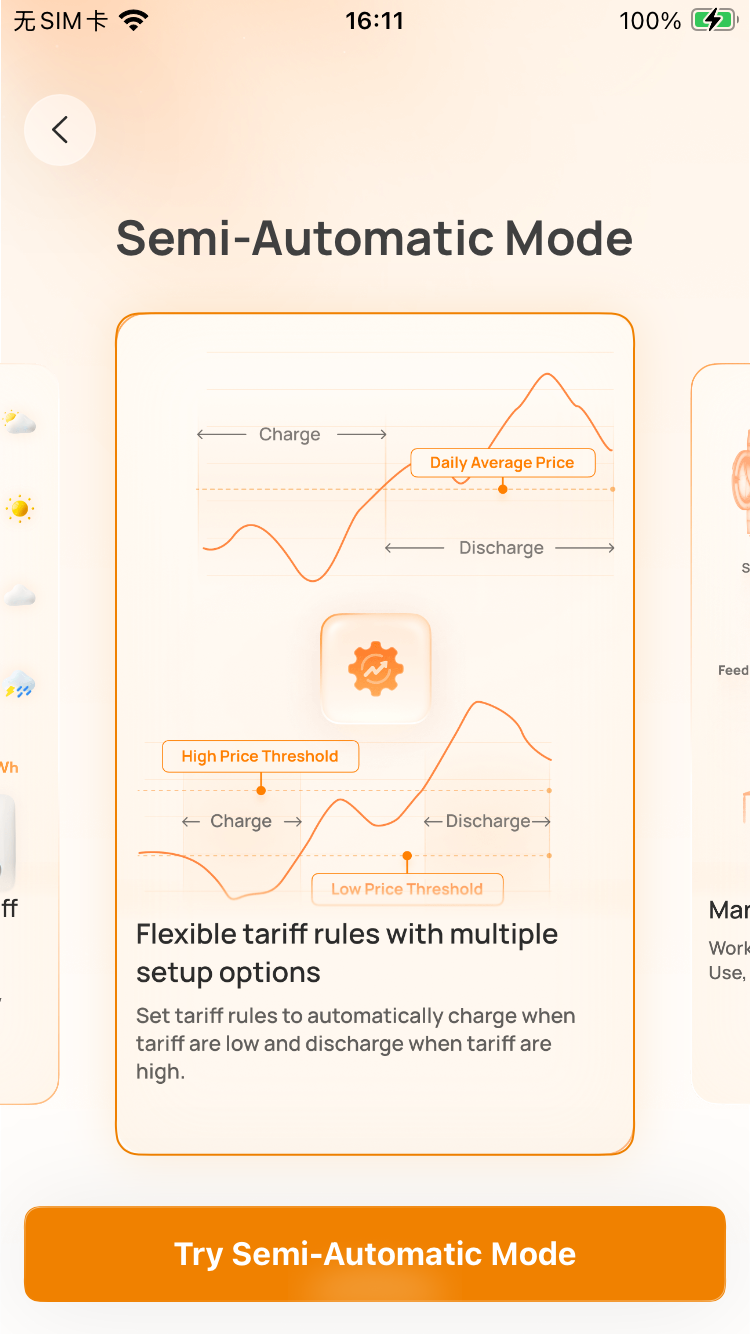
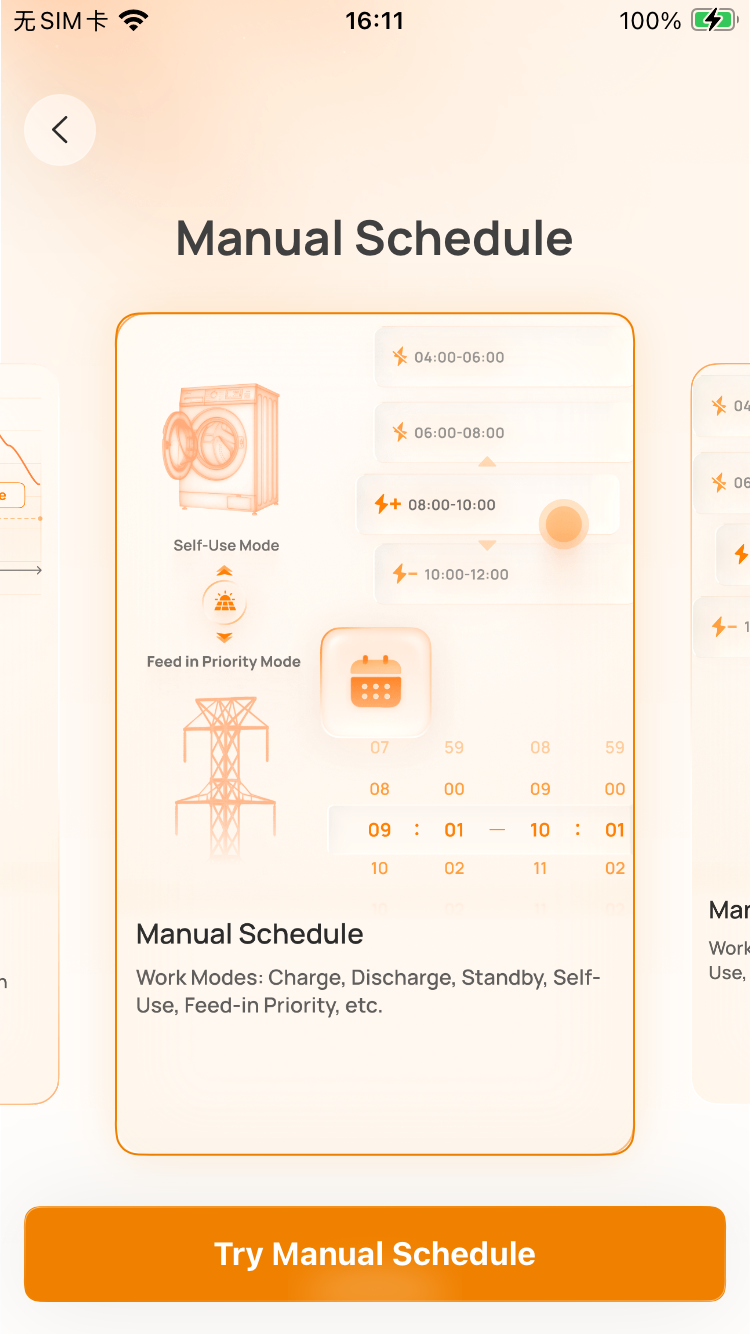
(3)Tap the corresponding strategy to enter the Strategy Settings page.
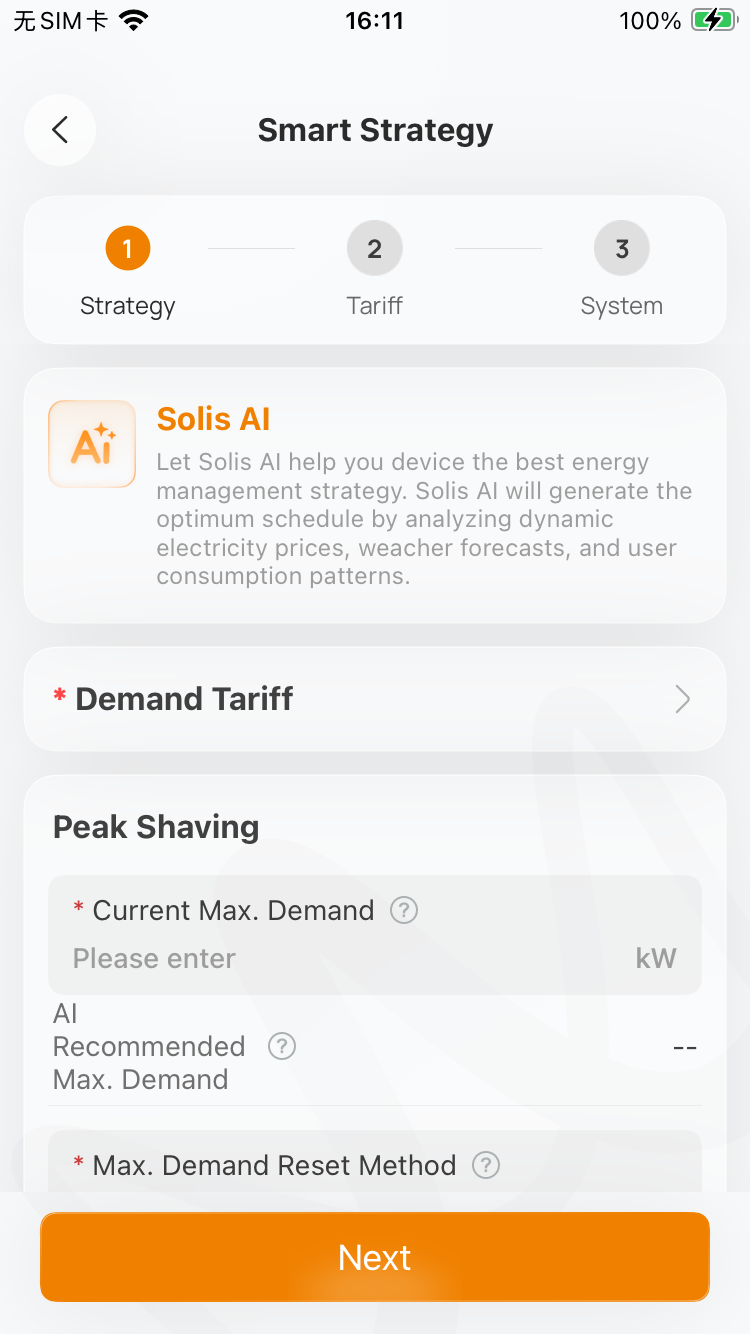
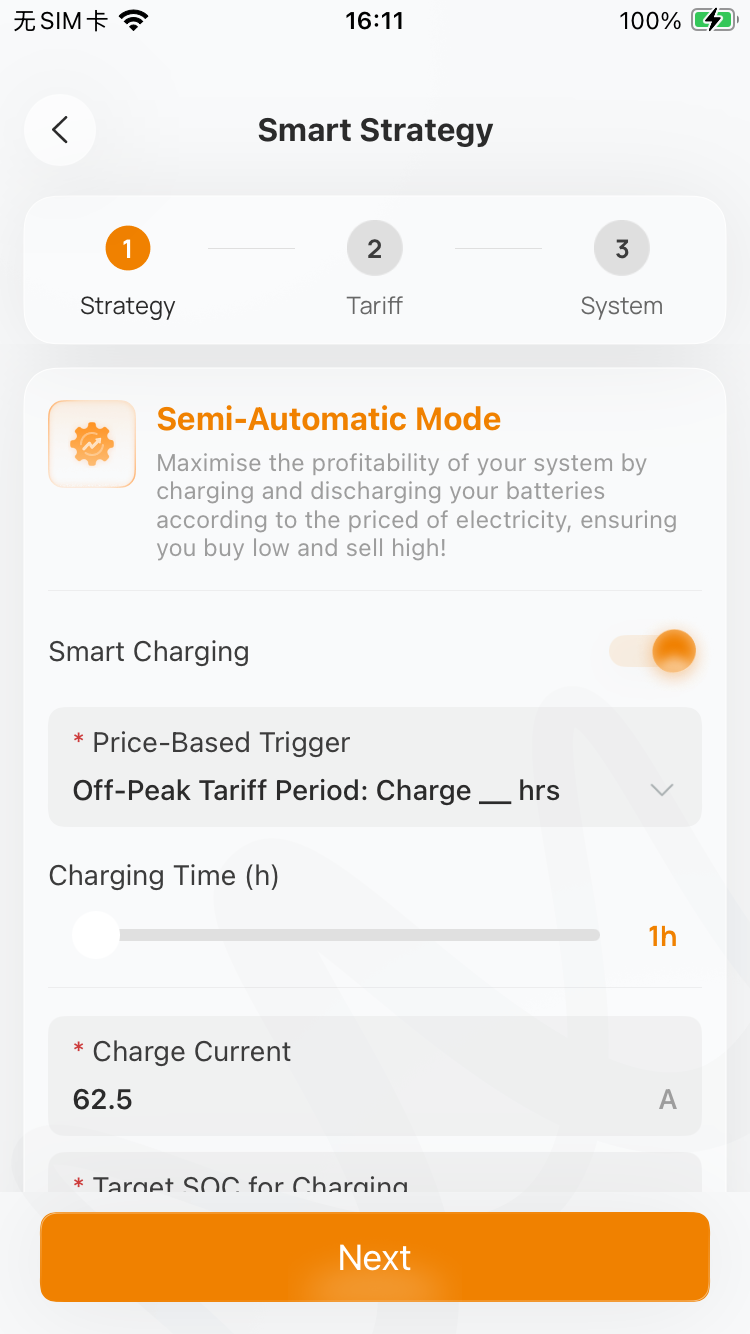
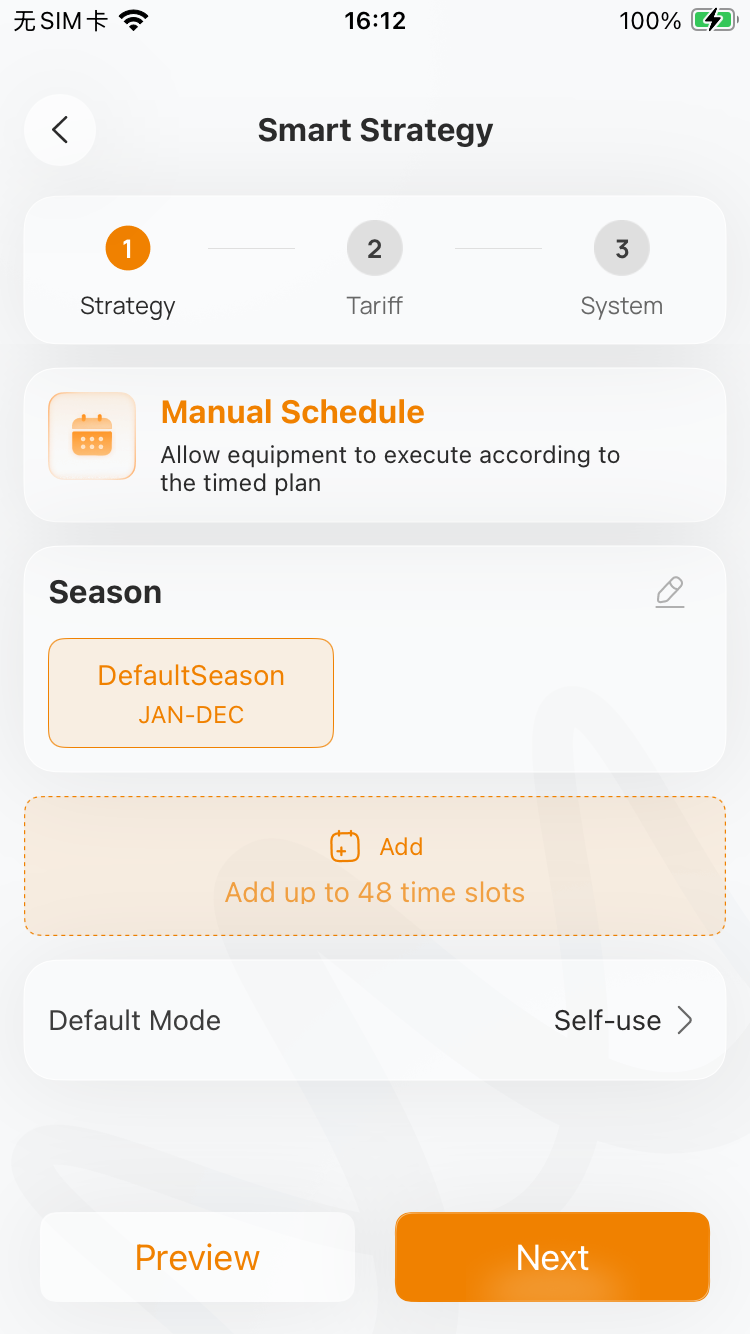
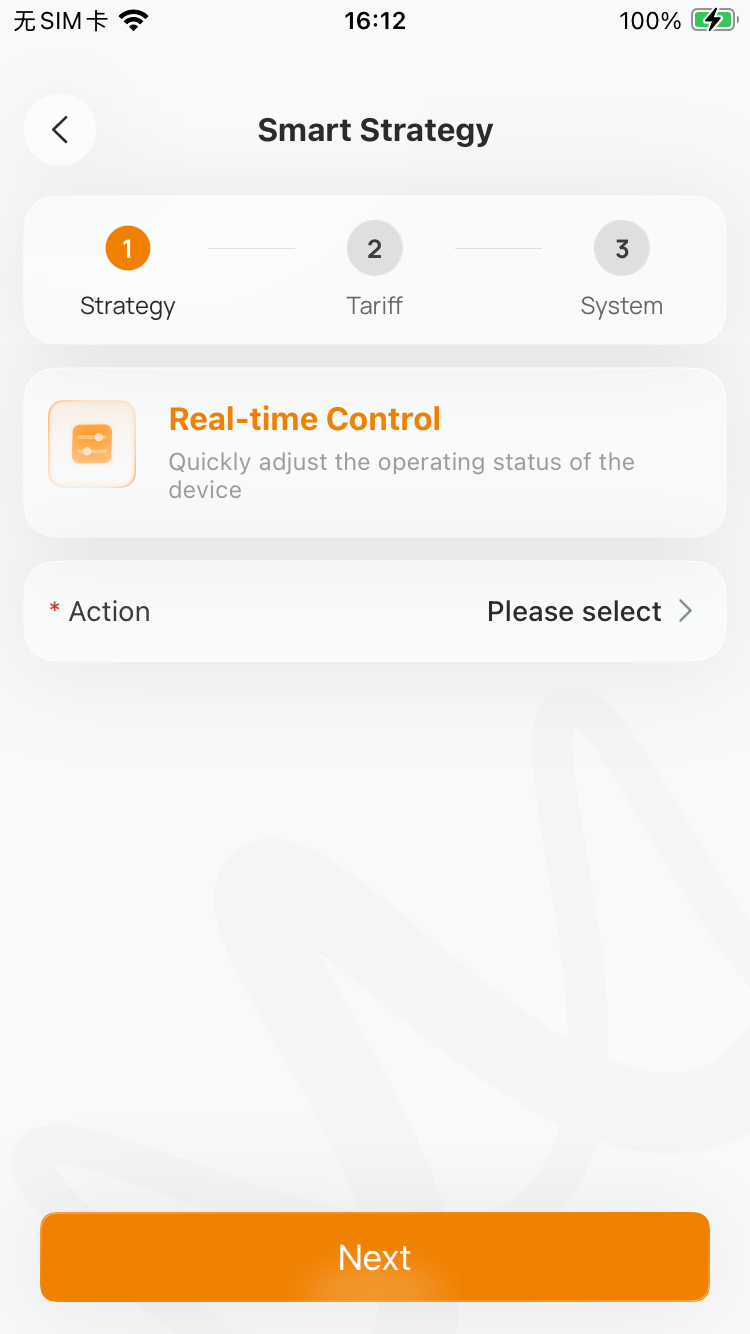
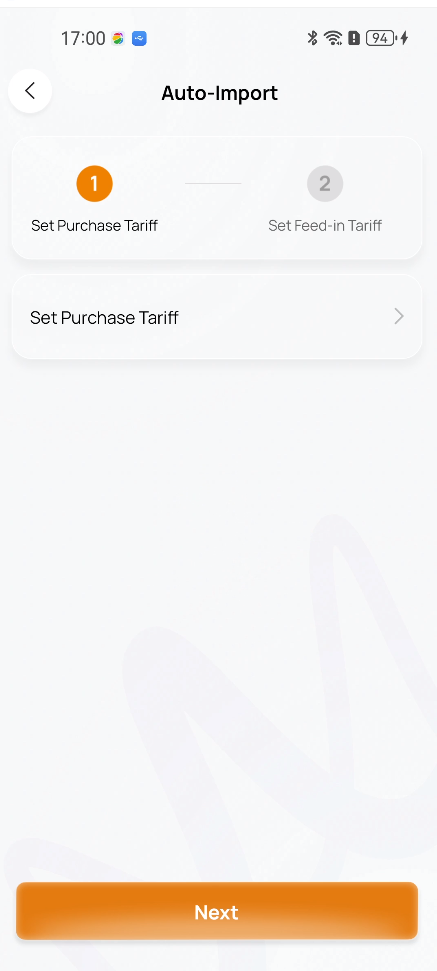
(4)Tap "Next" to enter the Electricity Price Settings. After configuring the electricity price, it will appear as shown in the figure below.
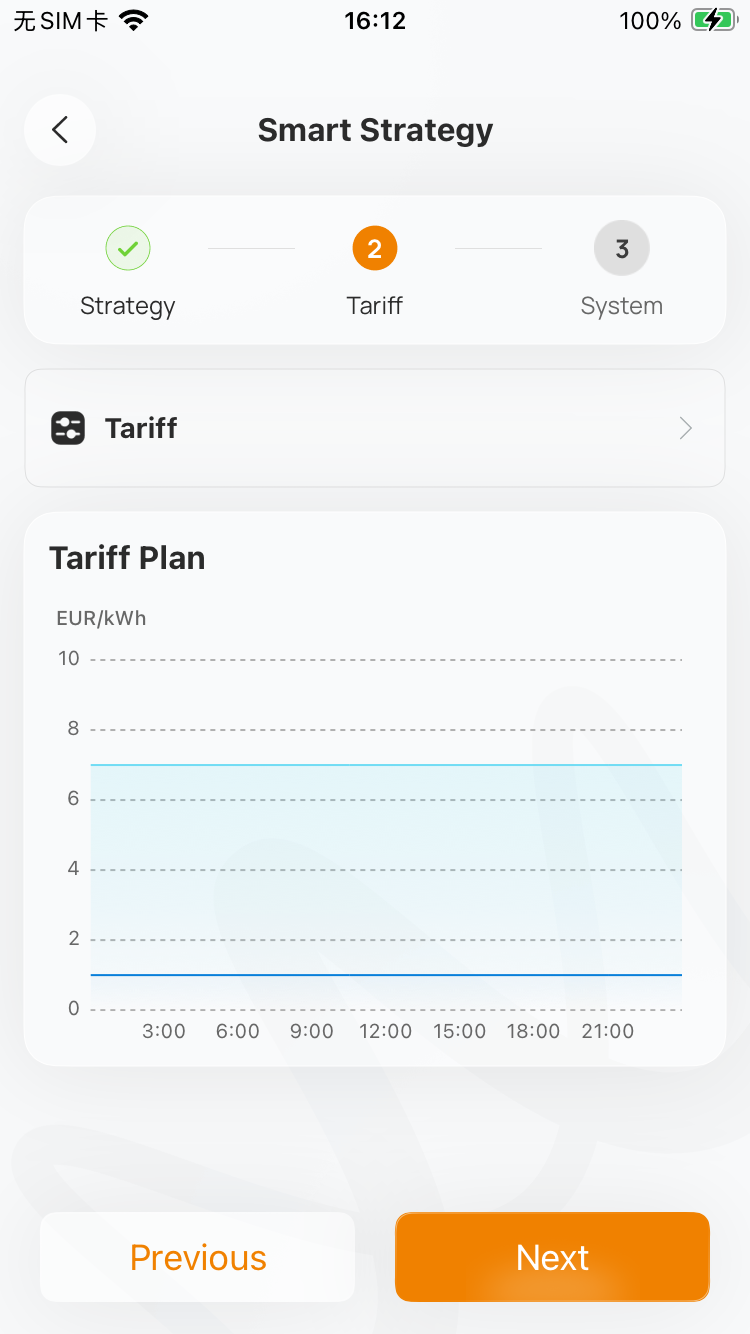
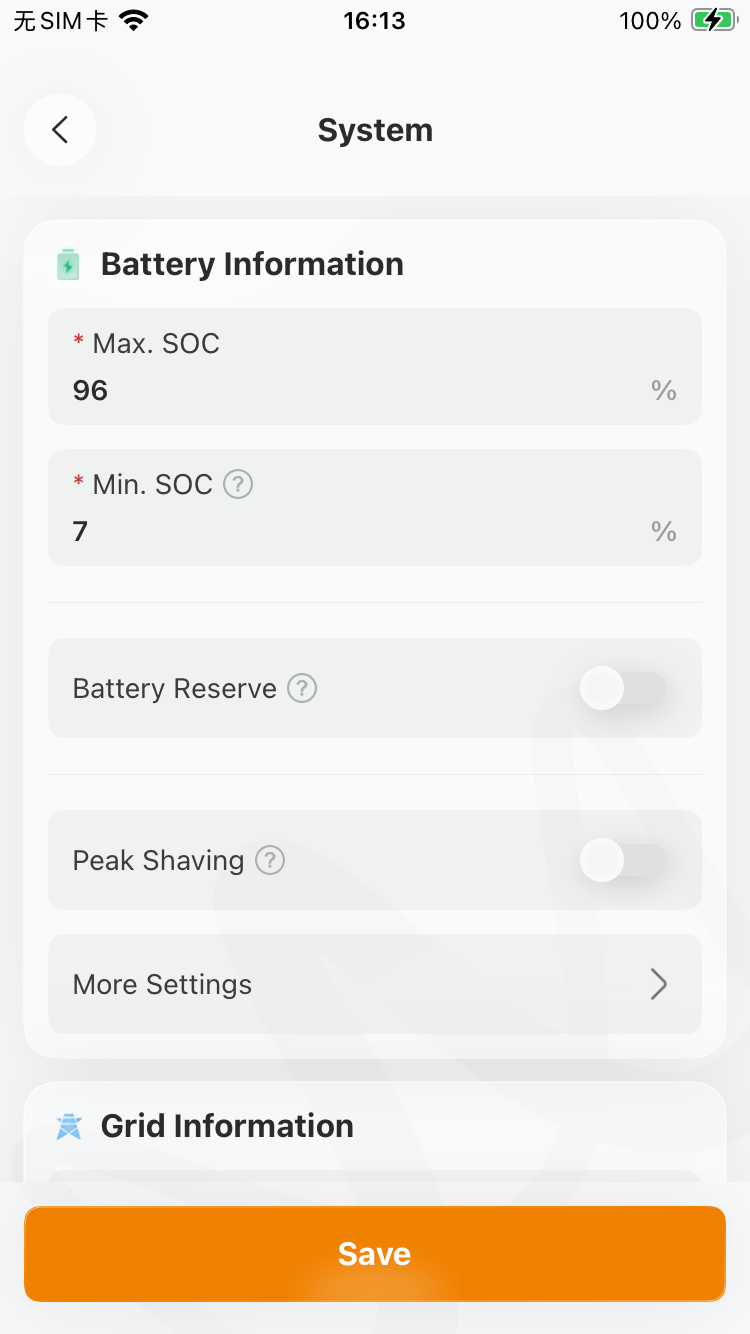
(5)After configuring the electricity price, tap "Next" to enter the System Settings.
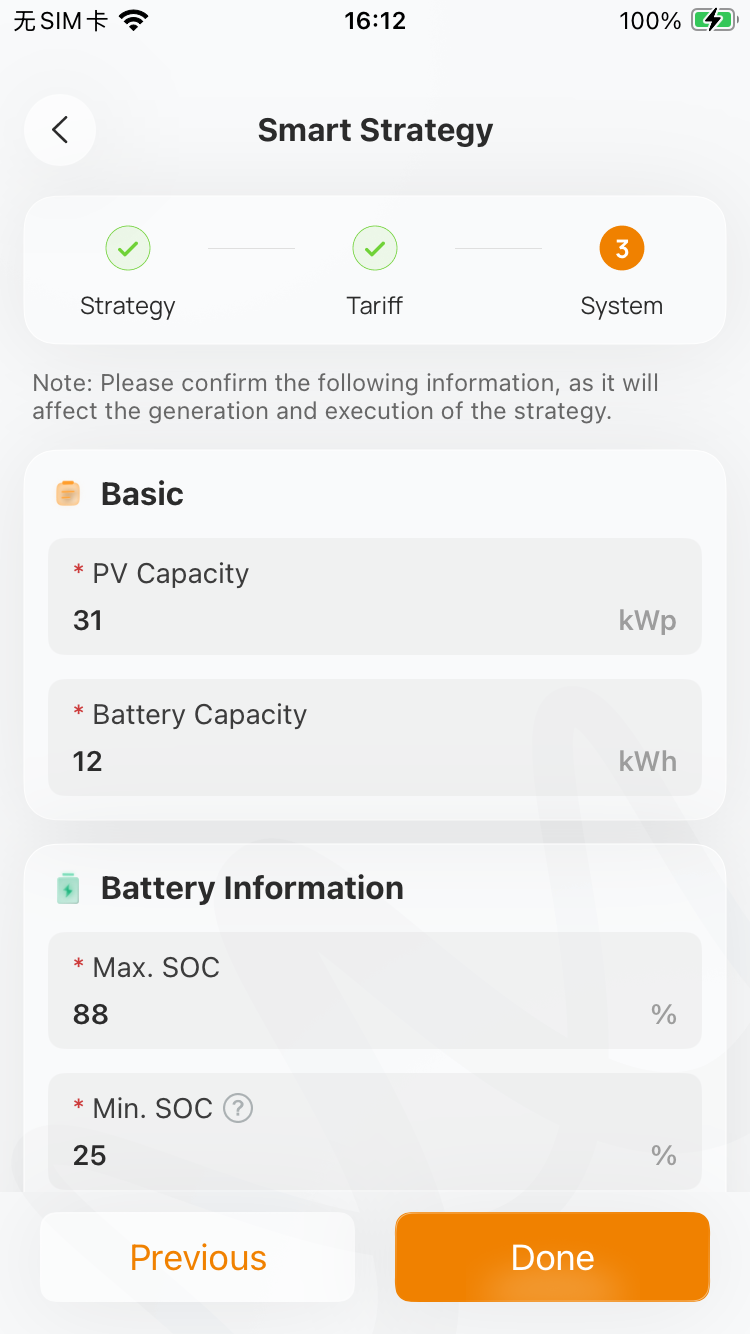
(6)For the System Settings items, after entering the required values, tap the "Done" button to complete the strategy configuration.
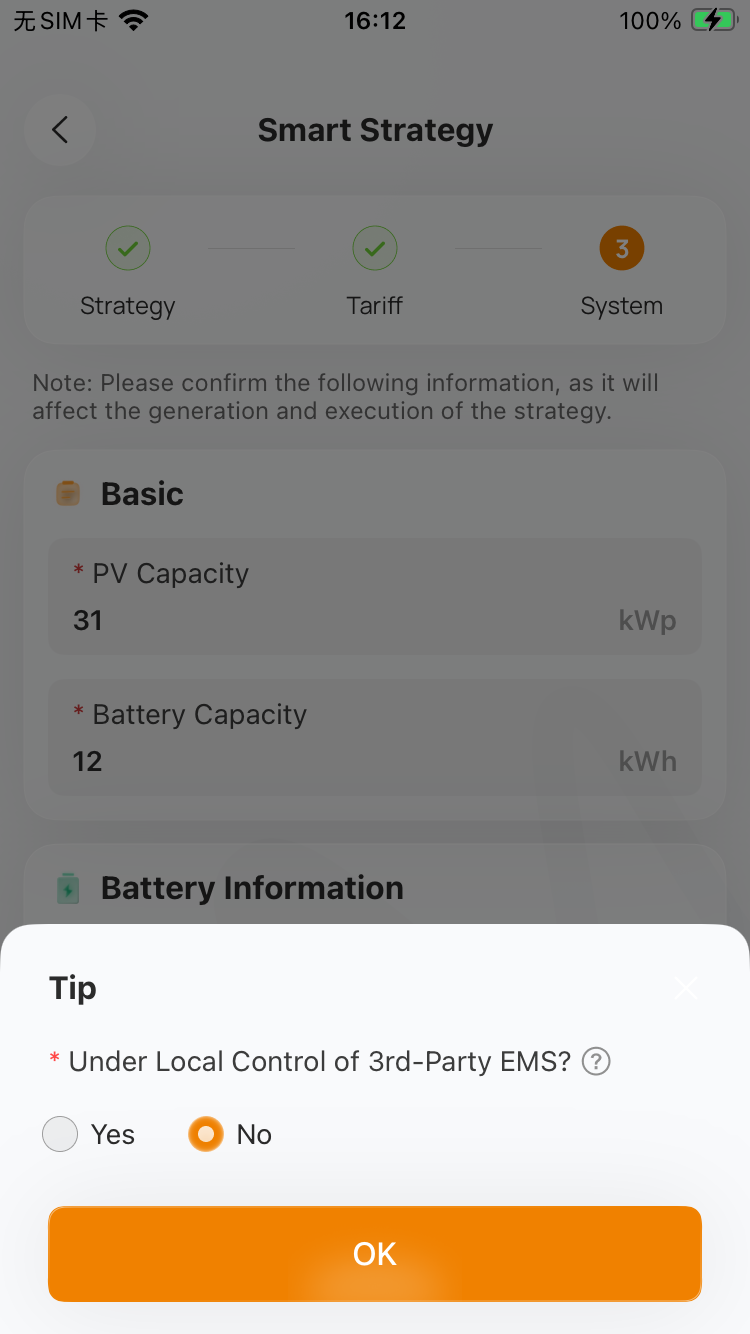
(7)Once the configuration is complete, return to the Power Station Details page, where the corresponding strategy information will be displayed.
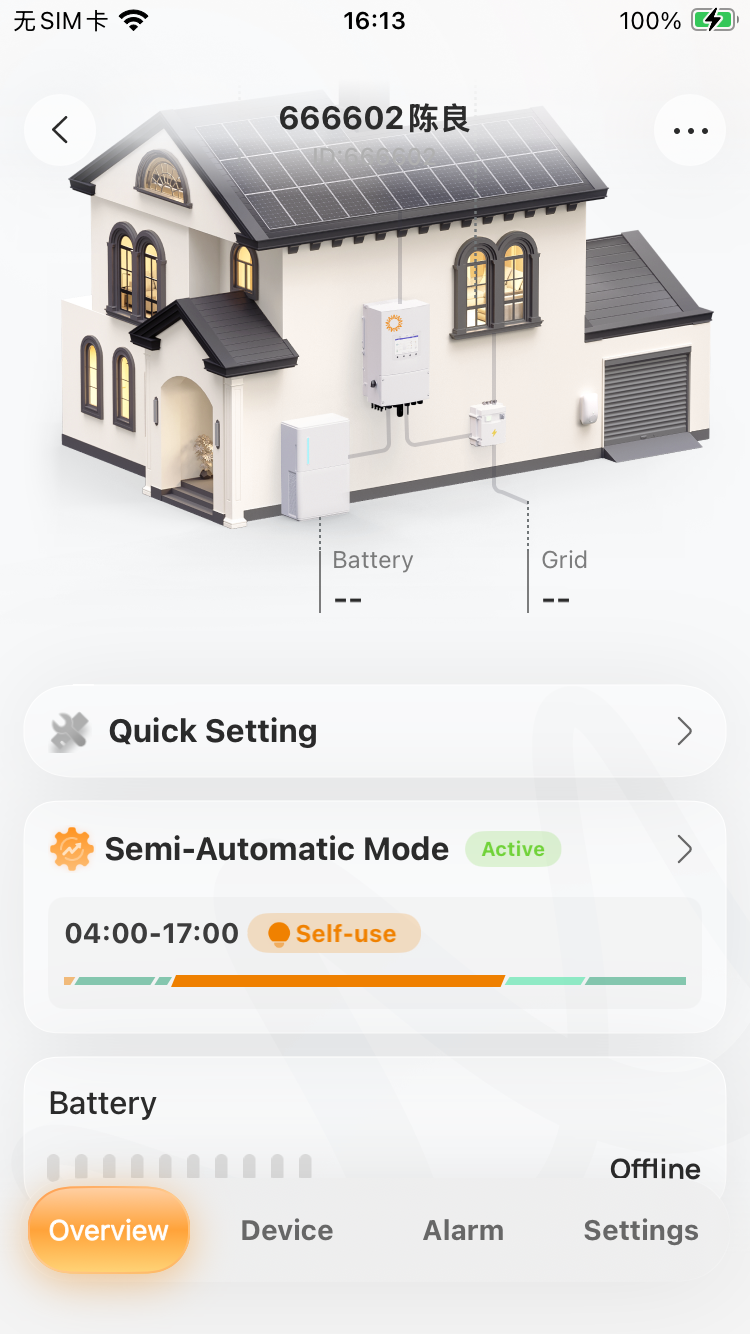
(8)After configuring the strategy, tap to enter the Strategy Details page, where you can:
View and edit the configured strategy
Enable or disable the strategy
View and edit the configured electricity price
Edit the system settings
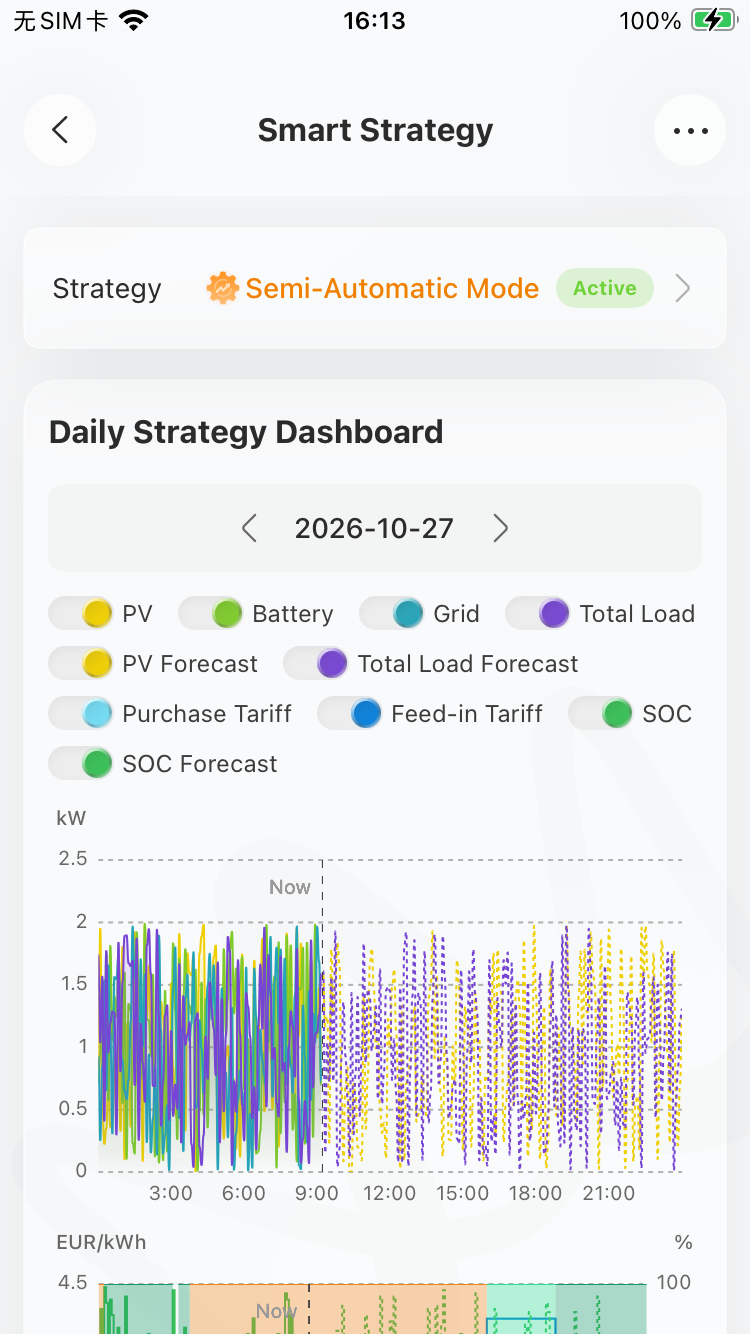
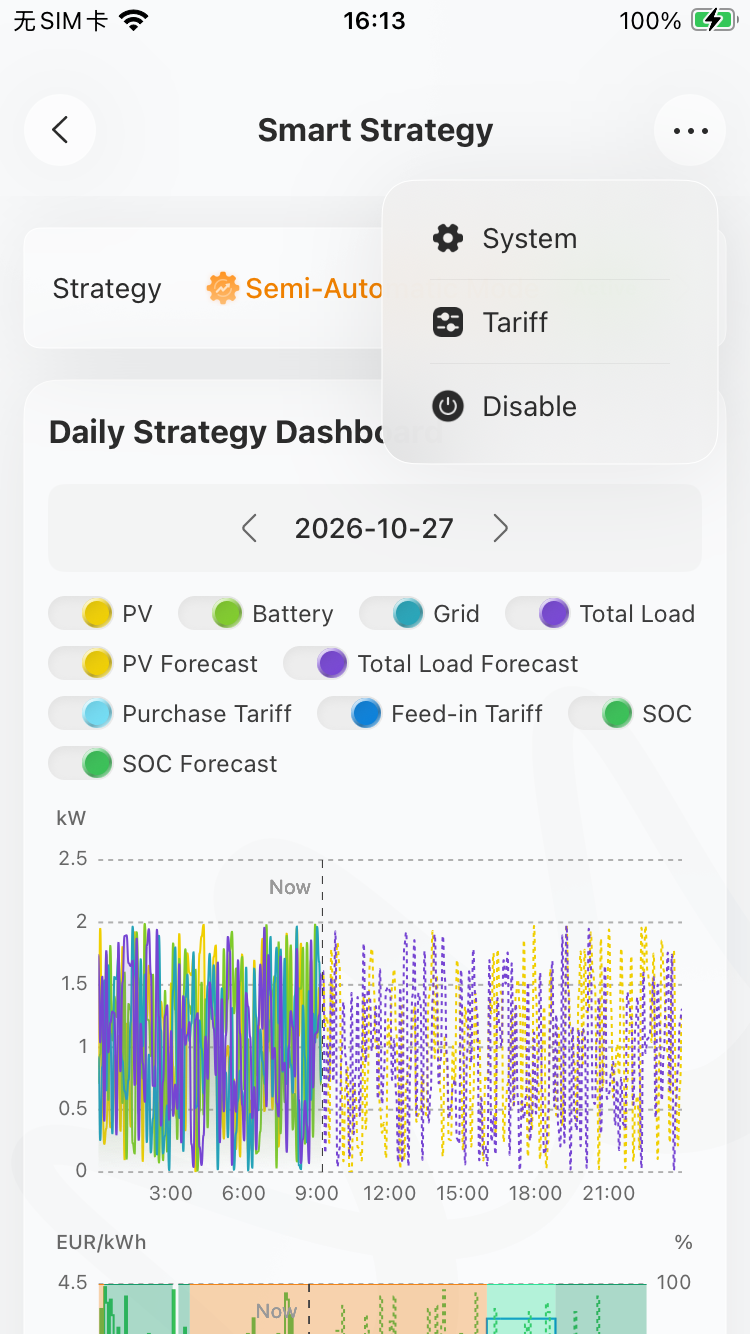
Tap "Strategy Settings" to enter the Strategy Settings page.
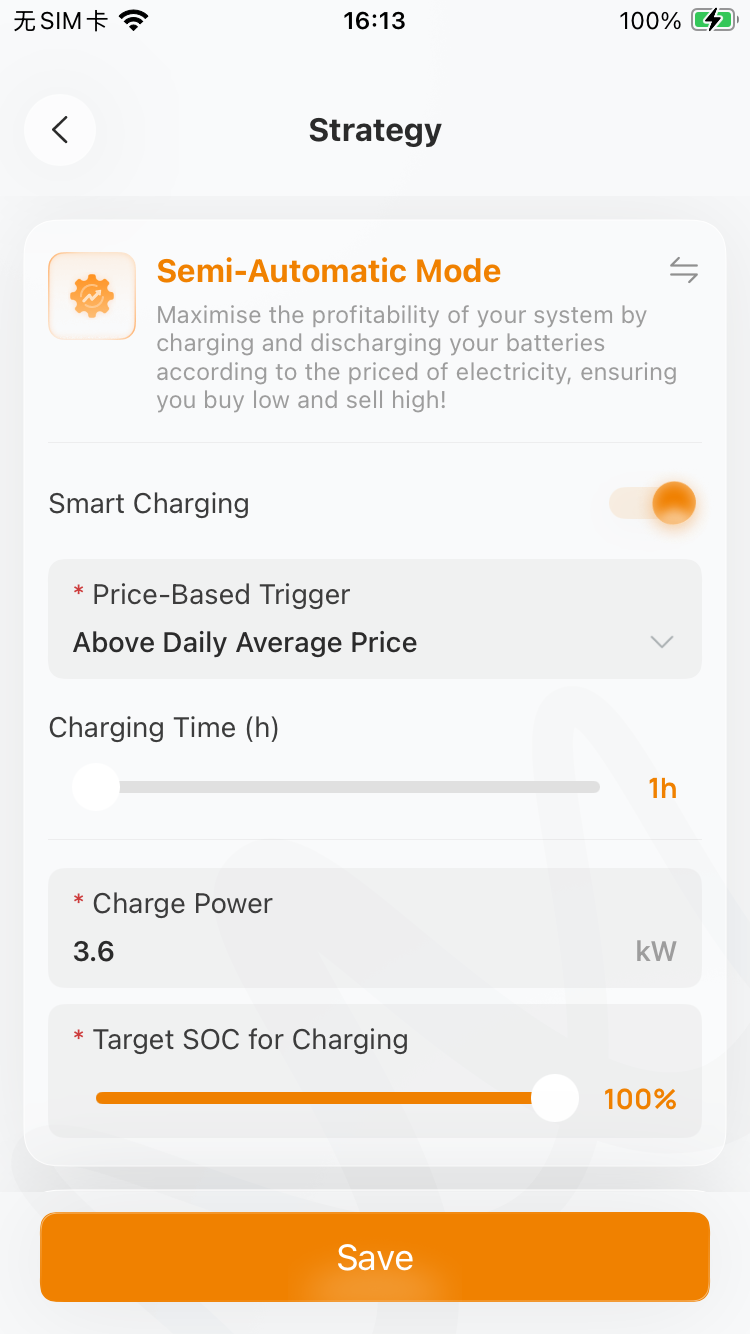
On the Strategy Settings page, switch the strategy and configure the settings.
Tap System Settings to view and edit the system settings.
Electricity Price Settings
How to access Electricity Price Settings?
(1)Tap to enter the Power Station Details page, scroll down to the Revenue Analysis section, and tap the Electricity Price Settings entry to access the settings.
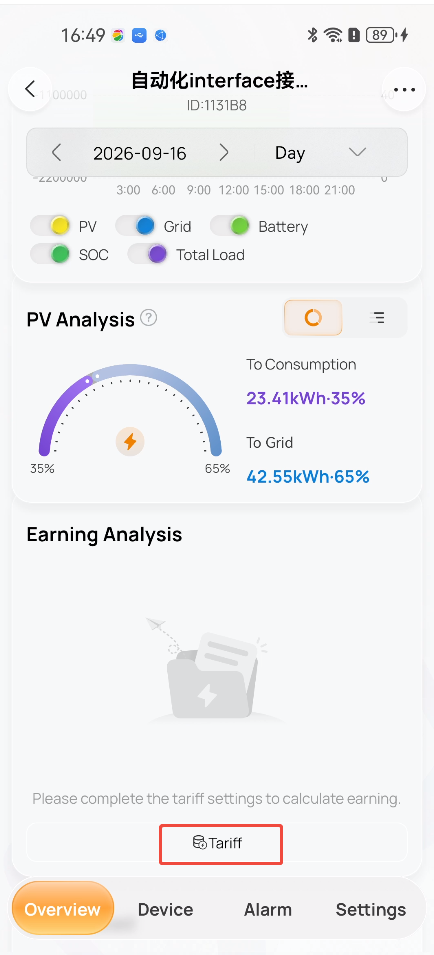
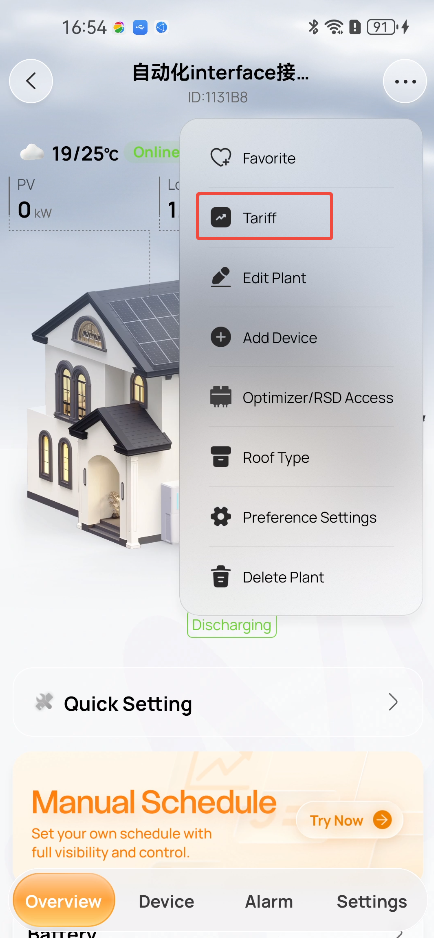
(2)Open the upper-right menu and tap Tariff to proceed.
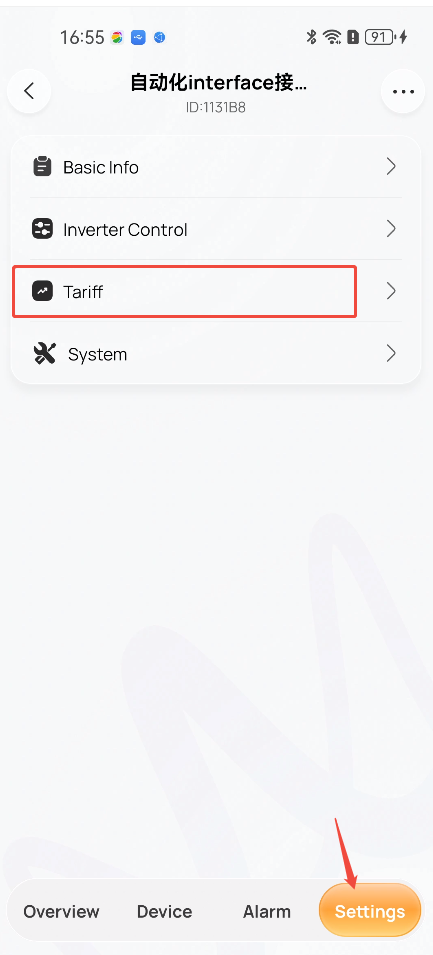
(3)On the bottom card, select the Settings page, then tap Tariff to proceed.
How to set the electricity price?
Set Electricity Price per kWh
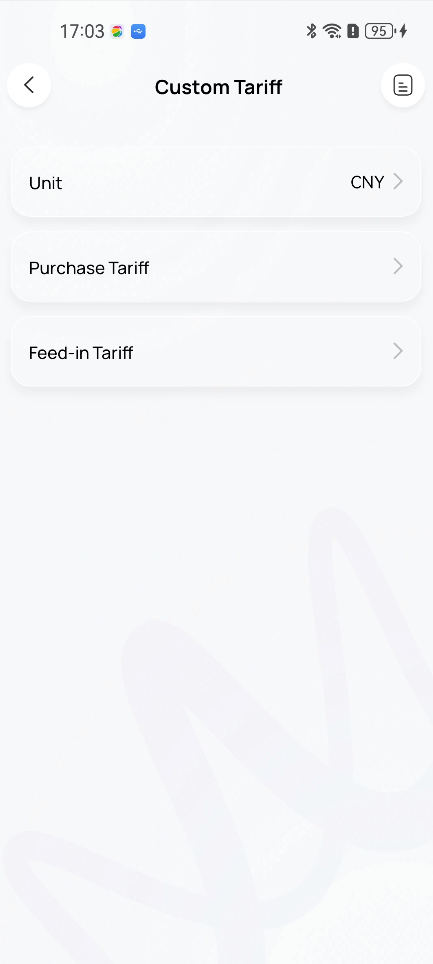
Through the per-kWh electricity price settings, you can set the electricity purchase price and the feed-in tariff.
Set Auto-Import