Messages & Alarms Management
Push Notifications
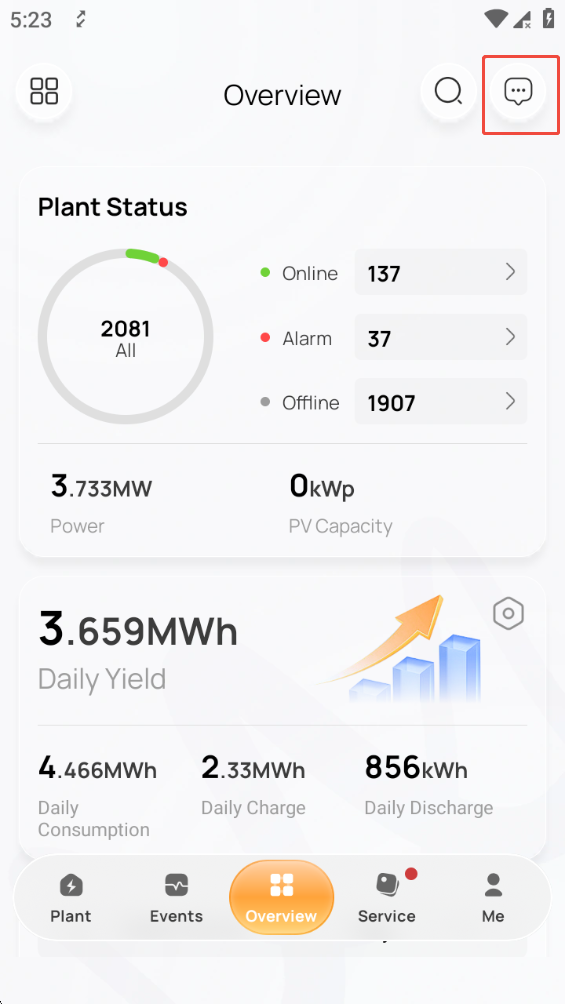
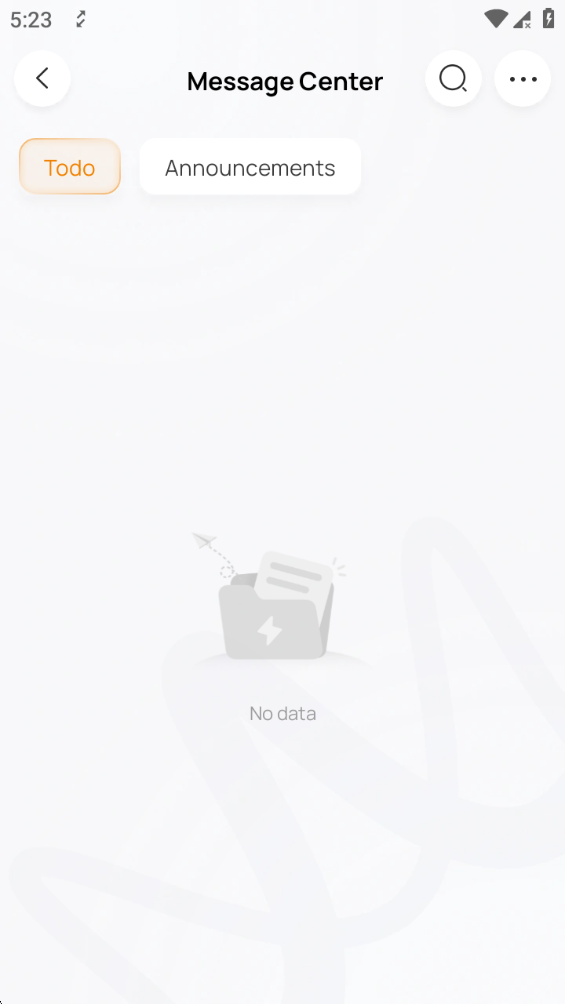
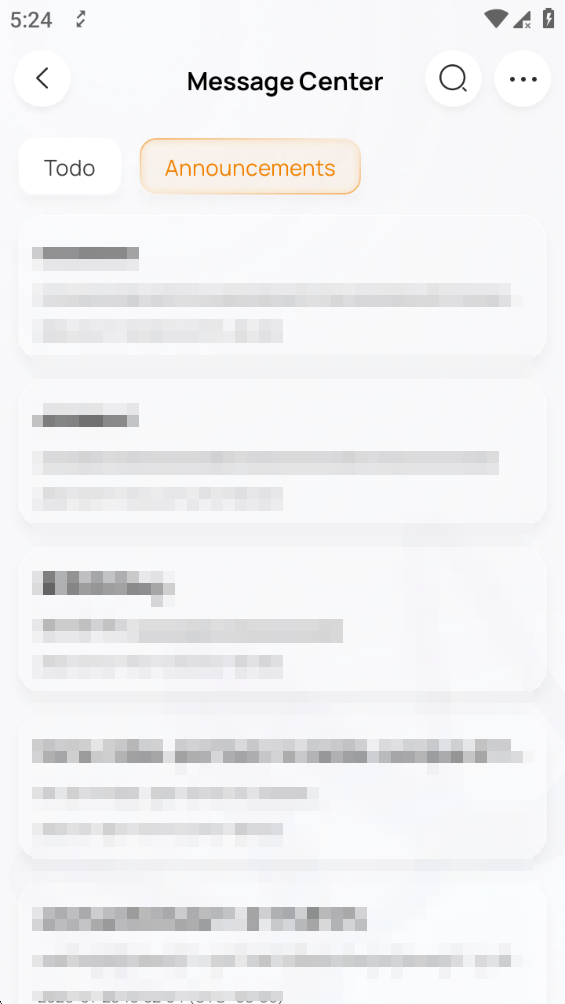
You can view all push notifications by tapping the Message Center icon in the top right corner. They are categorized into To-Do Reminders and System Notifications.
Fault Tracking and Notifications
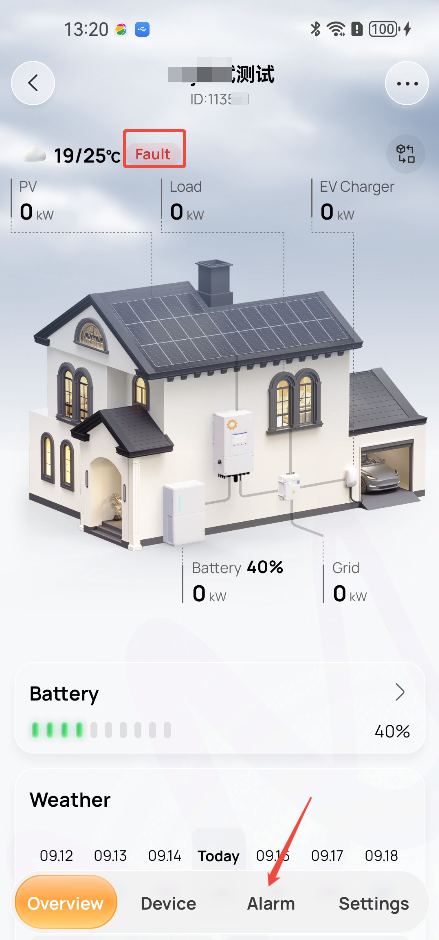
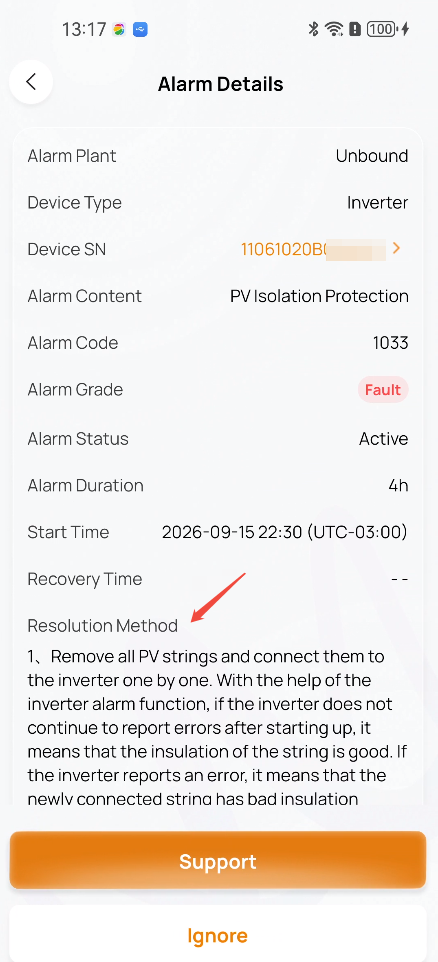
(1) When a fault occurs at a plant, you can switch to the Alarms tab on the Plant Details page to view detailed alarm information for the plant.
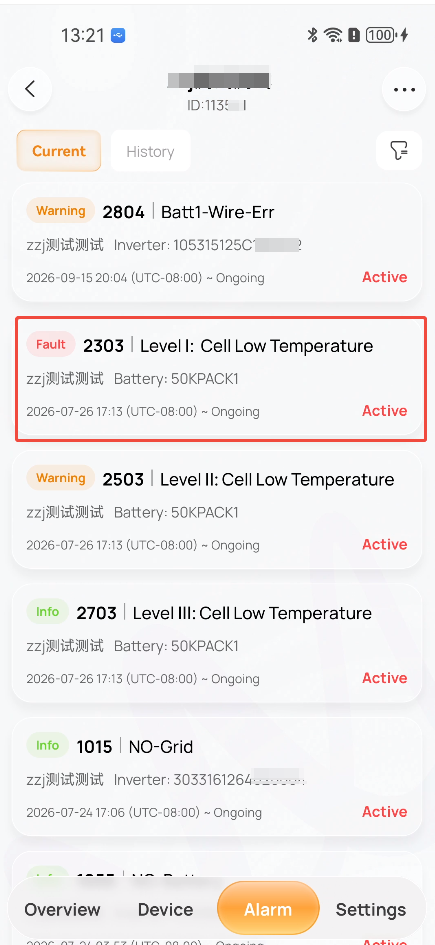
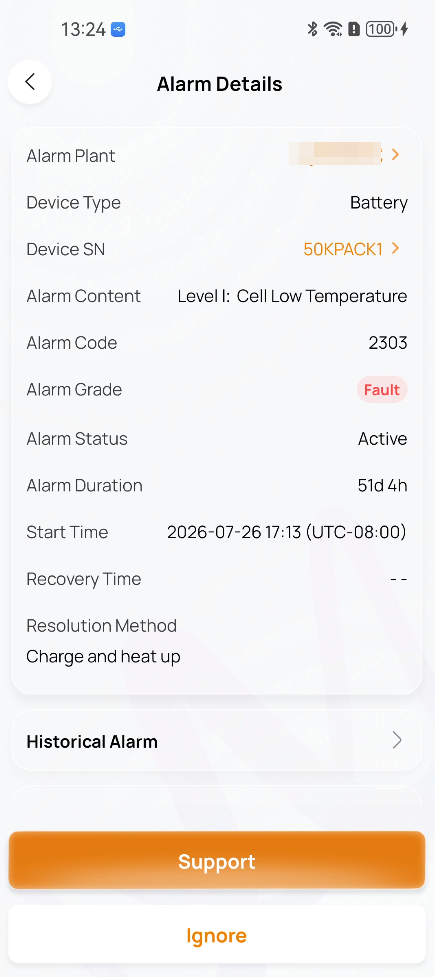
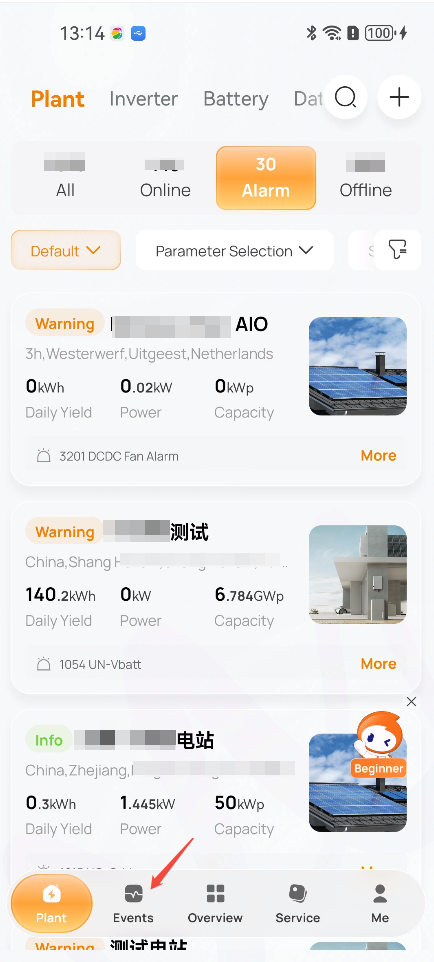
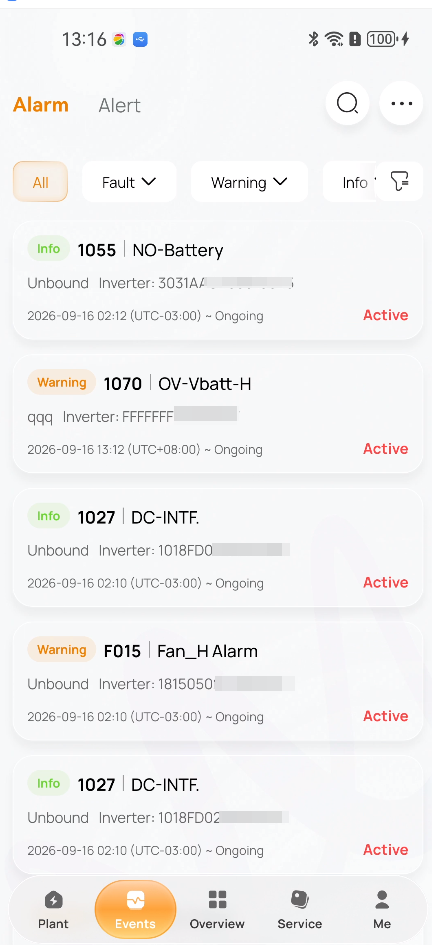
(2) If you have a large number of plants, you can go directly to the Events section on the Home screen to locate and view the specific faulty plants.
Notification Management
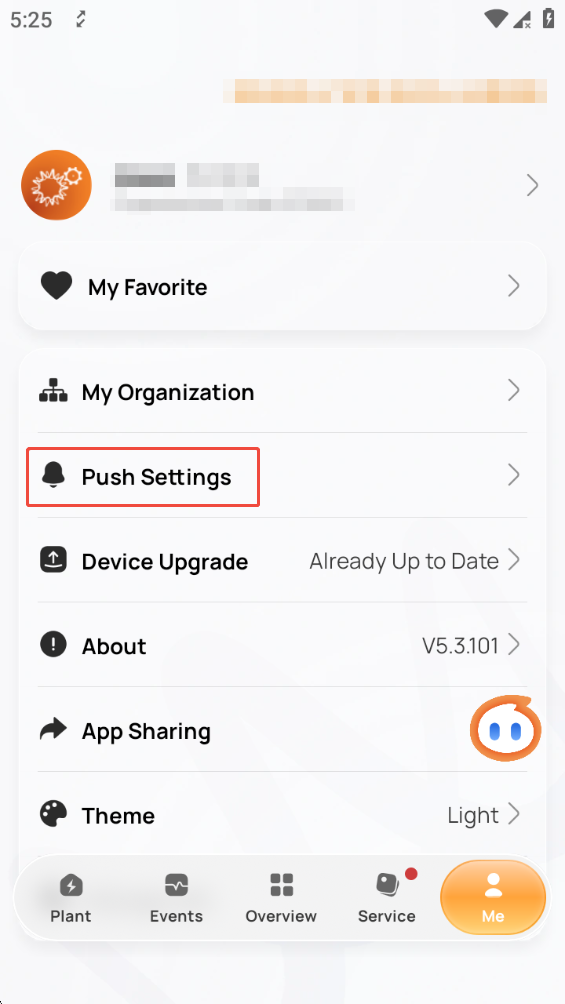
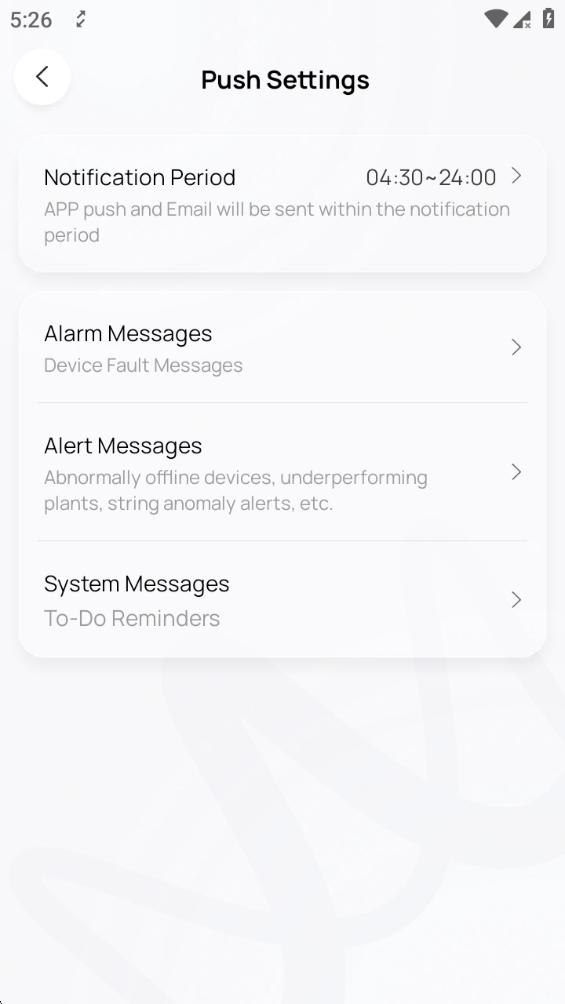
Tap Me > Push Settings to configure the notification schedule and manage the toggles, delivery methods, and notification rules for alarms, warnings, and system messages.