Forgot password
If you forget your password, you can reset it via the Forgot Password option. Follow the steps below:
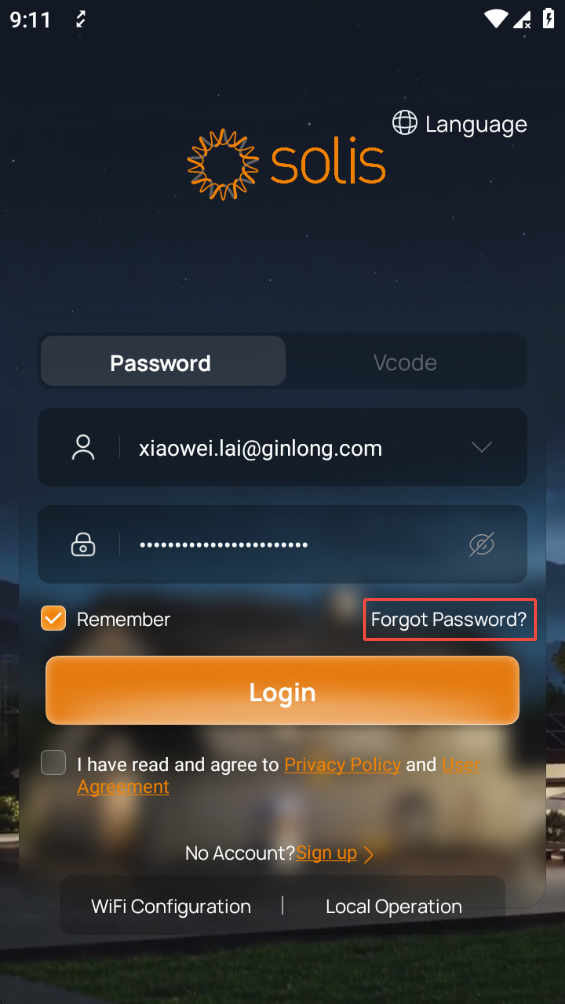
Click Forgot Password to go to the password reset screen.
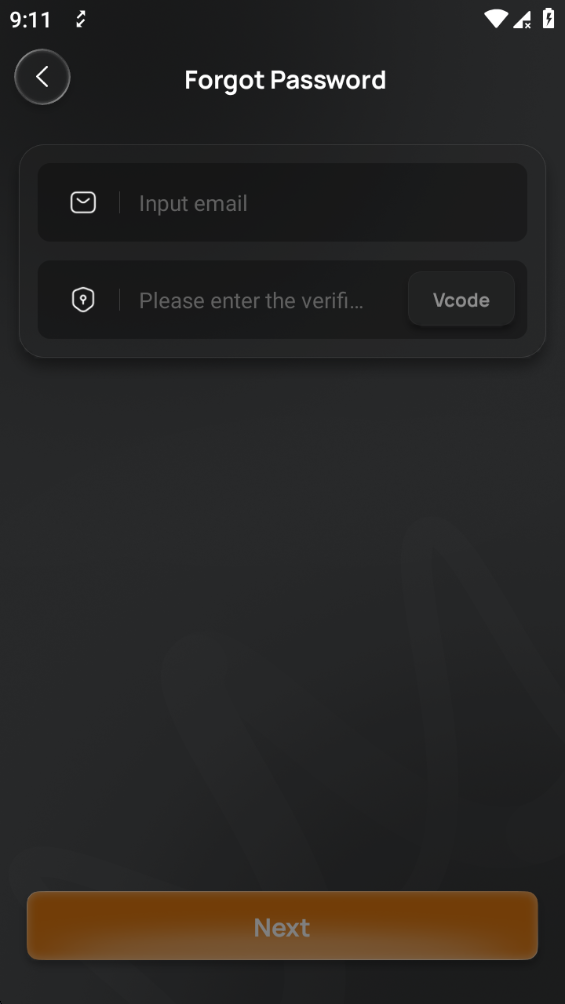
Use the phone number or email address used during registration to retrieve your password. Enter the verification code you receive and click Next. Please note that the phone number or email you enter must match the one used during registration.
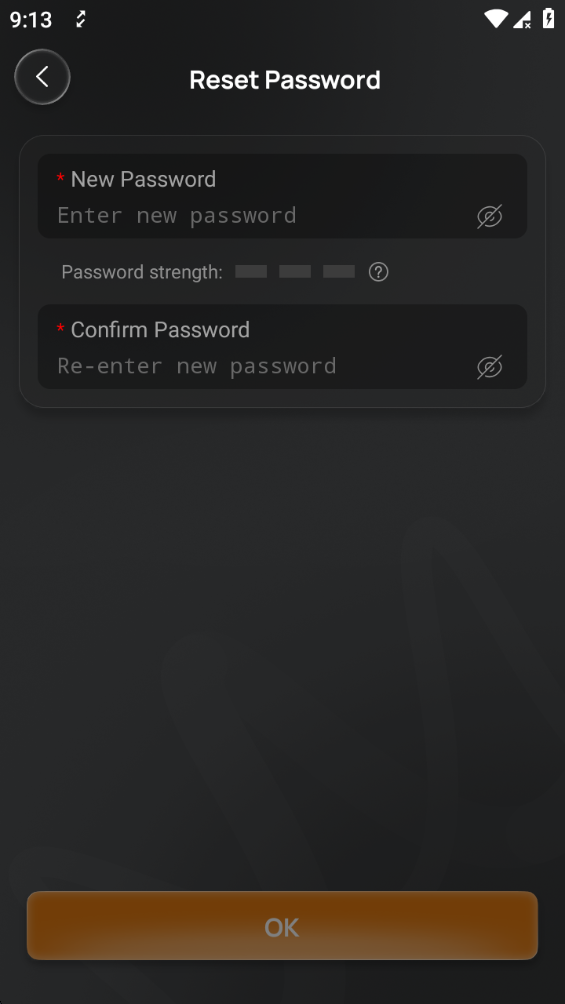
Set and confirm your new password, then click Confirm to access the homepage.