Device Management APP
Device Management
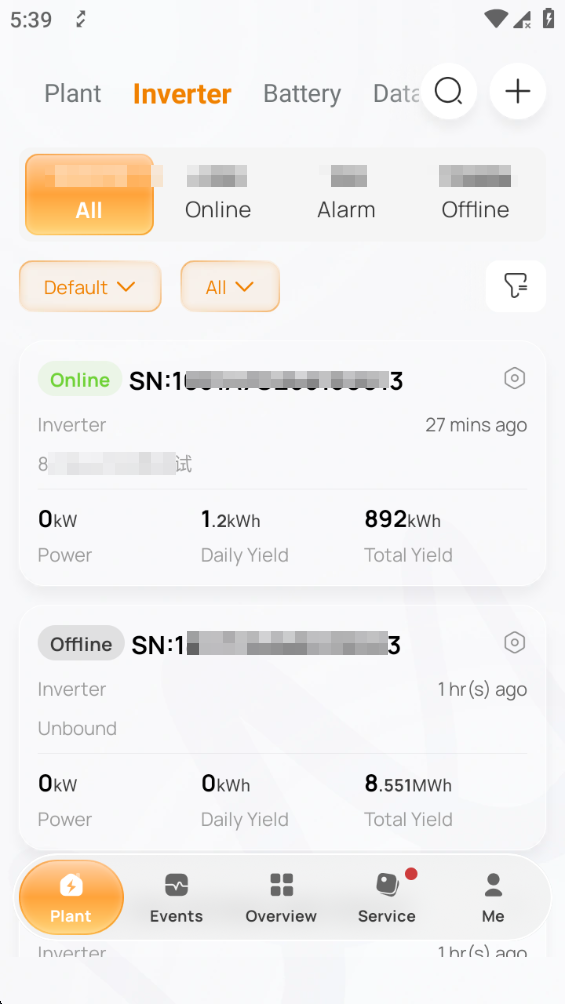
On the Plants screen, users can monitor the total count and status of devices under their account, including inverters, batteries, dataloggers, and EPMs. Tap the corresponding device category at the top to view all devices of that type. Tap an individual device to view its detailed information and related data, and to manage the device.
Inverter
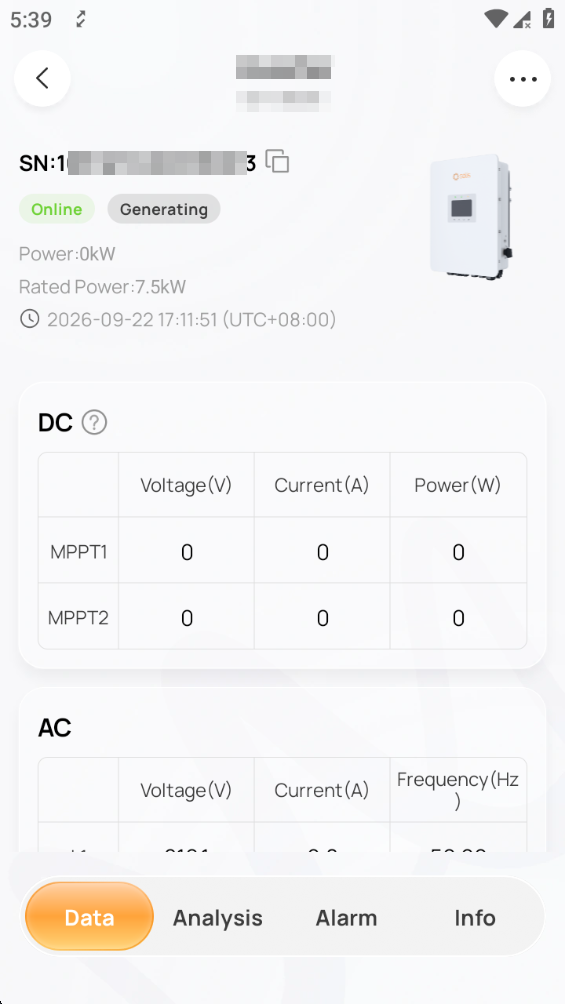
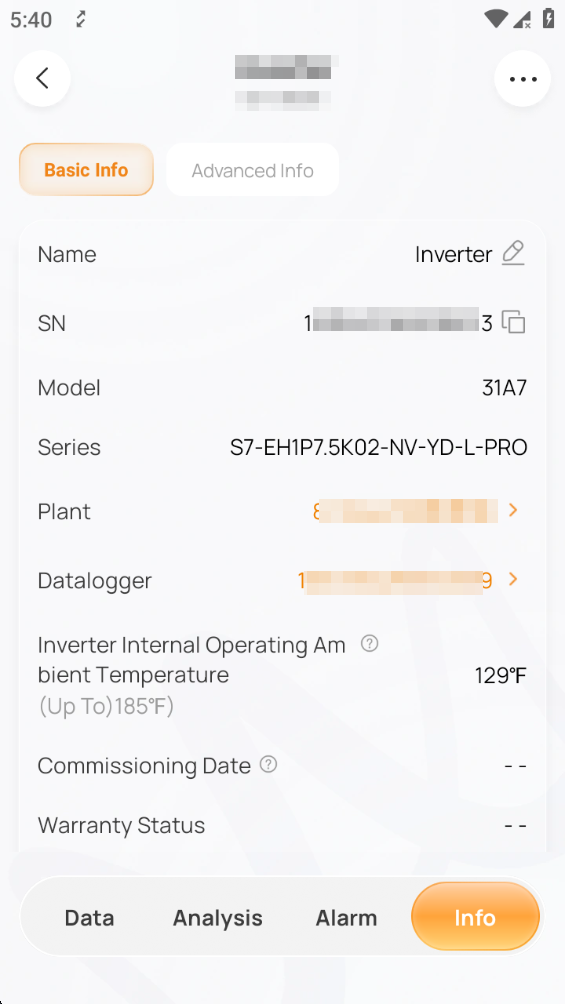
View Inverter Information: Users can view basic inverter information, including the name, model, and version, as well as real-time data such as real-time power and power generation.
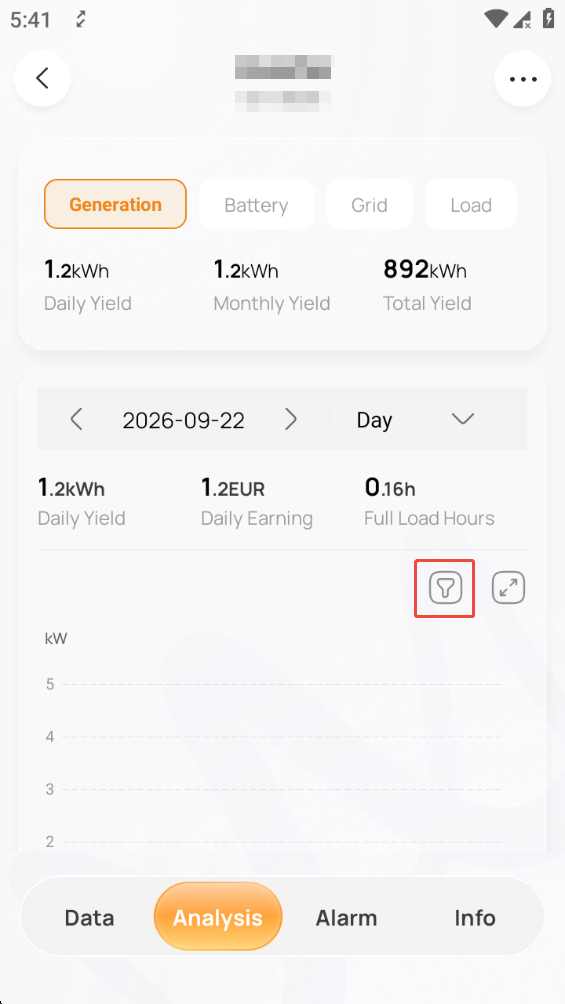
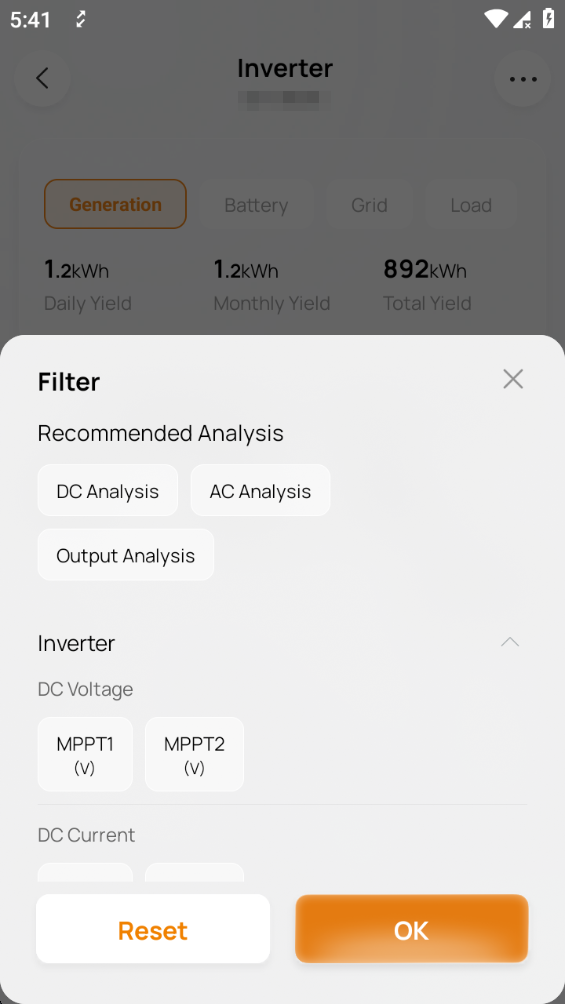
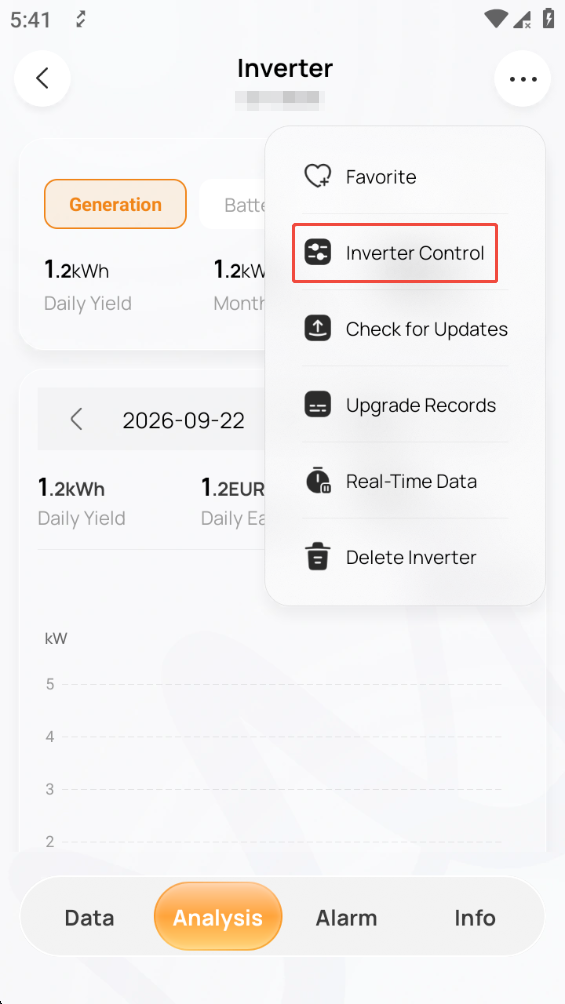
Monitor Real-time and Historical Inverter Data: Monitor inverter data by date. Select one or more parameters to view corresponding data analysis charts, covering DC, AC, and energy analysis. You can also create custom parameter groups for tailored data analysis.
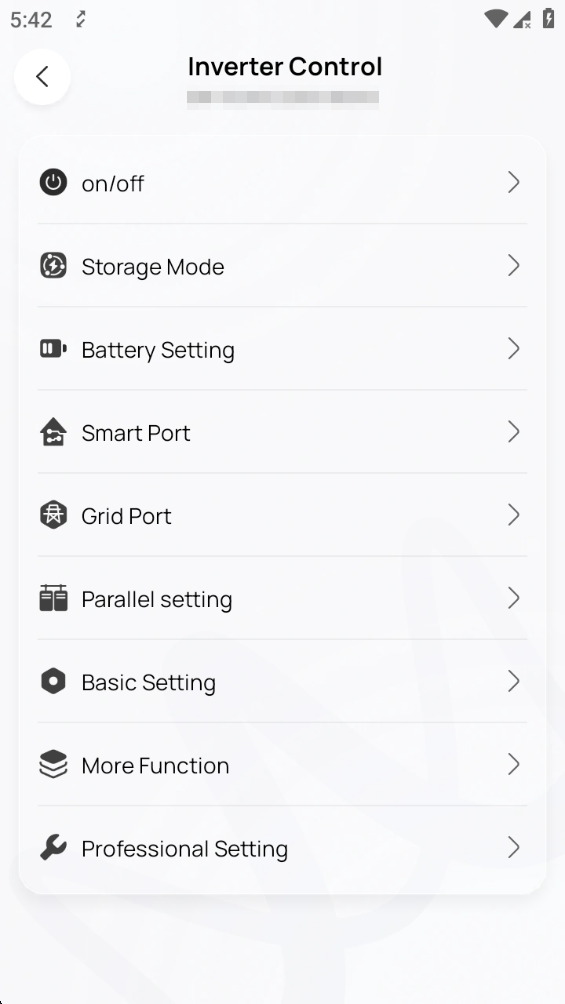
Inverter Control: Remotely control a single device to change its current status or parameters, and configure grid parameters, EPM, inverter functions, inverter parameters, inverter power, voltage ride-through, and more.
Datalogger
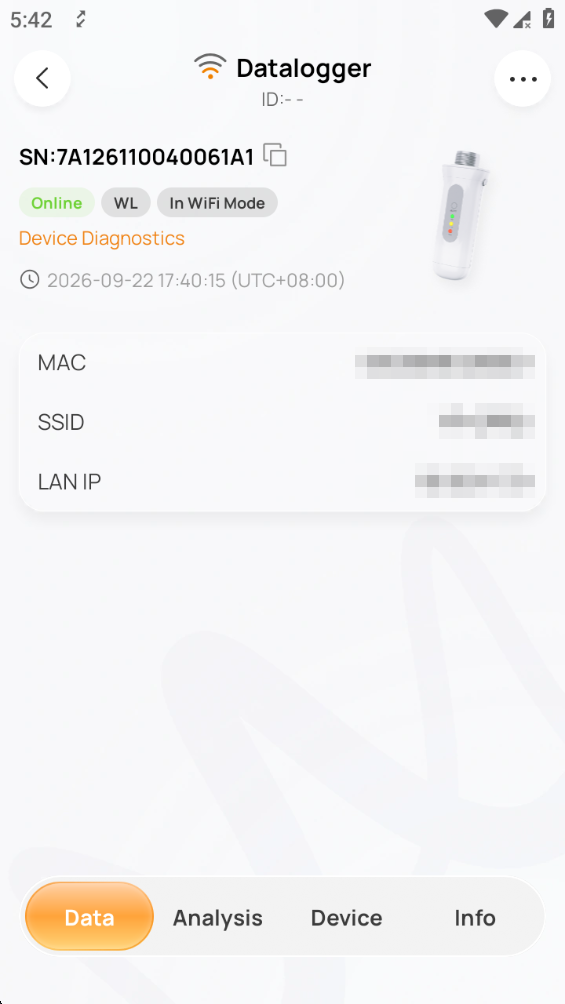
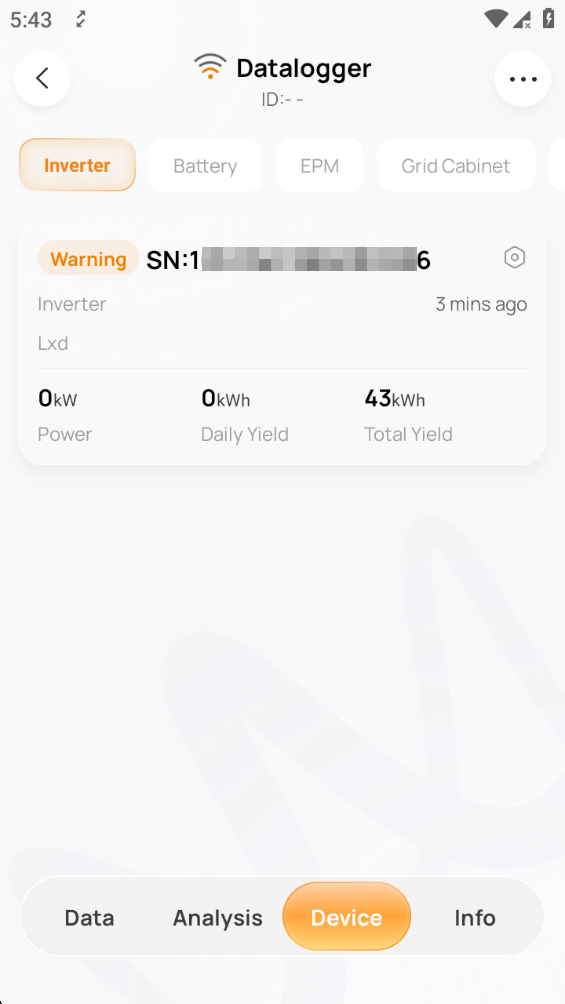
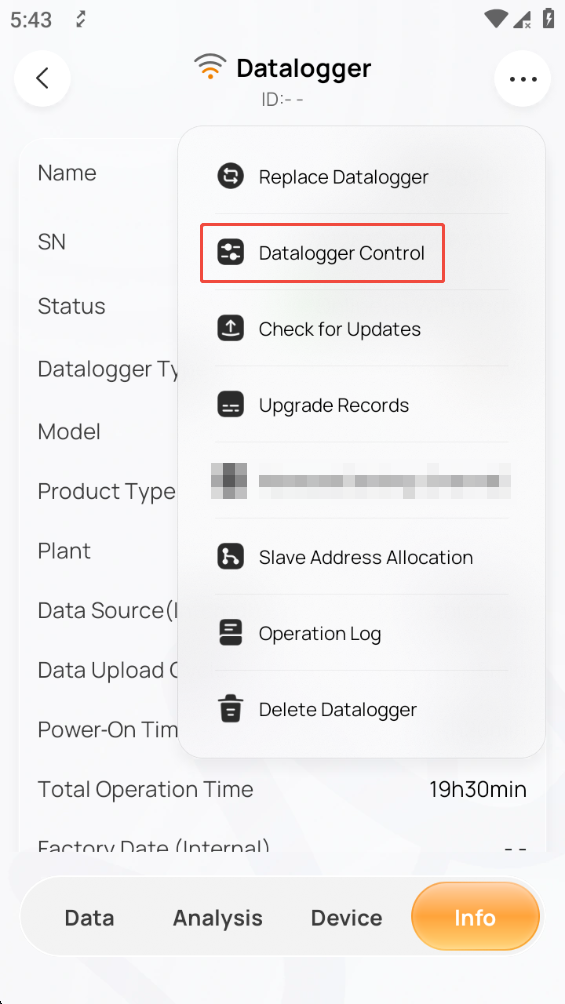
View Datalogger Information: Users can view detailed information such as the datalogger name, version, and manufacturing date, as well as the current signal strength and details of connected inverters, EPMs, weather stations, and energy meters.
Battery
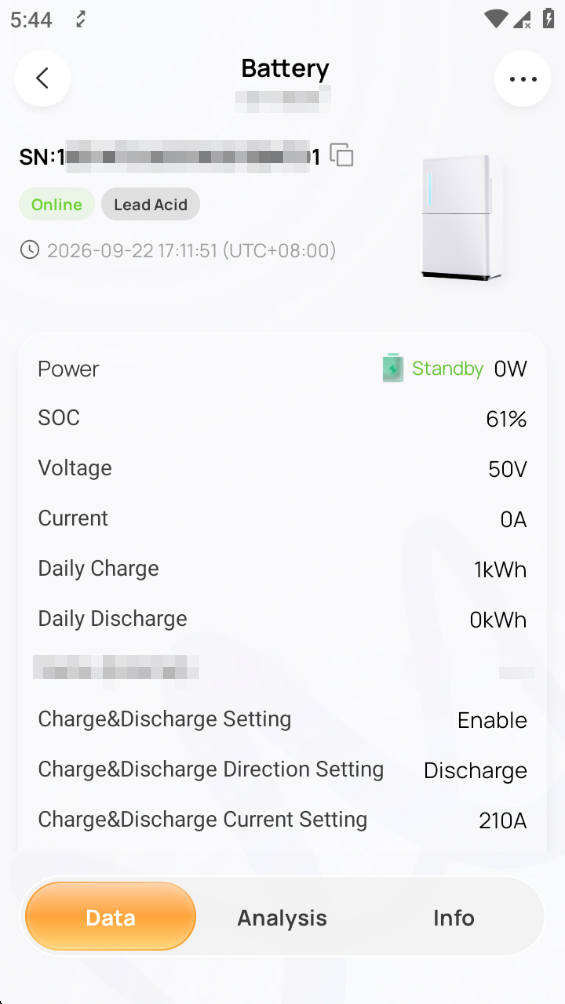
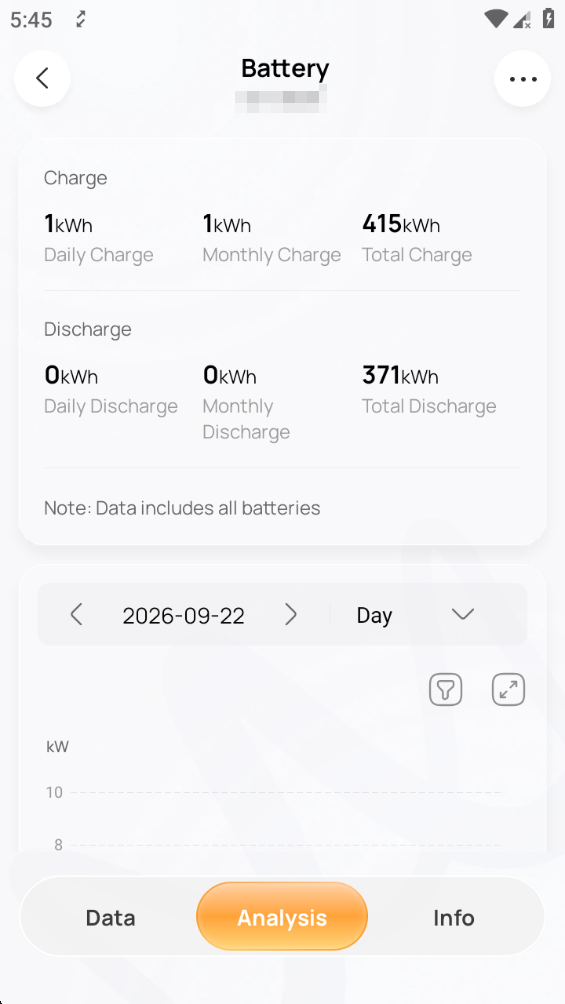
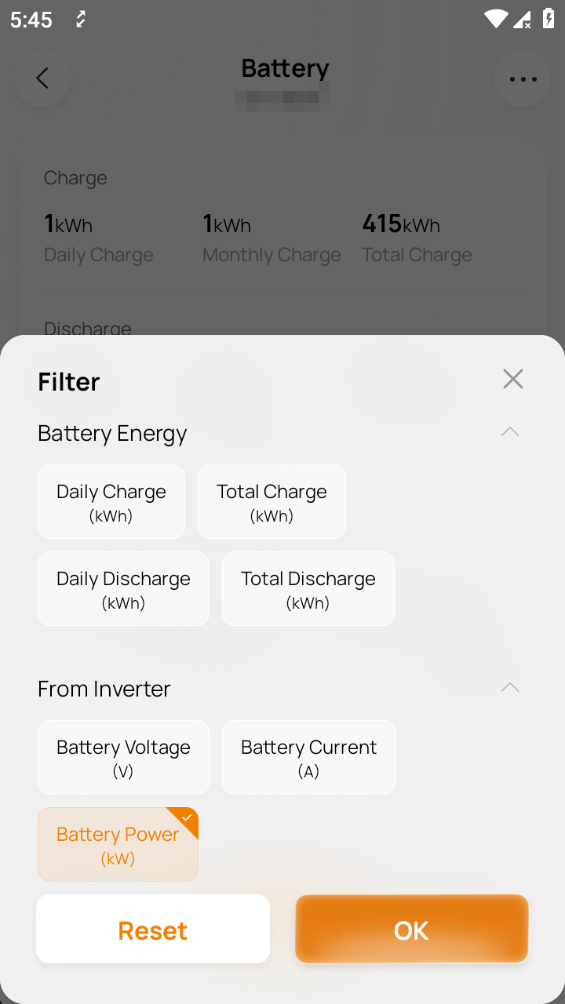
Battery Information: Users can view basic battery information, including the model, power, SOC, voltage, and current.
EPM
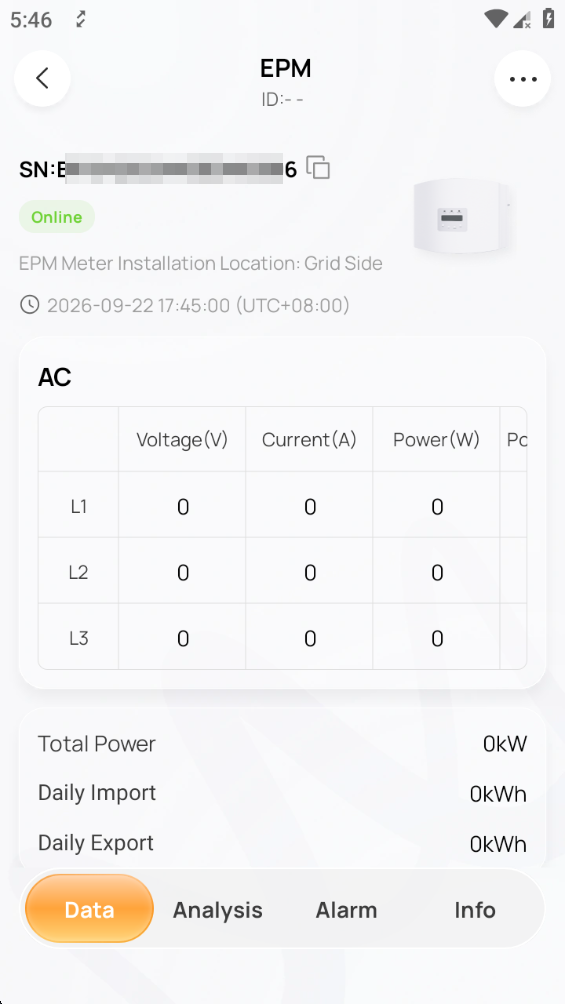
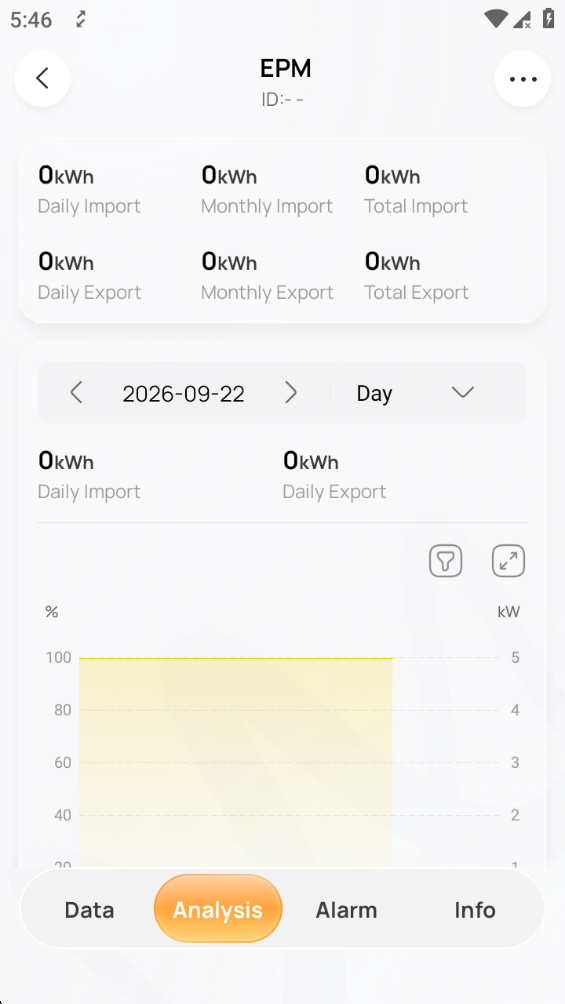
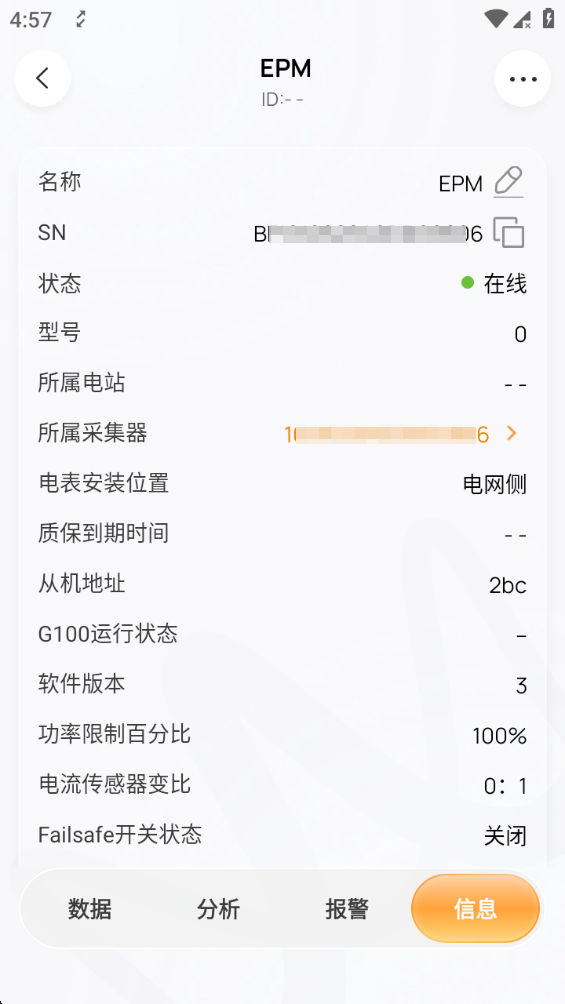
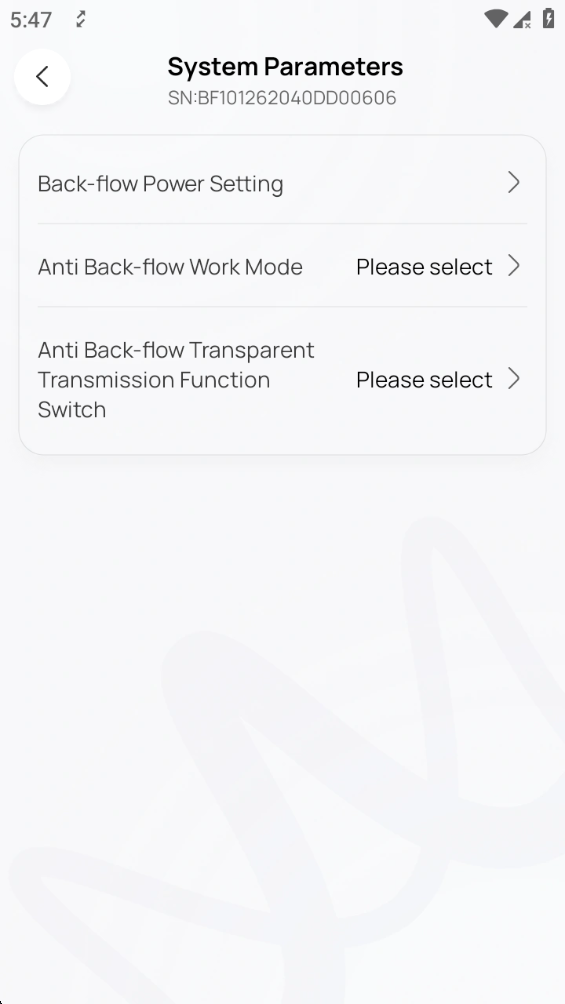
EPM Information: Users can view basic information for the device, load, and grid sides, along with real-time input and output data from each side.
Meter
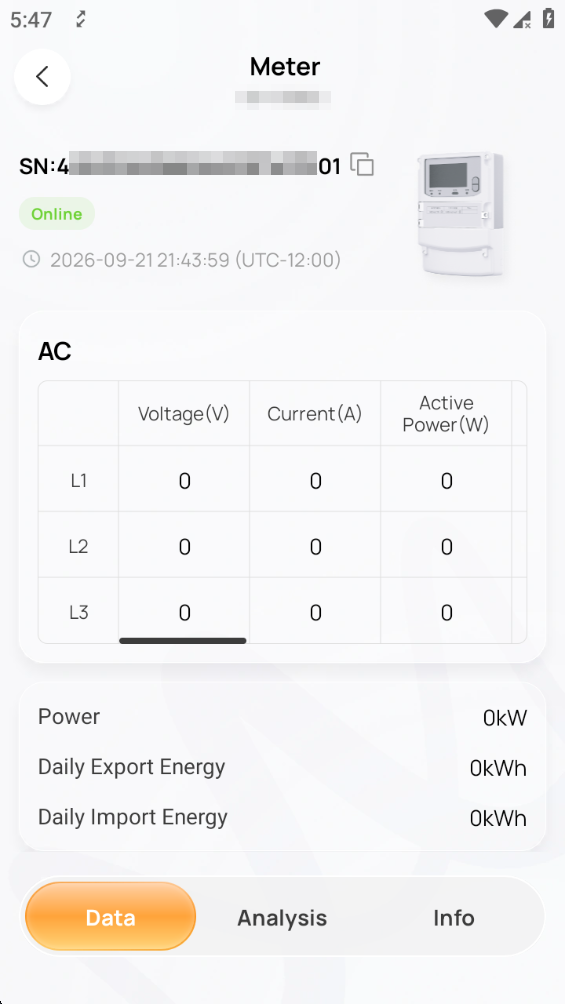
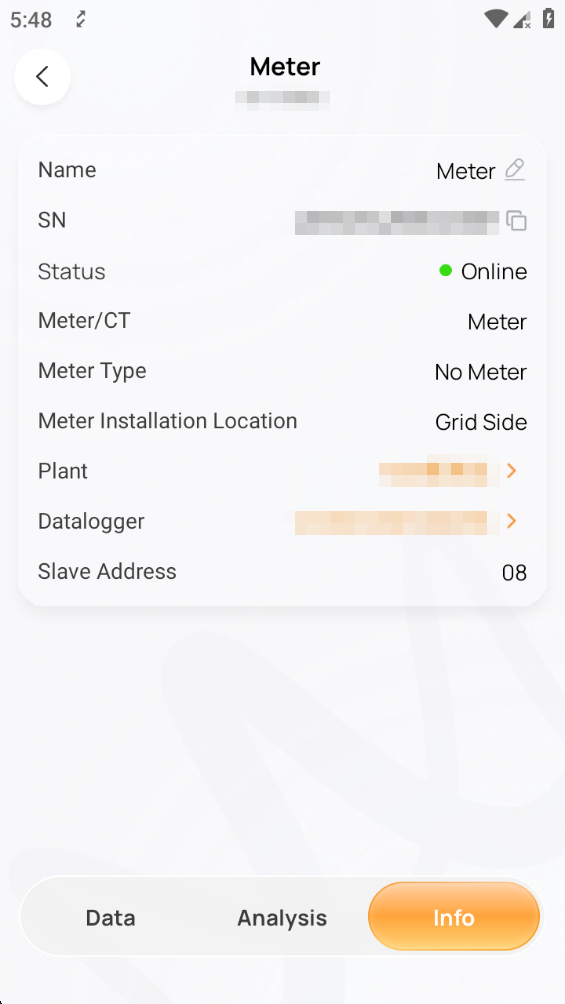
Meter Information: Users can view basic energy meter information, including the SN, status, type, installation location, and slave address.
Weather Station
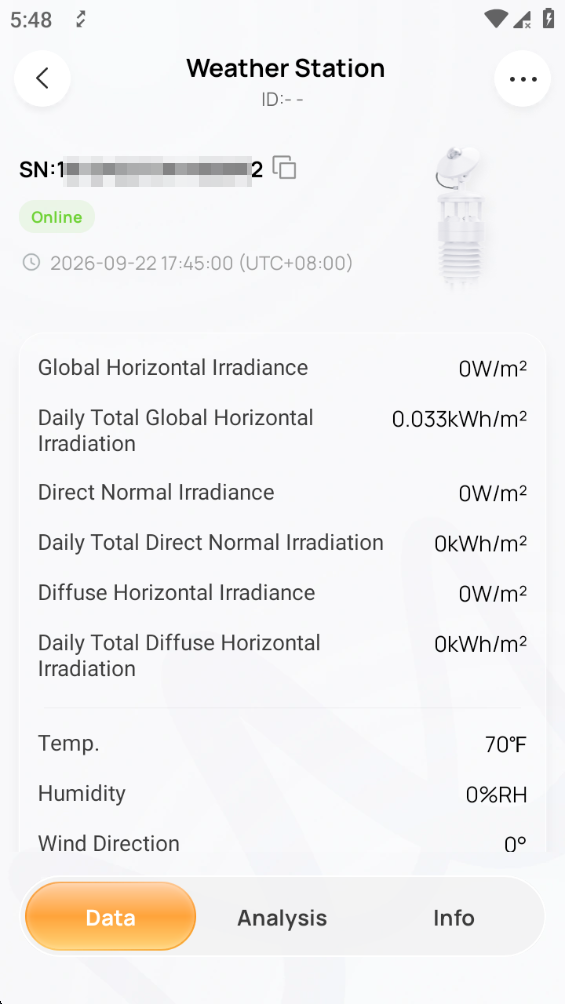
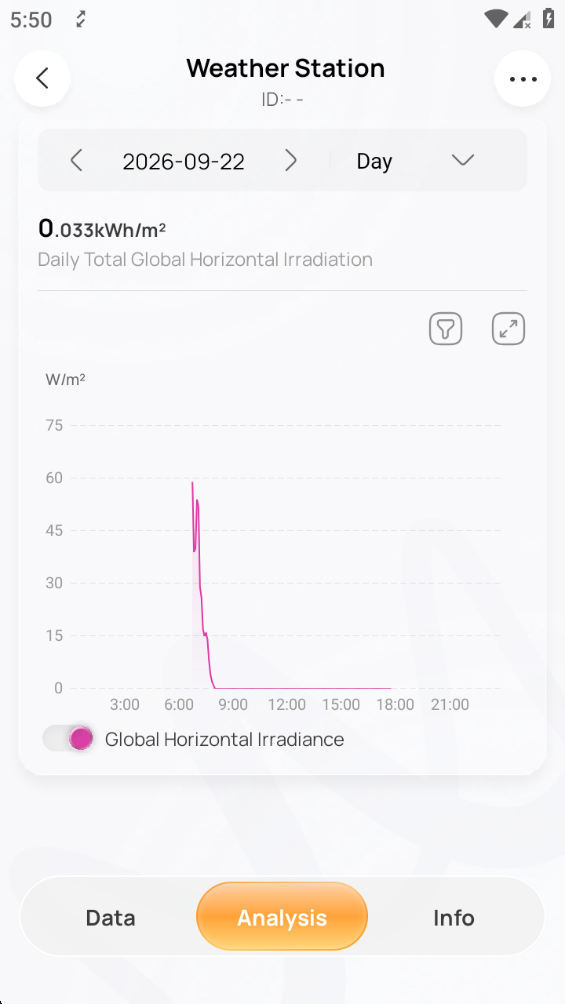
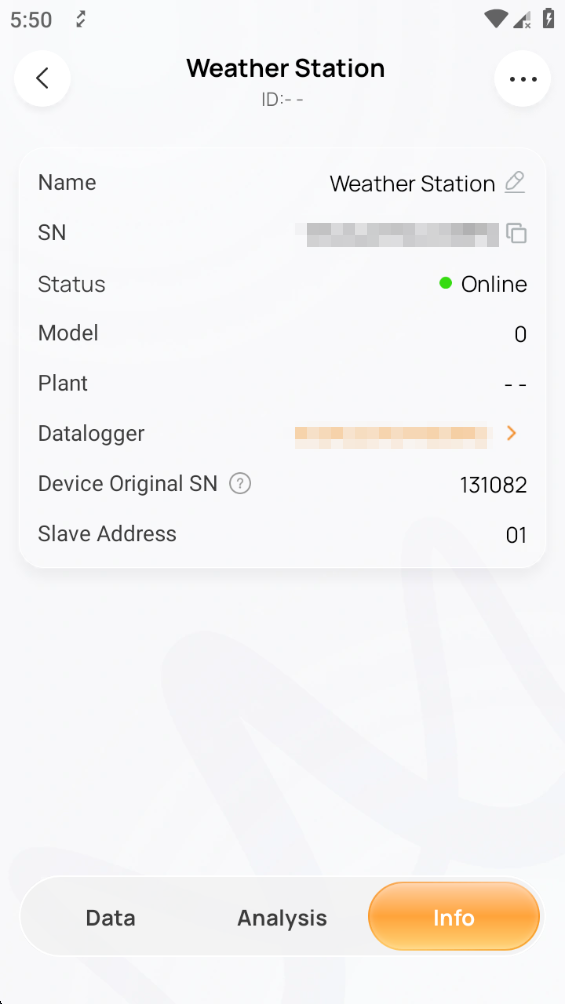
Weather Station Information: Users can view basic weather station information, including irradiance, humidity, temperature, wind direction, wind speed, atmospheric pressure, and rainfall.